BackSet of 10 Blending Brushes for Photoshop and Procreate for Smooth Blends, Soft Transitions, Portrait Drawing
Từ 18.980 ₫
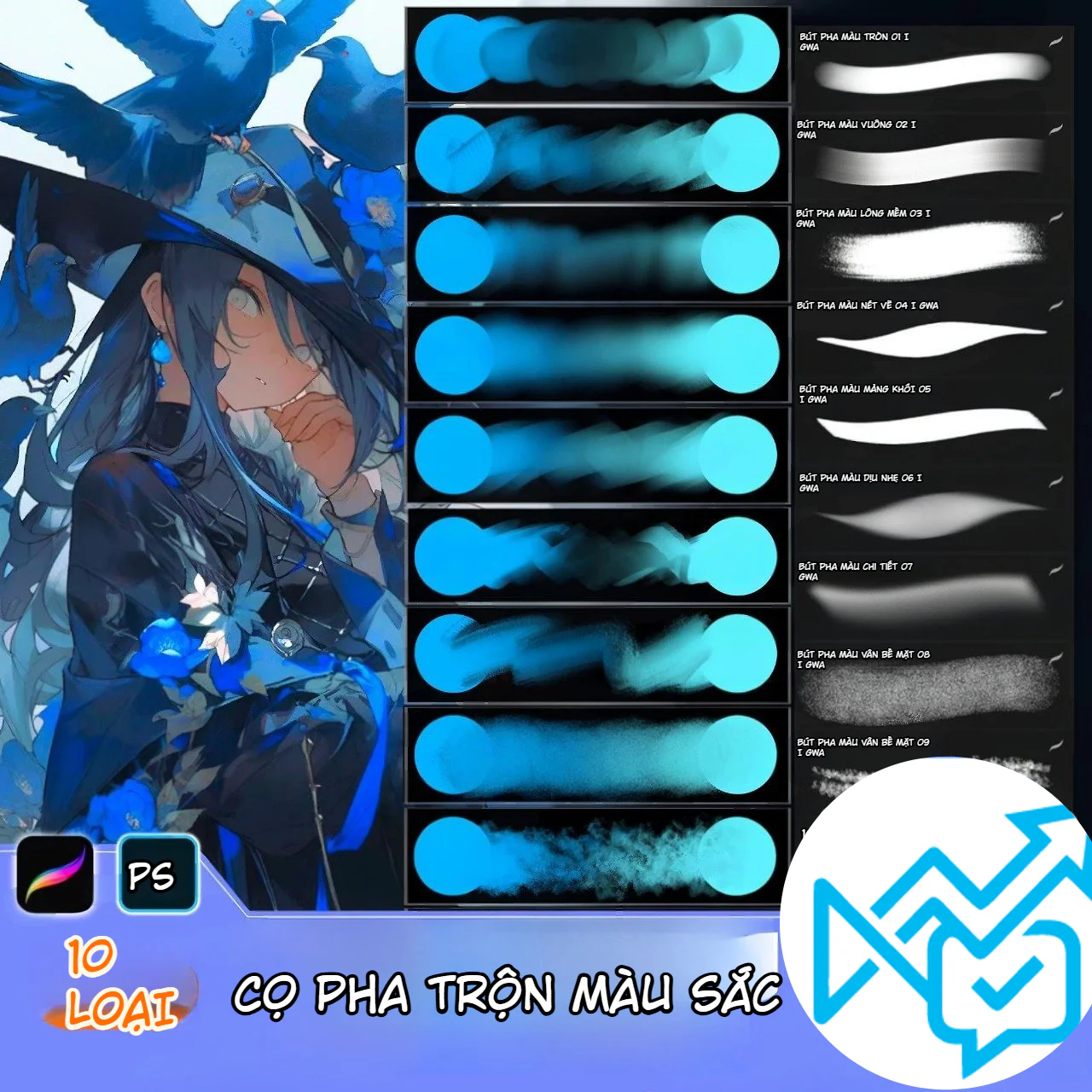
If you often encounter issues with harsh colors, stiff transitions, dirty patches on skin, or portraits that lack a natural soft and smooth feel, the Set of 10 Blending Brushes for Photoshop and Procreate is a brush set well worth adding to your drawing library. This is a brush set specialized for blending colors, softening edges, transitioning tones, mixing colors, handling light and shadow areas, and finishing the surface of digital paintings.
This brush set is suitable for those who draw anime, semi-realism, character portraits, soft-color illustrations, fantasy art, or digital art practice on iPad and computer. Instead of only using the default airbrush which can make paintings easily look blurry and lack strength, these blending brushes help you control better between software, hardware, soft edges, hard edges, and surface texture.
The blending brush set is created to support very important steps in digital painting: transitioning colors, softening edges, mixing colors, enhancing surface smoothness, and controlling the fusion of color areas. When drawing characters, especially portraits, areas like skin, hair, eyes, neck, shoulders, and lighting often require many tonal transition layers. If the color transition is too harsh, the character will look stiff. If you blur too much, the painting becomes flat and loses volume. This brush set sits between these two extremes, making the blending process easier to control.
You can use the brushes to soften the cheeks, nose bridge, eye sockets, lips, neck, reflective areas on the skin, or large shadow areas. For hair, the brushes help connect light and dark areas, soften color streaks, and create a softer hair feel before adding strand details. For clothing, the brushes can be used to blend fabric folds, soften highlight areas, or handle tonal transitions on shirts, scarves, dresses, and accessories.
This set of 10 brushes is most suitable for styles like painterly anime, semi-realism, digital portrait painting, character illustration, fantasy, light concept art, and soft-color paintings. These styles often require smooth color transitions, soft lighting, and a certain translucency in the character's surface. Blending brushes help artists control this process faster than using only a default round brush.
If you draw anime with blue, purple, pink, pastel tones, or complex lighting palettes, this brush group is very useful for connecting color areas. If you draw semi-realistic portraits, the brushes can be used for skin, lips, hair, and soft shadow areas. If you draw character concepts or fantasy art, the brushes help create atmosphere, glow, color mist layers, and light transition areas around the character.
In digital painting, beautiful color lies not only in the palette but also in how colors transition into each other. A painting with correct colors but clumsy transitions can still look stiff, dirty, or lack depth. Conversely, when transition areas are handled well, the painting feels softer, more atmospheric, and more natural.
Blending brushes help solve three common problems. First, softening overly harsh color edges. Second, merging color layers without destroying all texture. Third, creating a feeling of light gently spreading across the surface. These are very important factors when drawing skin, eyes, hair, fabric, and backgrounds.
However, blend brushes should not be used to "save" everything by blurring the entire piece. If overused, the painting will lose its focal points and look plastic. The best way to use them is to blend only in areas that need softness, while keeping clear edges in areas that need structure, such as eyelids, nose wings, lips, chin, neck, hair strands, and accessory edges.
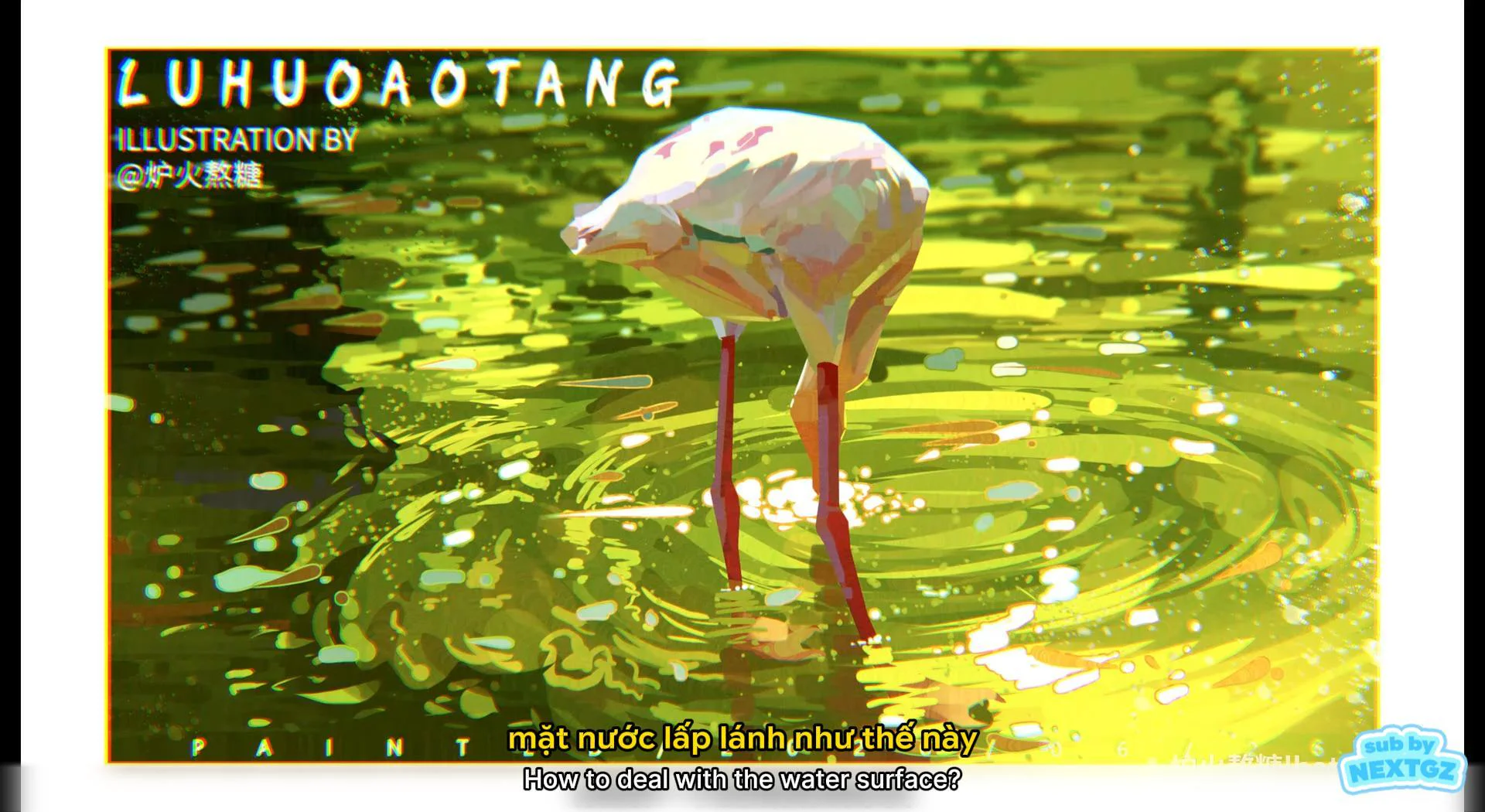
The brush set includes various brush tip types for different kinds of color transitions. The soft round brush group is suitable for broad color blending, softening skin surfaces, creating glow, and handling large light-to-dark transitions. The square or blocky brush group is suitable when you want to blend but still maintain a painterly feel, without making the painting too smooth. The soft bristle edge brush group helps create transition areas with a light texture, very suitable for hair, fur, fabric, or background areas needing surface detail.
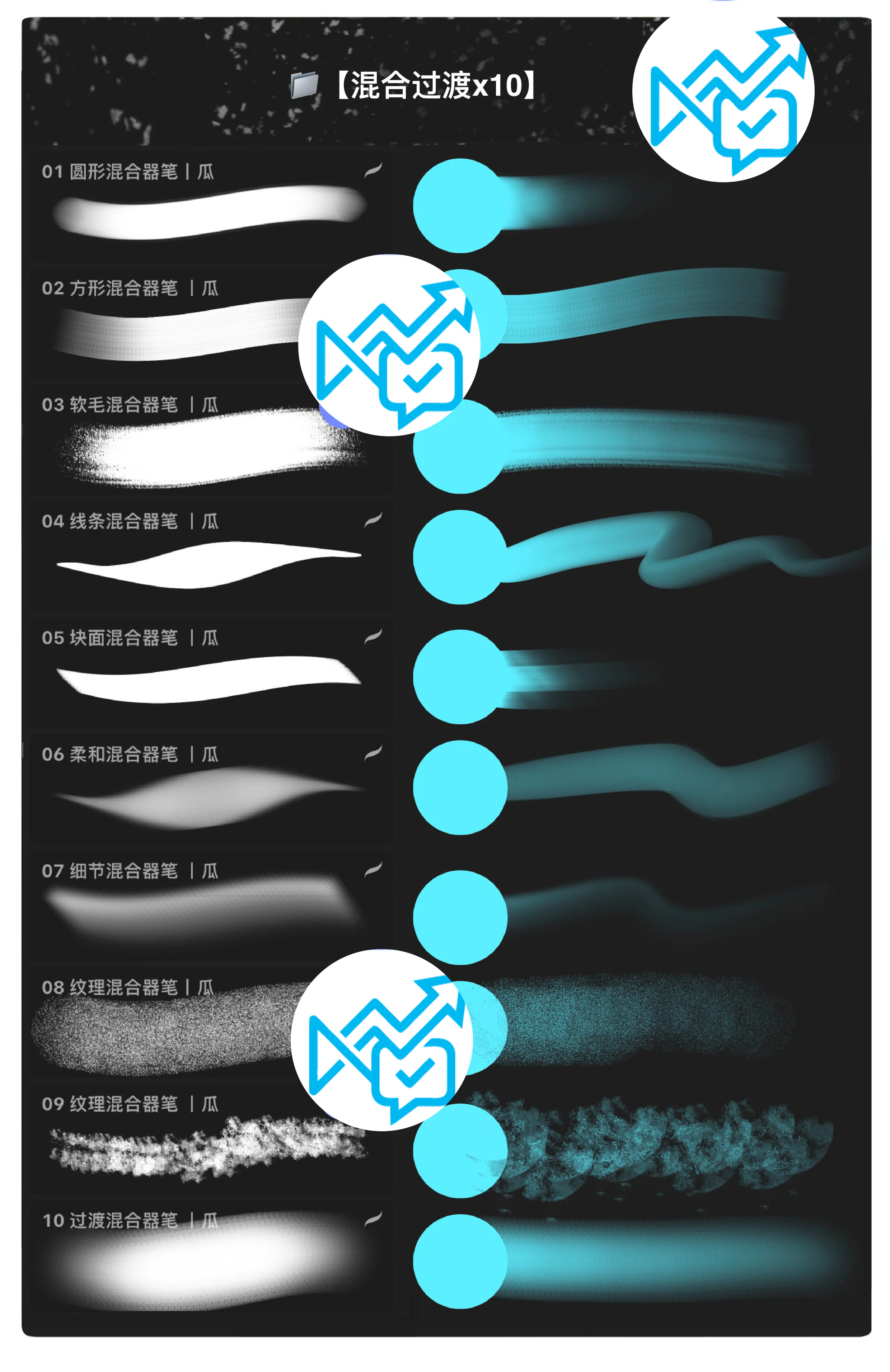
Additionally, there are brushes specialized for handling details and surface texture. These brushes are suitable for the finishing stage, when you want to add a slight vibration to the color, avoiding a flat feeling. For character paintings, just adding a little texture to the hair, collar, background, or shadow areas gives the overall piece more depth.
When drawing portraits, this brush set can be used from the initial color blocking stage. After you have the base color and main light/shadow areas, you can use the blending brushes to connect transition areas on the face, especially on the cheeks, forehead, chin, neck, and around the eyes. For eyes, soft brushes help create translucency and subtle color transitions within the iris. For lips, the brushes help blend the red areas, highlights, and shadows so the lips don't look stiff.
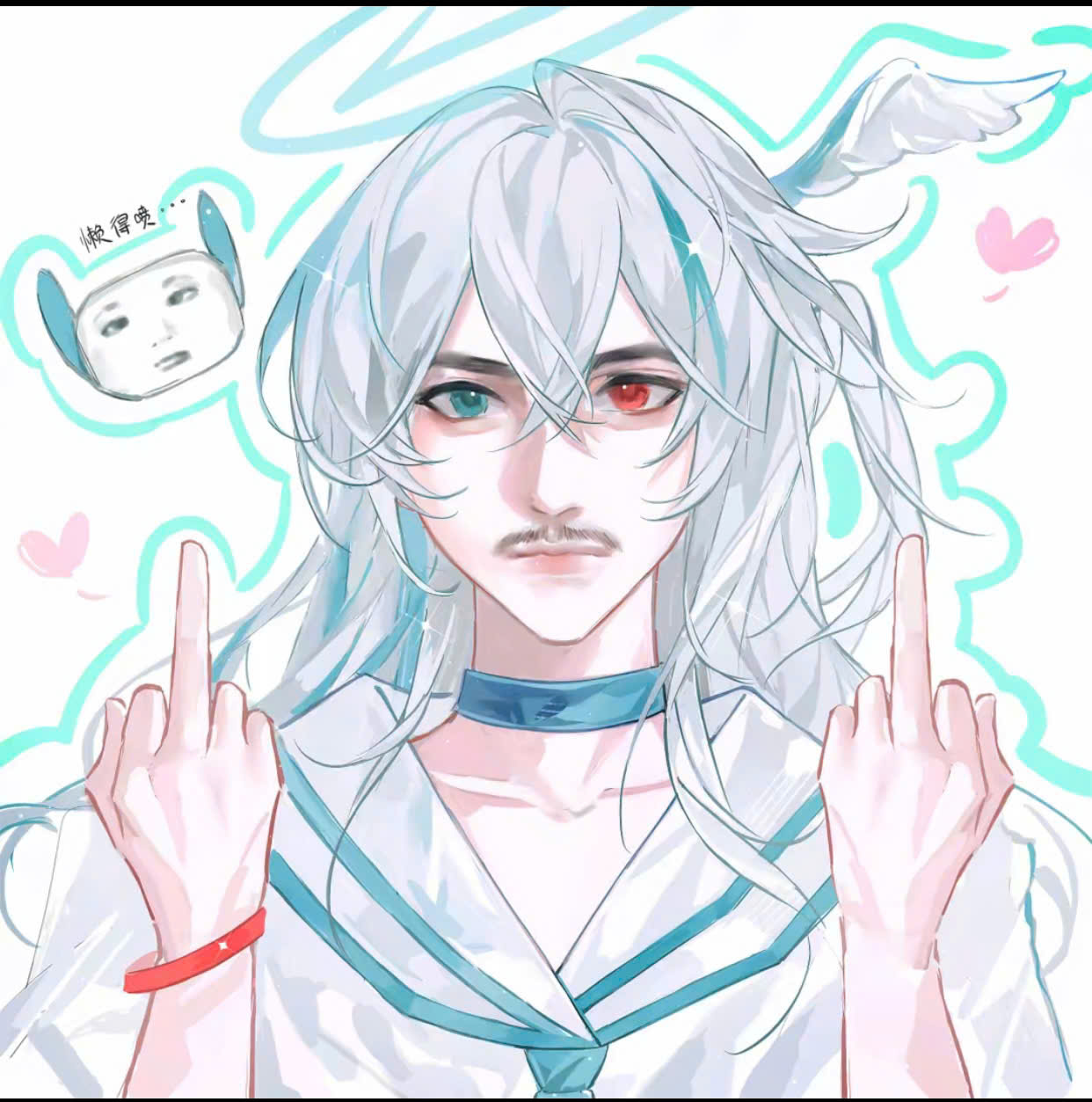
For hair, the brush set can be used to connect large hair sections before drawing fine strands. This is a quite effective method because drawing strands too early can make the hair look messy. Blend the large areas first, then add highlights, hair strands, and sharper edge areas. For clothing, blending brushes help handle soft fabric folds, reflected light, and shadow areas that need gentle transitions.
When using this brush set, you should set clear goals for each step. In the initial step, use soft brushes to blend large color areas, handling only the overall picture without going into details. In the middle step, use brushes with light texture to make transition areas less flat. In the final step, use detail brushes to adjust edges, add surface vibration, and retain some sharp areas.
For Photoshop, you should place blending layers on a separate layer or work with clipping masks for easier control. If the brush makes the color too blurry, reduce the opacity or blend only at the edge between two color areas. For Procreate, try adjusting the size, opacity, and pressure to find a comfortable hand feel. A beautiful blend brush in the preview image still needs to be tested on an actual canvas, as effectiveness depends on canvas size, pen pressure, and the colors being used.
A very important tip is not to blend continuously in only one direction. Move the brush following the form of the object. When blending a face, follow the facial planes. When blending hair, follow the hair direction. When blending fabric, follow the fabric folds. Doing this will make the colors soft while still maintaining structure, avoiding a smudged feeling.
Blending brushes are very convenient, but if used incorrectly, they can make the painting look like "color mush." Do not drag the brush across too many different color areas in one long stroke, as the colors will easily become muddy. Instead, blend small areas one by one, check the form, then move to another area. For areas that need to retain focal points like eyes, mouth, front hair, or accessories, keep the edges clear and only soften a part.
If the painting becomes too smooth, add back texture using a textured brush or a bristle edge brush. If the painting becomes too blurry, use a line brush or hard edge brush to re-emphasize the edges. A beautiful painting is usually not entirely soft, but has a combination of soft edges, hard edges, blurry areas, clear areas, and textured areas.
The Set of 10 Blending Brushes for Photoshop and Procreate is suitable for beginners learning digital painting, people practicing portrait drawing, anime artists, iPad users with Procreate, Photoshop users, and those who want to improve color transitions in their paintings. If you find your paintings have harsh colors, skin that isn't smooth, hair that isn't soft, lighting that doesn't blend, or backgrounds that lack atmosphere, this brush set is a very worthwhile option to try.
The brush set is also suitable for those who already have lineart and basic coloring brushes, but lack a specialized brush group for blending and edge handling. This is not a brush set that replaces the entire drawing process, but a set of tools that strongly support the coloring and finishing stages.
Product Name: Set of 10 Blending Brushes for Photoshop and Procreate
Quantity: 10 brushes
Compatible Software: Photoshop, Procreate
Style: Anime, semi-realism, portrait, digital painting, character illustration
Main Brush Groups: Round blending brush, square blending brush, soft bristle edge brush, stroke brush, blocky brush, gentle brush, detail brush, surface texture brush
Applications: Color blending, color transitions, edge softening, drawing skin, hair, eyes, clothing, background, lighting, and atmospheric effects
Suitable for: Drawing beginners, digital artists, illustrators, anime artists, portrait artists, iPad and Photoshop users
Platform: nextgz.net
The Set of 10 Blending Brushes for Photoshop and Procreate is a small but very useful brush set for those who want to improve color blending and transitions in their digital art. The brush set helps soften edges, mix colors, create tonal transitions, and handle skin, hair, lighting, and painting surfaces without relying too heavily on the blur tool or default airbrush.
If you are drawing anime, portraits, semi-realism, or character illustrations and want your paintings to feel softer, more translucent, and have more depth, this is a brush set worth adding to your workflow. Used correctly, keeping clear edges in important areas and blending only where softness is needed, this brush set will help make your paintings cleaner in color, smoother, and easier to finish.
What is this blending brush set used for?
The brush set is used for blending colors, transitioning tones, softening edges, blending skin colors, handling hair, lighting, backgrounds, and finishing digital paintings.
Can this brush set be used for Procreate?
Yes, according to the product information, the brush set supports Procreate. When downloading, users should import the correct file for Procreate to ensure the brushes work stably.
Can this brush set be used for Photoshop?
Yes, the brush set supports Photoshop. If the included file is in ABR format, users can import it into Photoshop via the Brushes panel or the Import Brushes option.
Are blending brushes the same as an airbrush?
Not exactly the same. An airbrush primarily sprays soft color, while blending brushes are typically used to merge two color areas, soften edges, and handle more natural color transitions.
Should beginners use this brush set?
Yes. The brush set is very suitable for beginners practicing color blending, skin shading, portrait drawing, lighting handling, and making paintings less stiff.
Is this brush set suitable for portrait drawing?
Yes. Blend brushes are very useful when drawing skin, eyes, lips, hair, neck, and light-to-shadow transition areas on the face.
Should I use blend brushes on the entire painting?
No. You should only use them on areas that need softness. Important areas like eyes, face contours, front hair, mouth, and accessories still need clear edges to prevent the painting from looking blurry.
Can these brushes help reduce flat-looking colors in a painting?
Yes, if used correctly. The brushes can help colors transition more naturally, but you still need to combine them with texture brushes and hard edge brushes to maintain the painting's structure.
Which style is this brush set most suitable for?
Most suitable for painterly anime, semi-realism, portraits, fantasy, character illustration, and paintings requiring soft color transitions.
Browse more resources in the same collections.
Từ 18.980 ₫
PayPal checkout supports PayPal balance and eligible international cards.
 PayPal balance
Discord cộng đồng Digital Art
Real ratings from NextGZ members
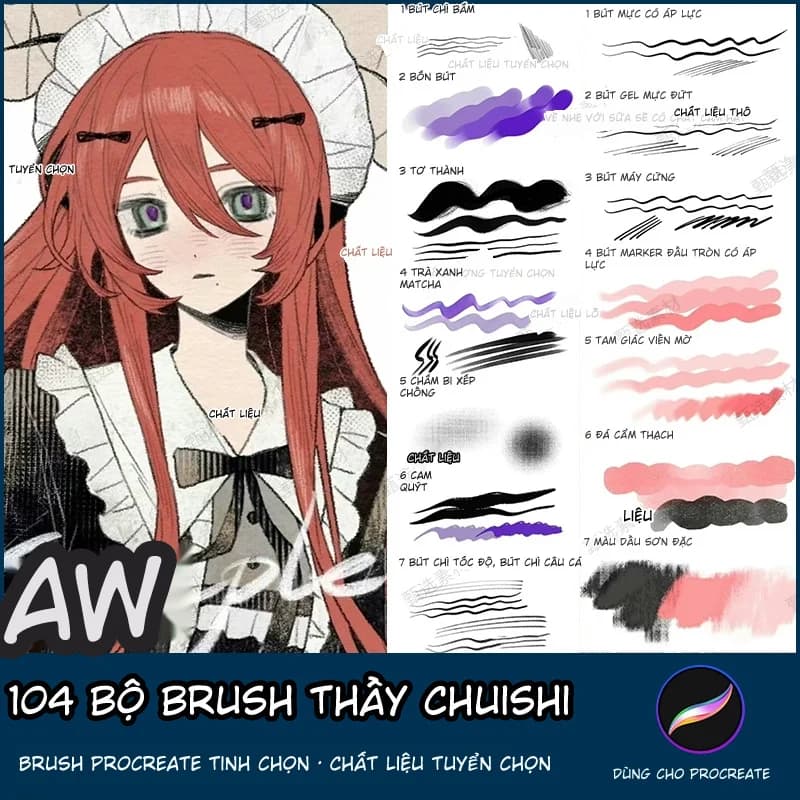
104 Bộ Brush Thầy Chuishi - Procreate
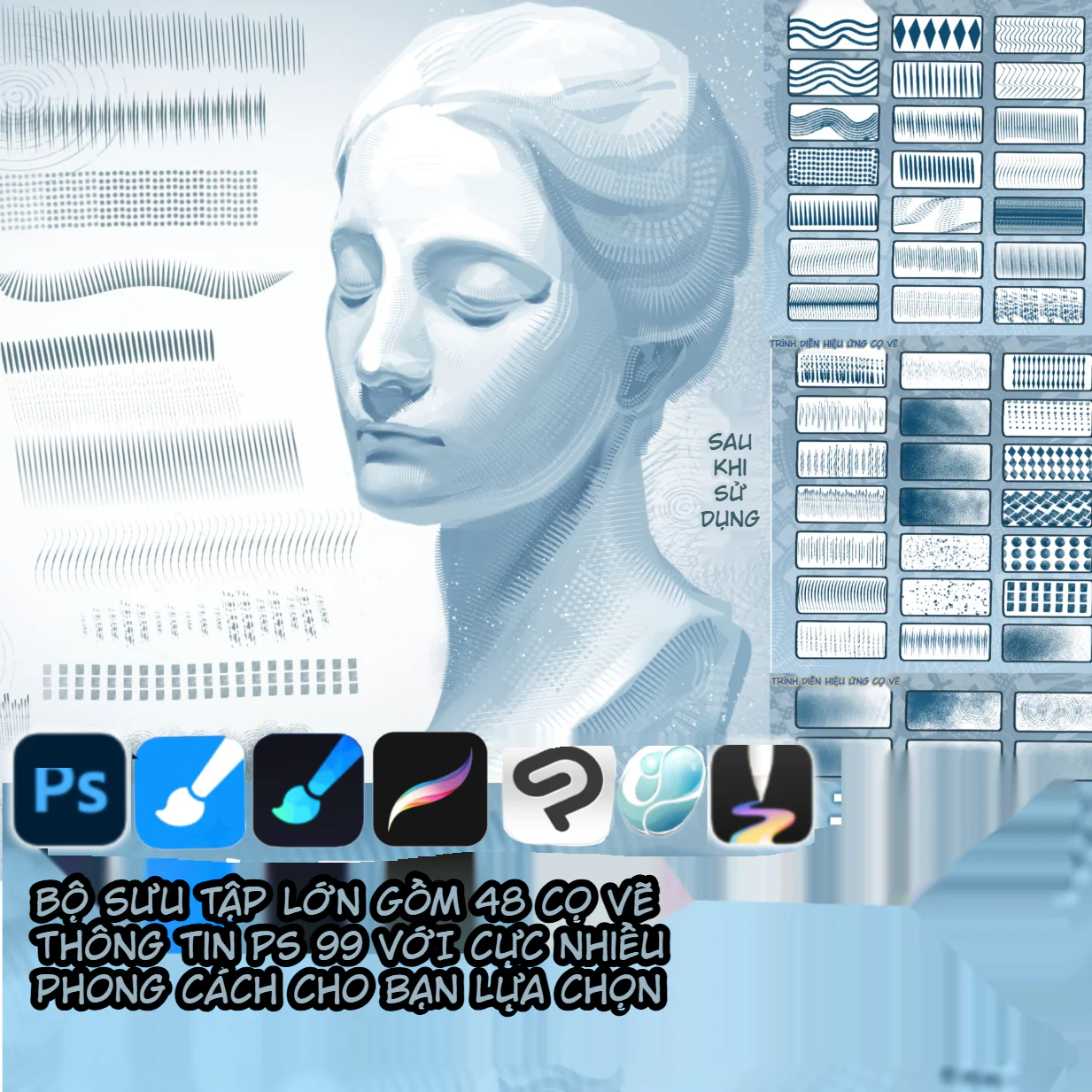
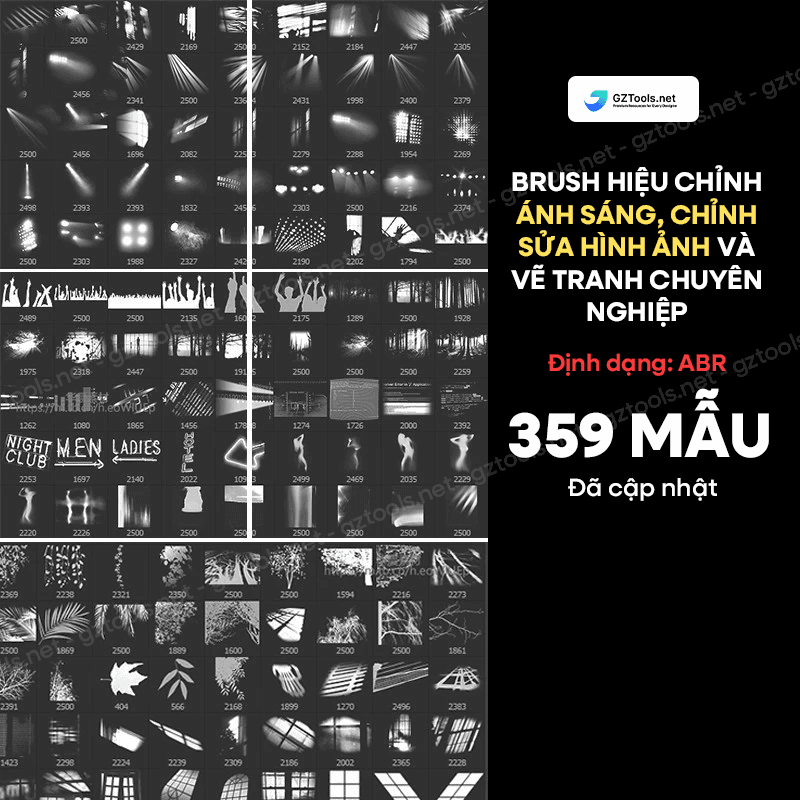
Mẹo học chất liệu latex: Hãy nghĩ như kim loại có thêm nếp gấp, độ mềm và biến dạng
Cách tô tóc hồng anime trong IbisPaint: Outline màu, bóng xanh và paint-over 7 bước
Cách vẽ tóc dài, tóc đen và tóc trắng anime: Khối tóc, gradient và tỉa lọn
Cách tô tóc anime xanh trong IbisPaint theo quy trình Pintarou: Từ mảng nền đến phản quang hồng
Bình luận
0 bình luận
Đăng nhập để tham gia thảo luận cùng cộng đồng!
Đăng nhập ngayĐang tải bình luận...