

Từ 18.980 ₫
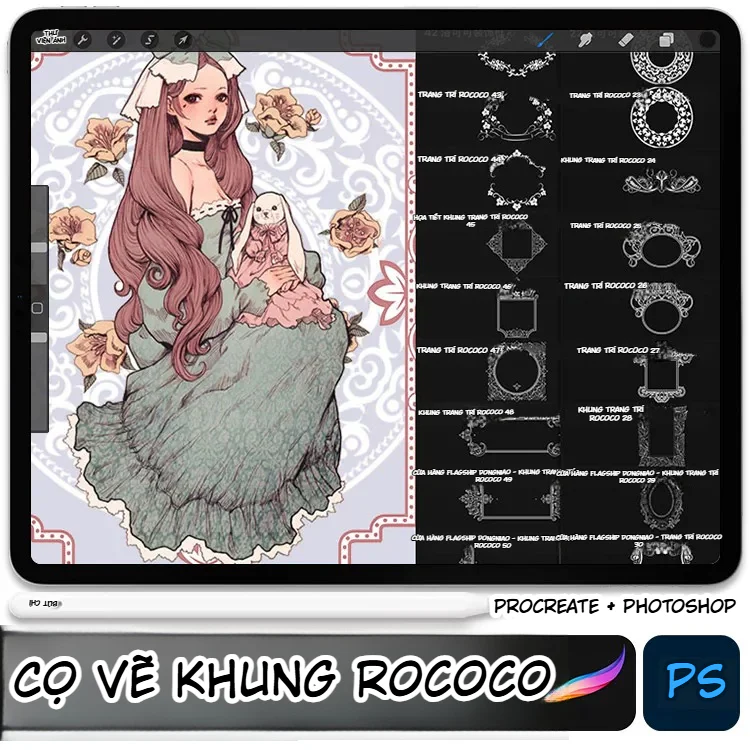
This brush set focuses on frames, crests, decorative labels, and symmetrical motifs inspired by European Rococo, combined with Gothic nuances through thick scrollwork, balanced compositions, stylized foliage, and details with a vintage feel. This is not a group of brushes for skin rendering, hair construction, or material rendering; the main value of this set lies in its ability to quickly create decorative accents for character illustrations, story covers, posters, cards, costume design, and social content layouts.
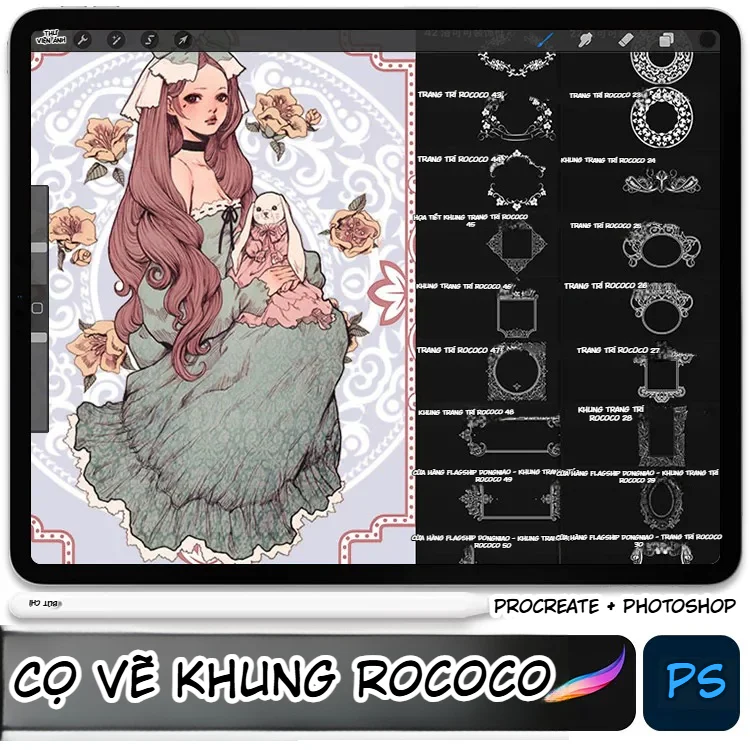
From the reference image, three main component groups can be identified: closed frames for containing portraits or text, individual decorative details to place at corners and edges of layouts, and symmetrical motif strips for headers, footers, or dividers. Therefore, this brush set is most suitable for artists wanting to create a classical, aristocratic, romantic, dark fantasy, or light Gothic feel without having to construct every curve manually using vector tools.
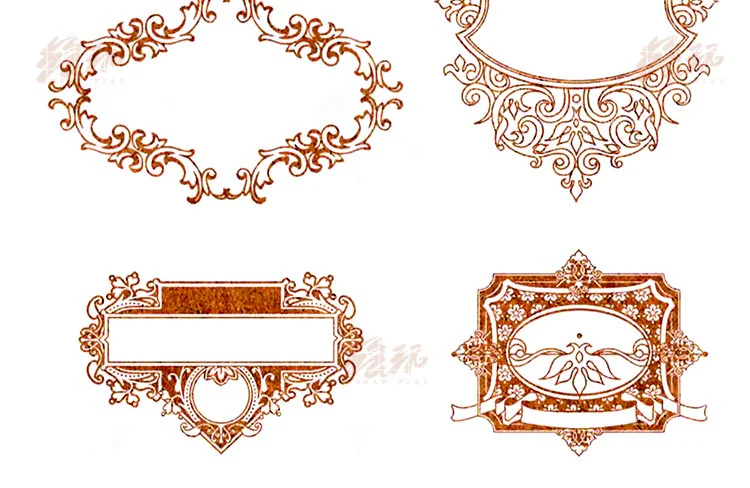
The patterns in the first panel include many oval frames, horizontal nameplates, and classic-style crests. Oval frames are suitable for placing character faces, clan symbols, project logos, or a short quote. The horizontal label patterns can be used for chapter names, character names, collection titles, and information tags on posters. The thick outer edge decoration creates good contrast when placed on a dark background, while the empty space in the middle allows designers to add text without cluttering the layout.
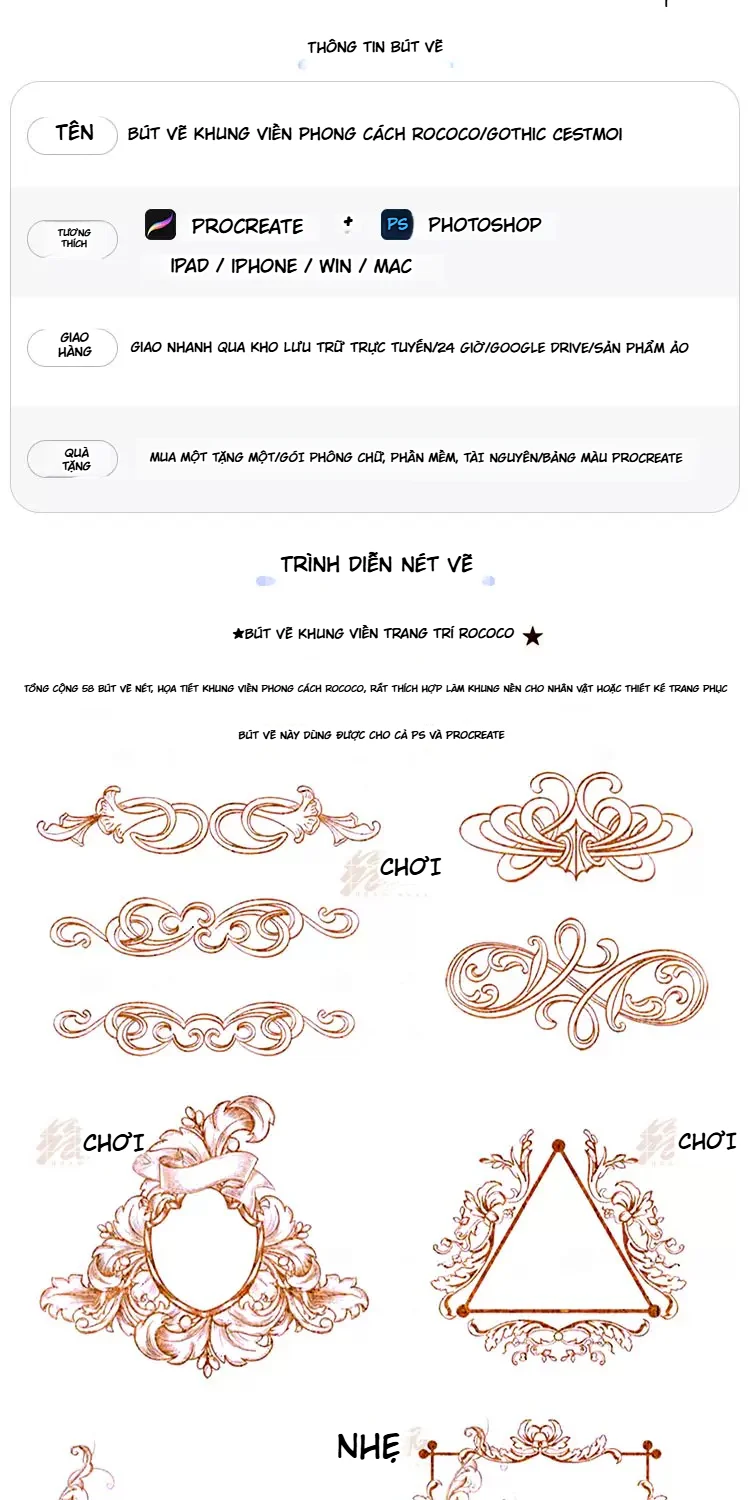
The brush set includes not only complete frames. Many patterns are scroll strips, bows, leaves, flowers, and individual motif clusters. This is useful when needing to build a custom layout in specific sizes. Artists can place a detail on both sides of a title, flip it symmetrically to create decorative pairs, or combine several short strokes into a long border. This approach is more flexible than simply stamping a preset frame, especially when designing horizontal banners, webtoon covers, or character card interfaces.
Circular frames and foliage frames offer a softer feel than the pure Gothic group. They suit female character illustrations, classic costume design, romantic fantasy illustrations, character profile cards, and resource introduction posts. Circular frames can serve as avatar borders or crests; square and rectangular frames fit illustrations, information panels, or multi-panel layouts. Patterns with irregular branches can also be used individually as corner decorations to avoid a template-like feel.
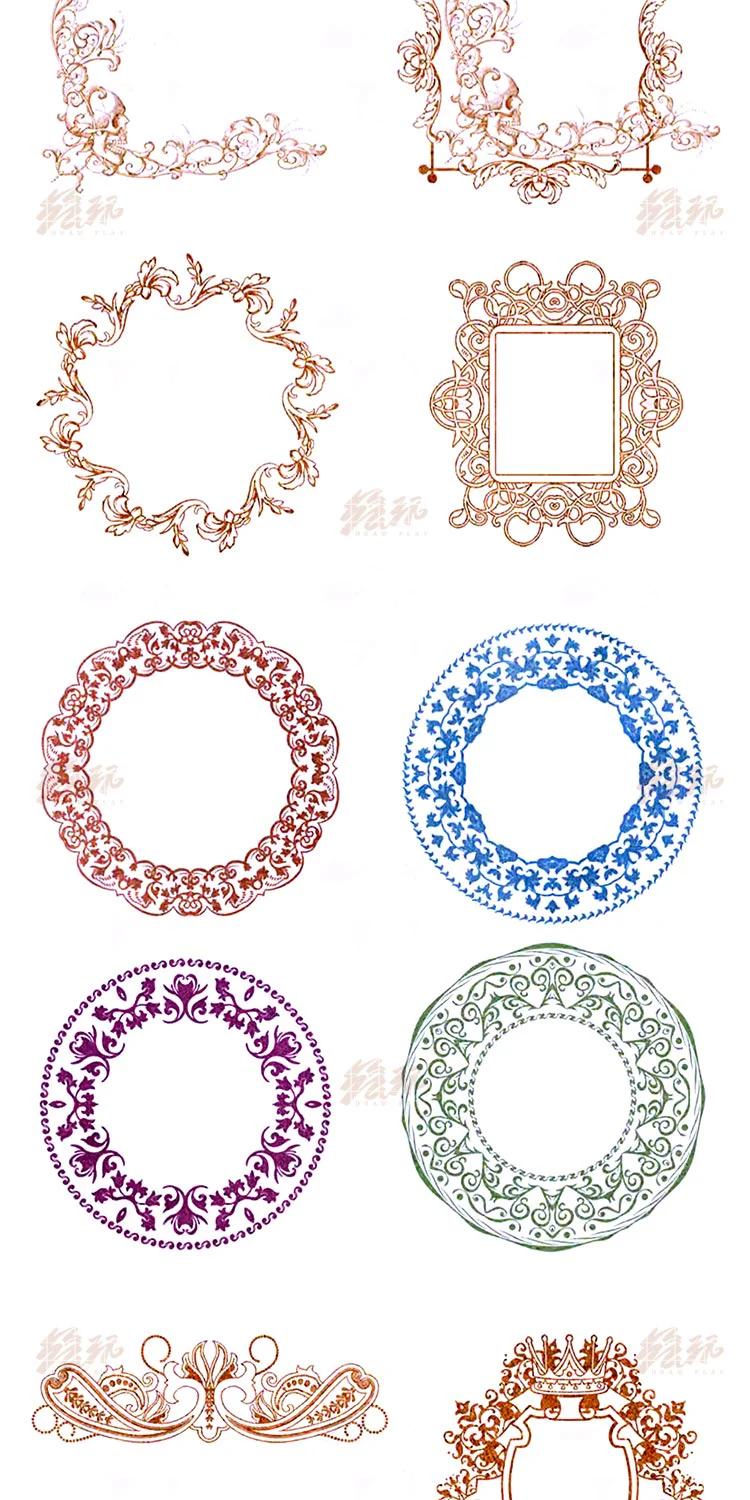
The rectangular frame group has advantages when designing book covers, character cards, product introduction interfaces, or posters with a lot of text. Some patterns have thick borders, repeating patterns, and highlights at the four corners; others use branches, crowns, ribbons, or central motifs. When placed on a flat colored background, these patterns immediately create the feel of an engraved frame. When placed over a painting, reduce opacity or use a blending mode so the frame does not overpower the character.
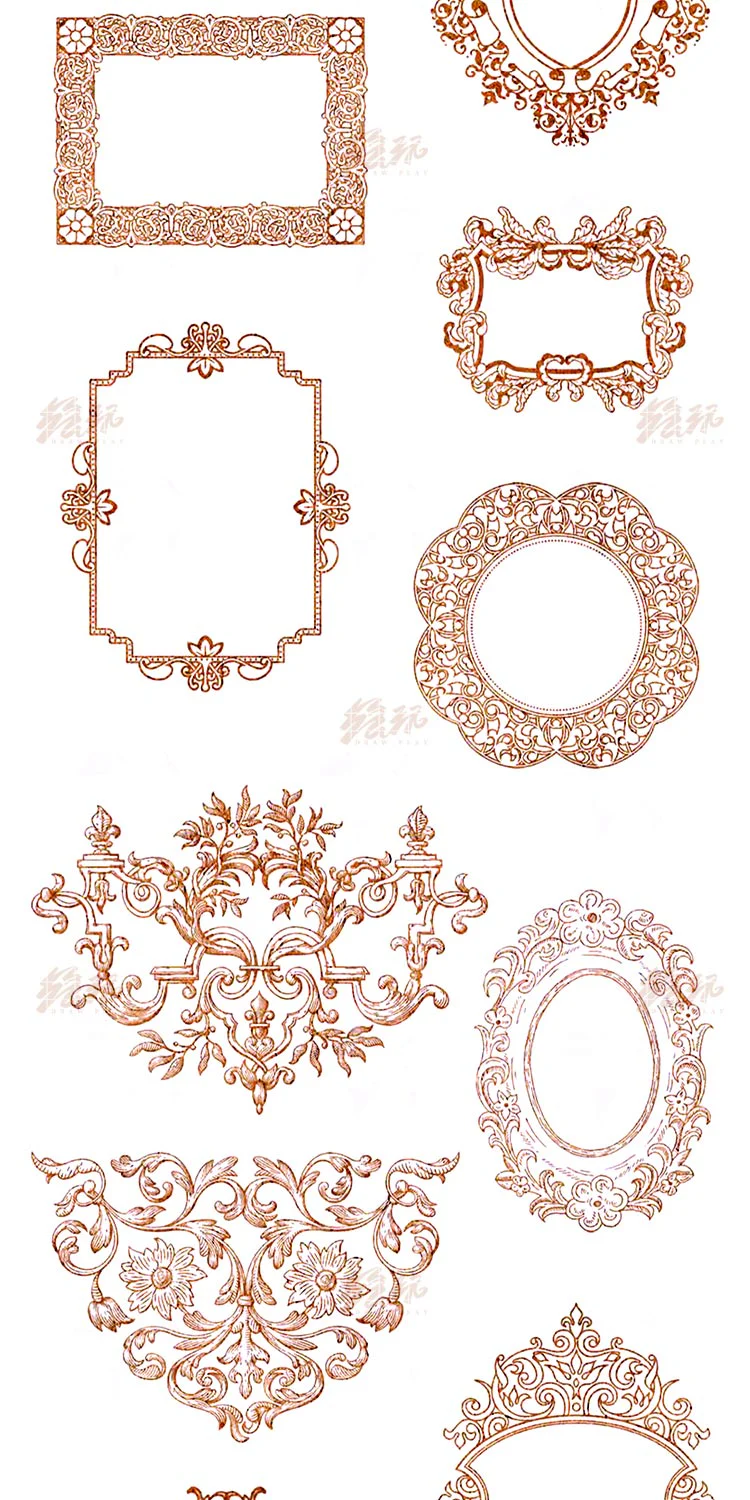
In Procreate, a safe approach is to create a separate layer for the frame, place that layer above the background but below text or characters, then test colors on a new layer if you need to preserve the original. For symmetrical frames, stamp at a large size then scale down using the Transform tool to minimize aliasing. If you need to change color, Alpha Lock or selecting the area by transparency will help maintain the shape of the lines. When using for covers, check the frame at actual display size rather than just zoomed in.
In Photoshop, the frame patterns suit a workflow with independent layers, Smart Objects, and masks. Colors can be changed via Color Overlay, Gradient Map, or locking alpha on a rasterized layer. For patterns used as borders, keep an unmodified original copy for reuse at various sizes. If the design is for print, check resolution, stroke thickness, and breathing space around the frame before exporting.
The reference images show the brush set is introduced for Procreate and Photoshop. However, information about specific software versions, brush package format, detailed installation instructions, original author, price, and commercial usage license has not been verified from official sources. Therefore, this resource only records the application potential observed from image materials, and does not assume that all patterns are permitted for commercial products.
The reddish-brown lines in the sample images suit cream, ivory, wine red, midnight blue, slate blue, and plum purple backgrounds. For Gothic designs, you can use old gold or silver gray frames on dark blue backgrounds; for romantic Rococo style, try pastel pink, mint green, cream, and light yellow. Avoid placing too many frames side by side if the central content is already detailed. One large frame, two small decorative accents, and clear typography usually work better than filling the entire canvas.
For character illustrations, the frame should support the subject rather than compete with the face, hands, or costume. You can use an oval frame for the portrait, a motif strip for the name section, then add an individual detail at the opposite corner to balance visual weight. For resource covers or posts, rectangular frames help divide information areas, while circular frames create anchor points for software icons or profile images.
This brush set is suitable for anime, manga, webtoon artists, fantasy illustrators, character designers, cover designers, and content creators who frequently make posters or thumbnails with a classic inclination. Beginners can use the complete frames to get familiar with layouts; advanced artists can separate individual motifs, flip symmetrically, apply perspective distortion, and combine with layer masks to create custom frames. This set does not replace lineart or rendering brushes, but should be seen as a supplementary decorative resource for the layout and finishing stages.
Cross-reference the source page or the accompanying information of the brush package to confirm file format, supported software, compatible versions, and copyright terms. If using for sold products, commissions, or brand designs, clear confirmation of commercial usage rights is required. Do not infer commercial rights solely from promotional images containing software introduction text. Keep a backup of the original file, test on a new canvas, and check strokes after resizing.
To find more related resources on NextGZ, users can browse the Procreate brushes, Photoshop brushes, the foliage and decorative brushes group, and anime, manga, and webtoon drawing brushes resources. These links support the search for supplementary resources; they should not be considered evidence of the license of the Cestmoi set.
Browse more resources in the same collections.
Từ 18.980 ₫
PayPal checkout supports PayPal balance and eligible international cards.
 PayPal balance
Discord cộng đồng Digital Art
Real ratings from NextGZ members
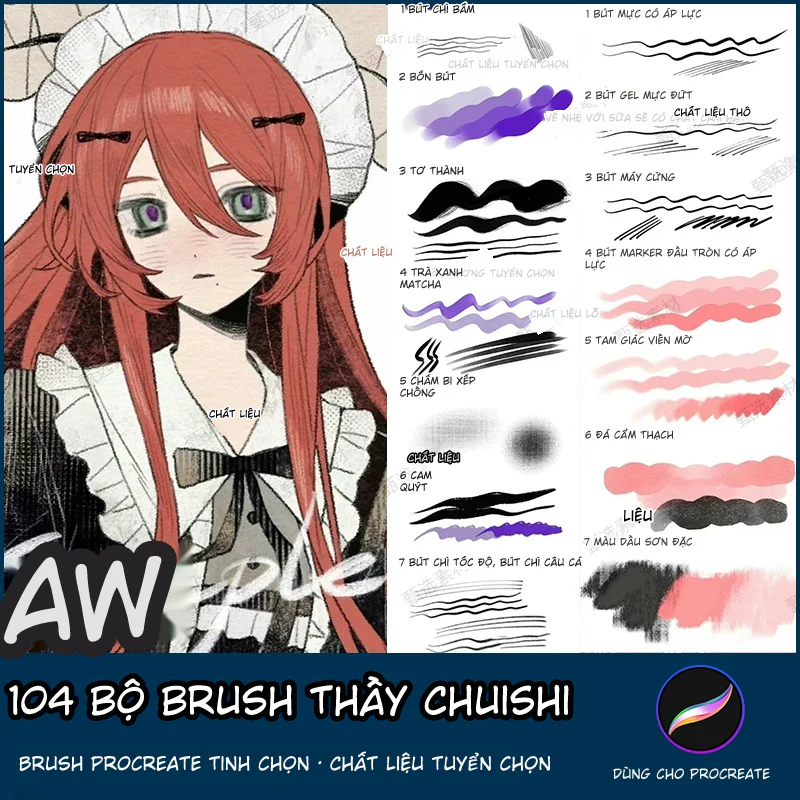
104 Bộ Brush Thầy Chuishi - Procreate
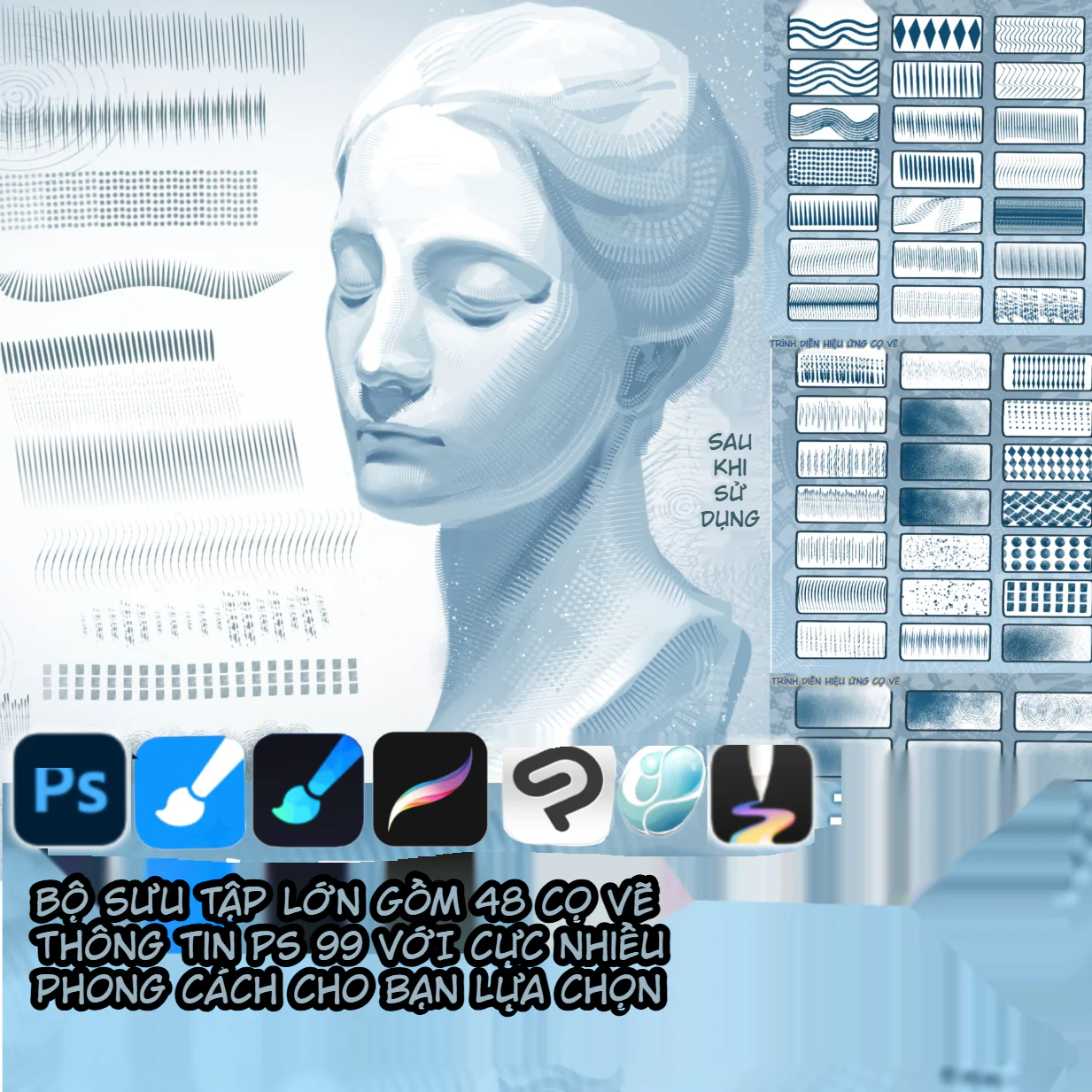
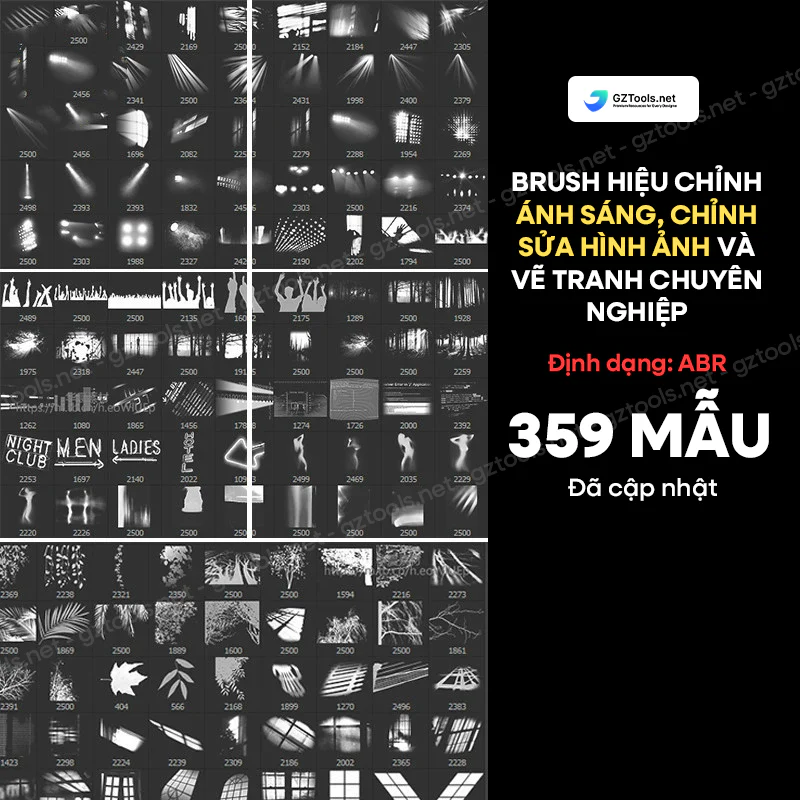
Hướng dẫn đổ bóng nhân vật Anime từ A–Z: Form Shadow, Cast Shadow, Ambient Occlusion và kiểm soát cạnh
Share Free Bộ 11 Brush 画世界Pro Cho Digital Art | NextGZ
Share brush Procreate cho vẽ anime: hướng dẫn dùng bộ cọ phác thảo, đi nét, tô màu và tạo chất liệu
Cách vẽ góc nhìn từ dưới lên: hướng dẫn phối cảnh khuôn mặt và toàn thân từ cơ bản đến dễ áp dụng
Bình luận
0 bình luận
Đăng nhập để tham gia thảo luận cùng cộng đồng!
Đăng nhập ngayĐang tải bình luận...