

NextGZ compiles a CSP brush set: soft color wash + hard line work, suitable for everything from sketch to render
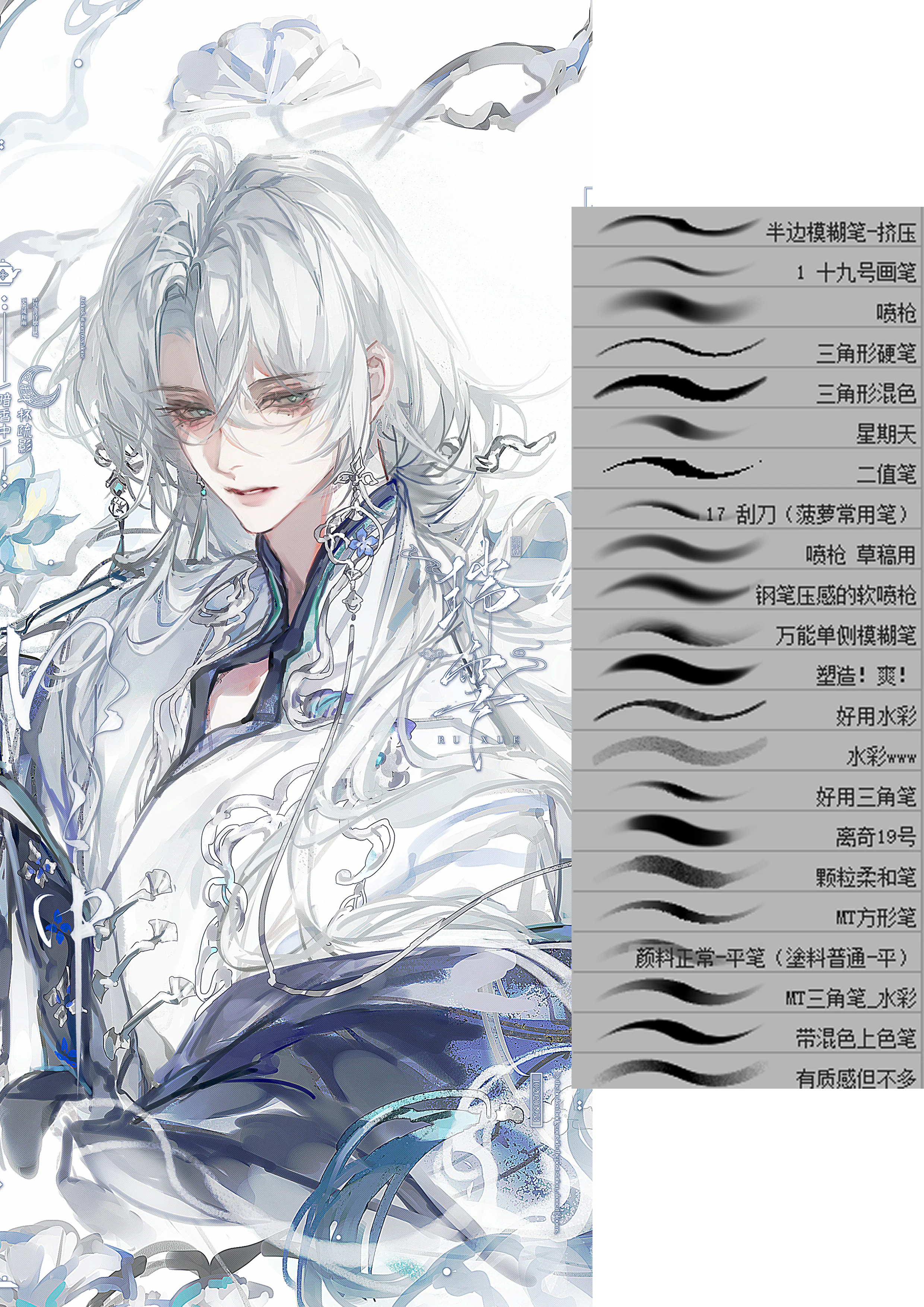
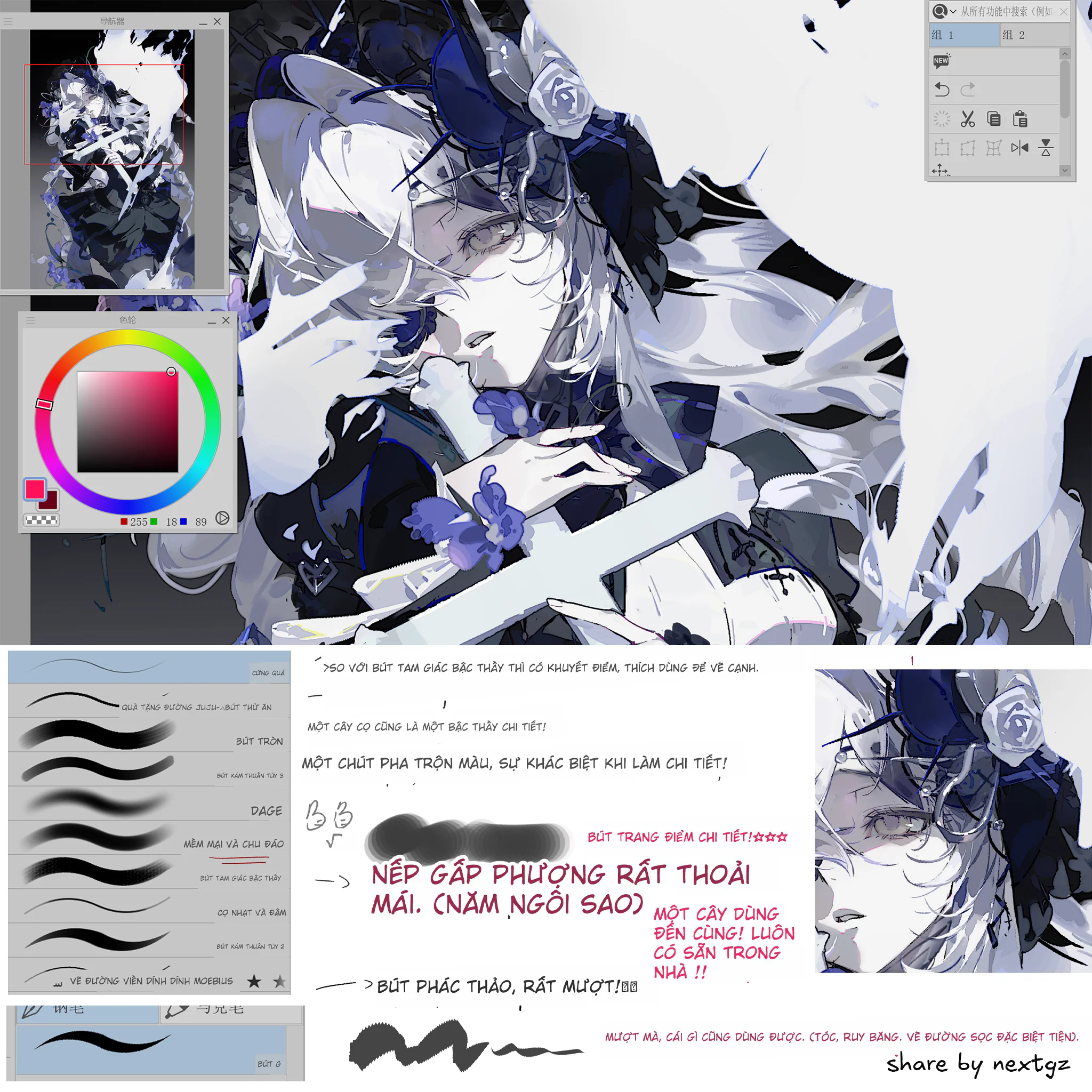
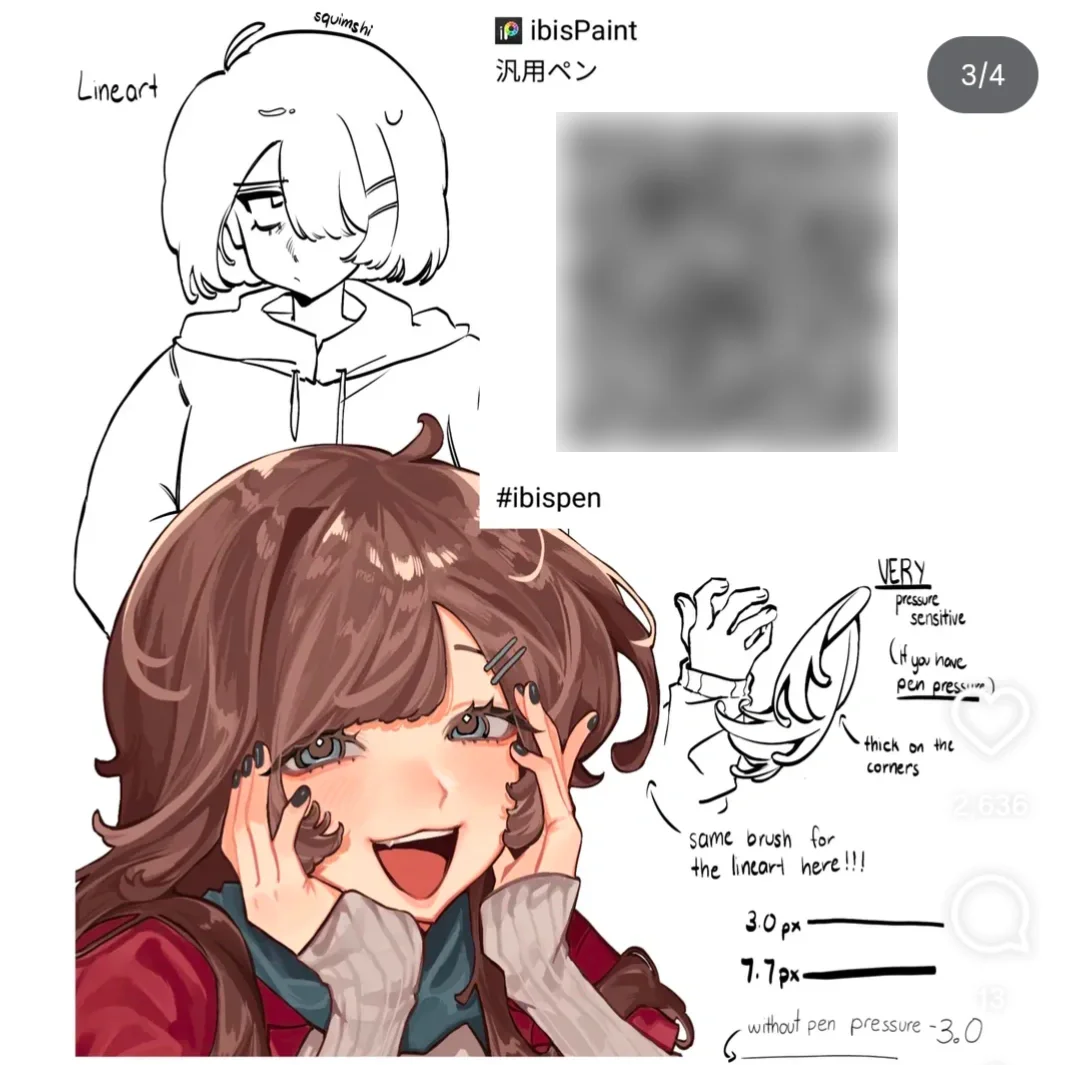
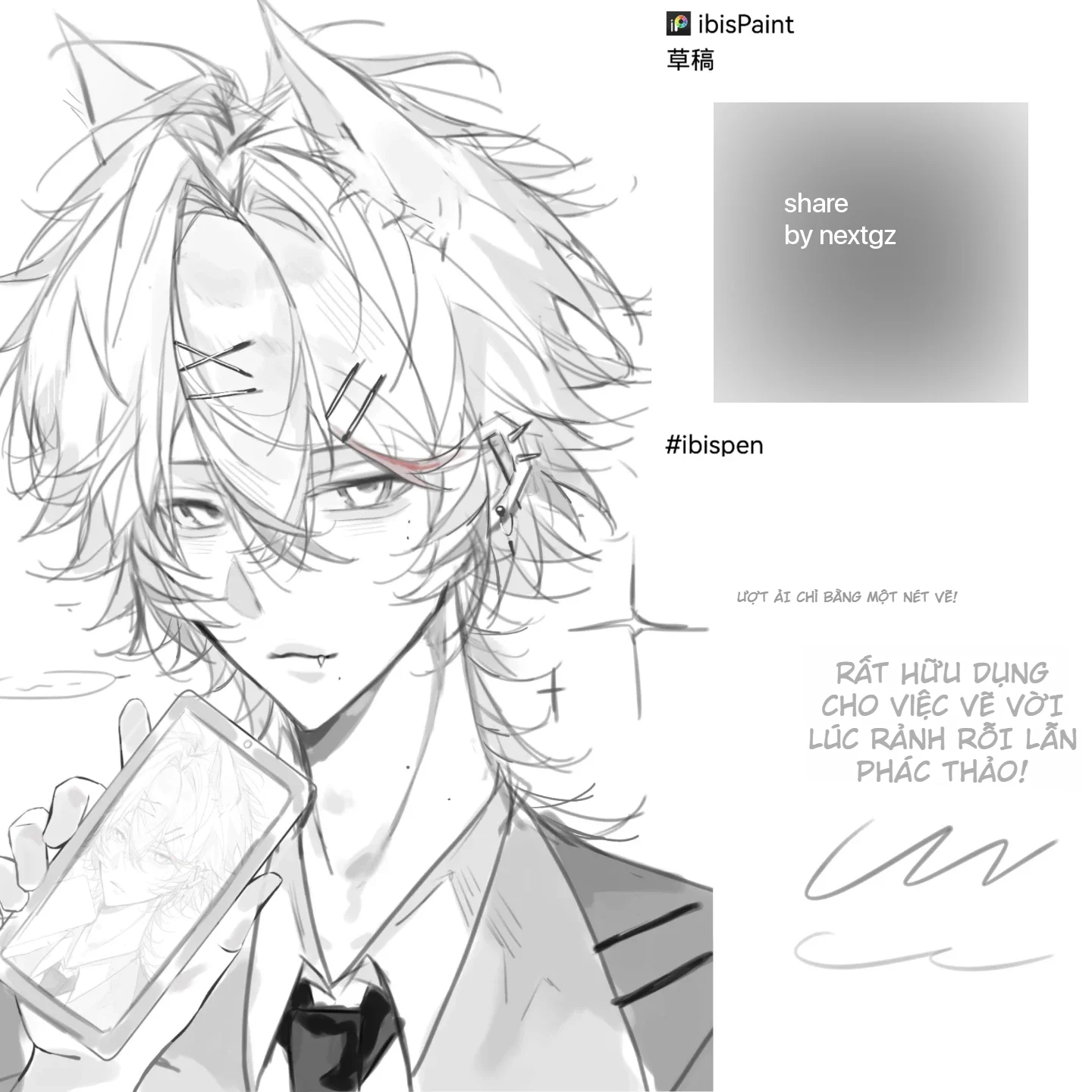
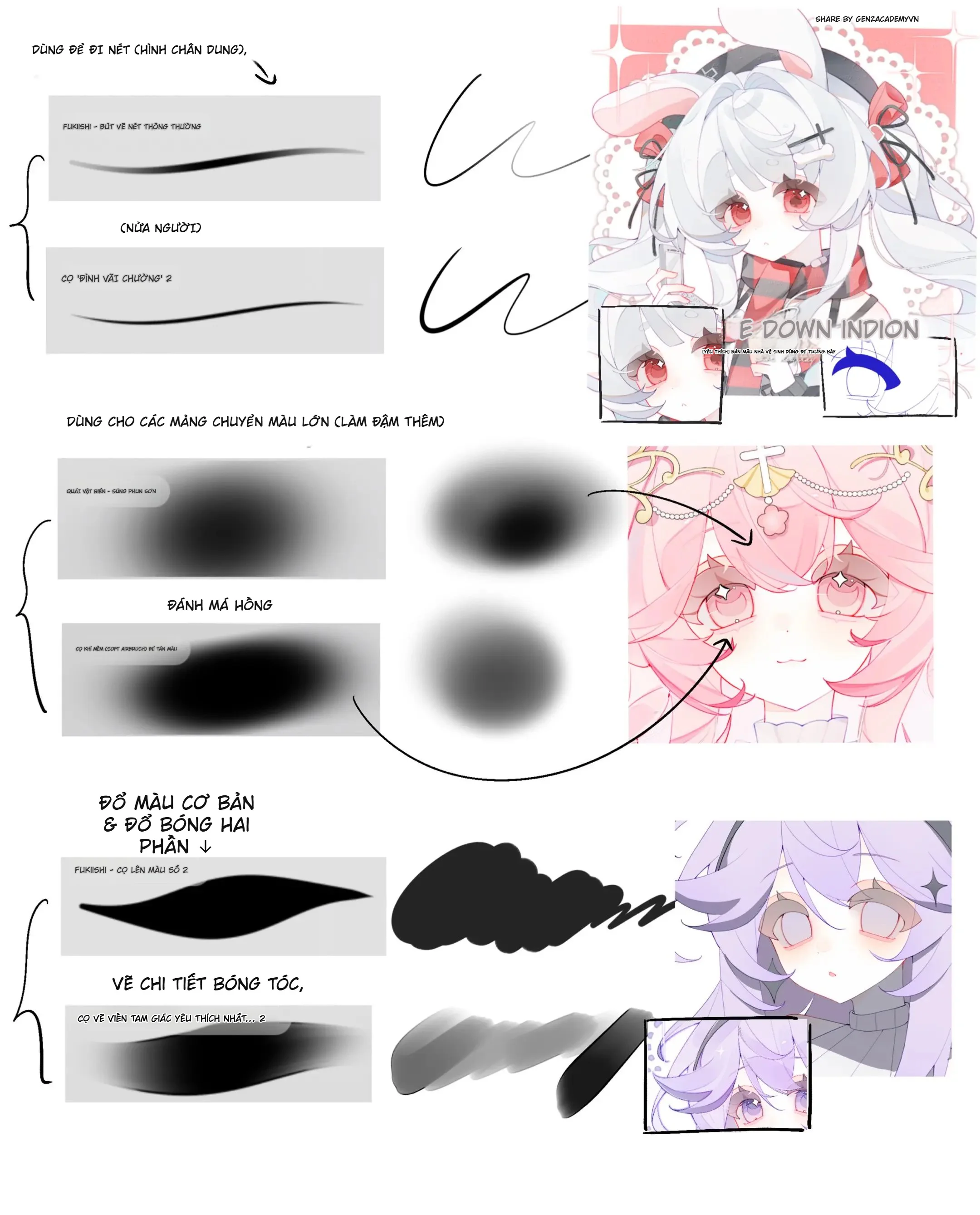
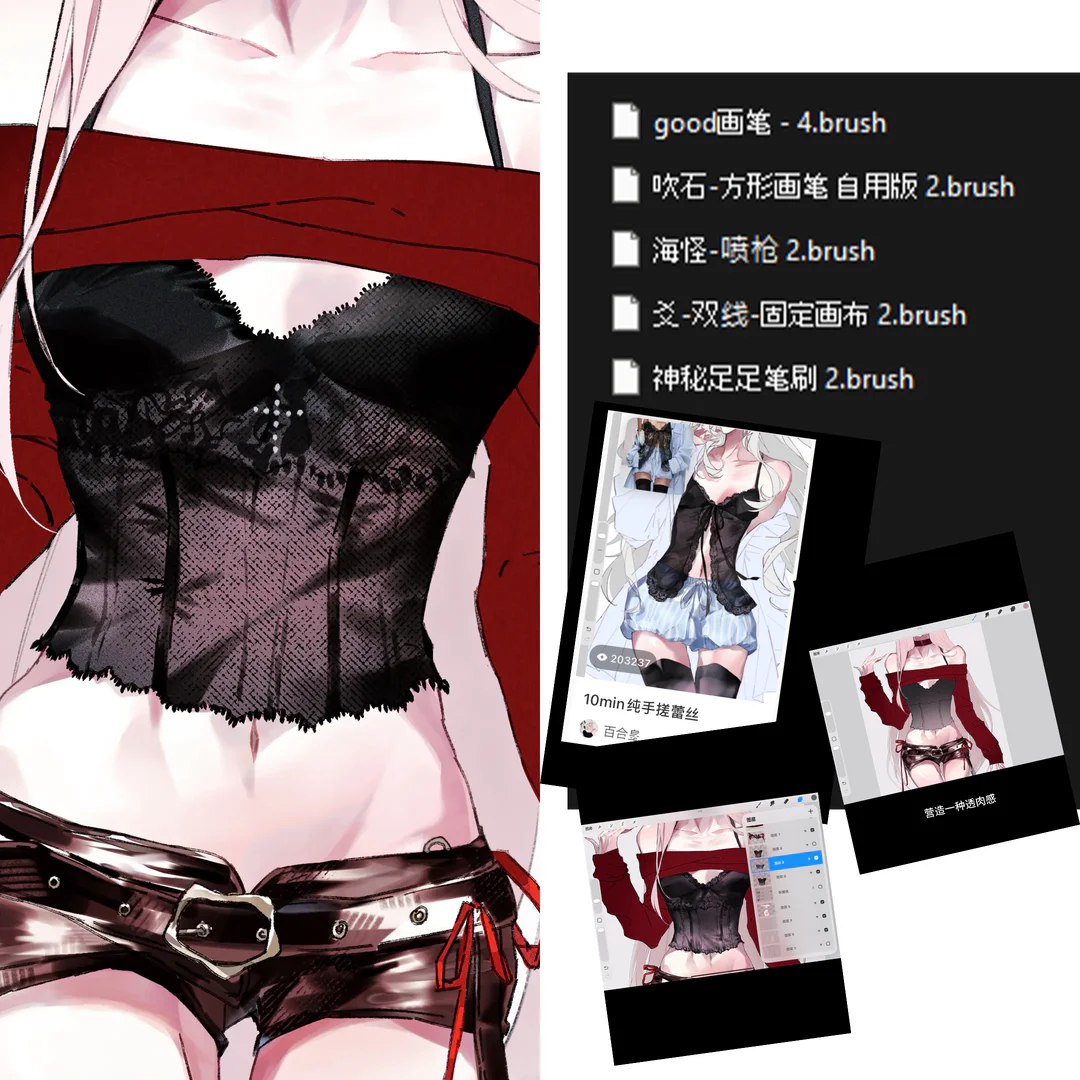
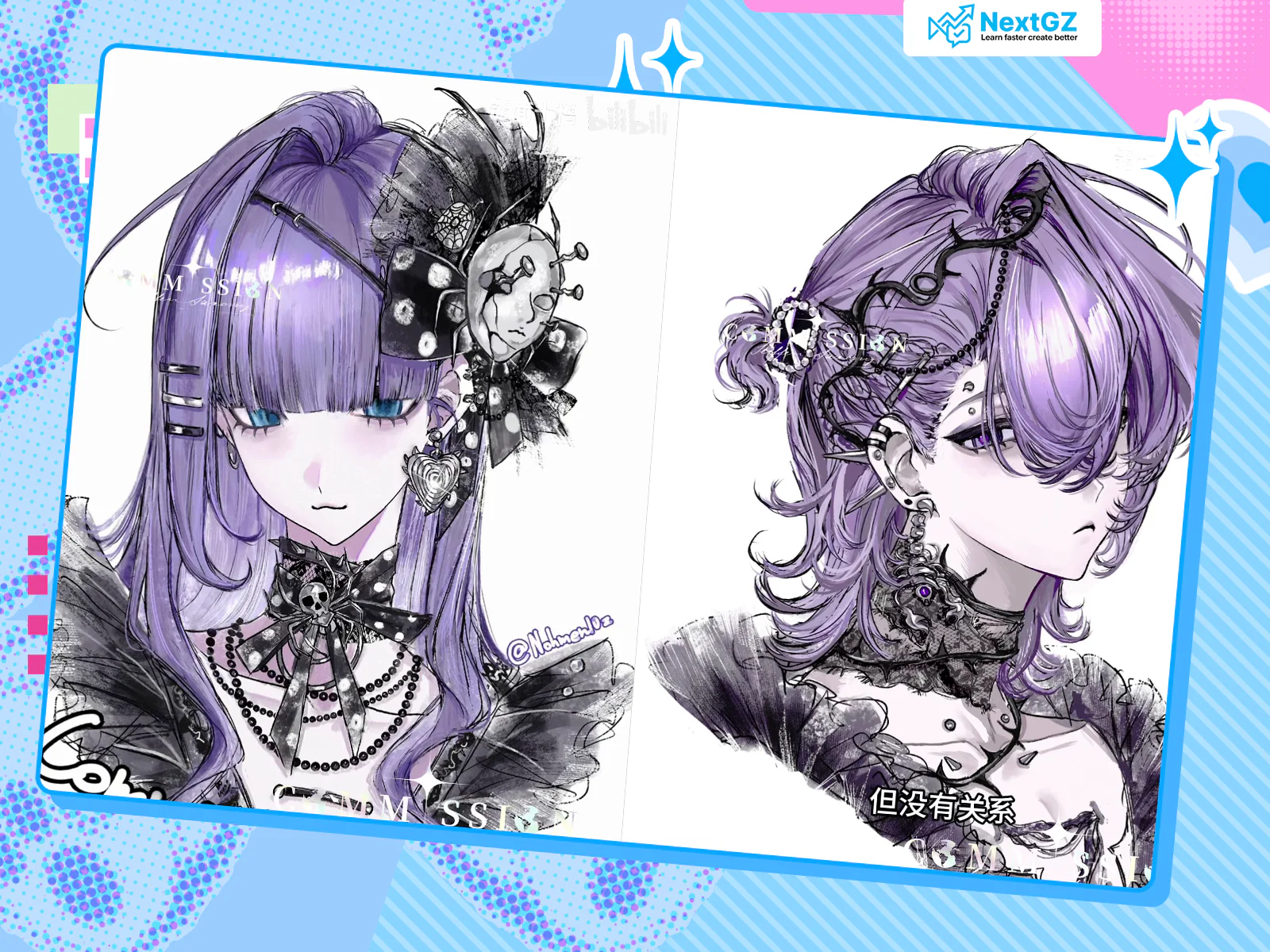
Lately, many of you have been asking about CSP brushes to "color quickly while still keeping details sharp," so NextGZ sat down to compile a list of brushes I often use: a group of soft brushes for color drafting + a group of hard brushes for tightening lines/details.
A small note: quite a few brushes online have been taken down / had their status changed, so I won't be re-uploading files randomly. (We'll keep the original sharer's links exactly as they were, okay.)
3-STEP WORKFLOW (AI CAN DO IT, HUMANS CAN DO IT BETTER)
Step 1: Soft color wash
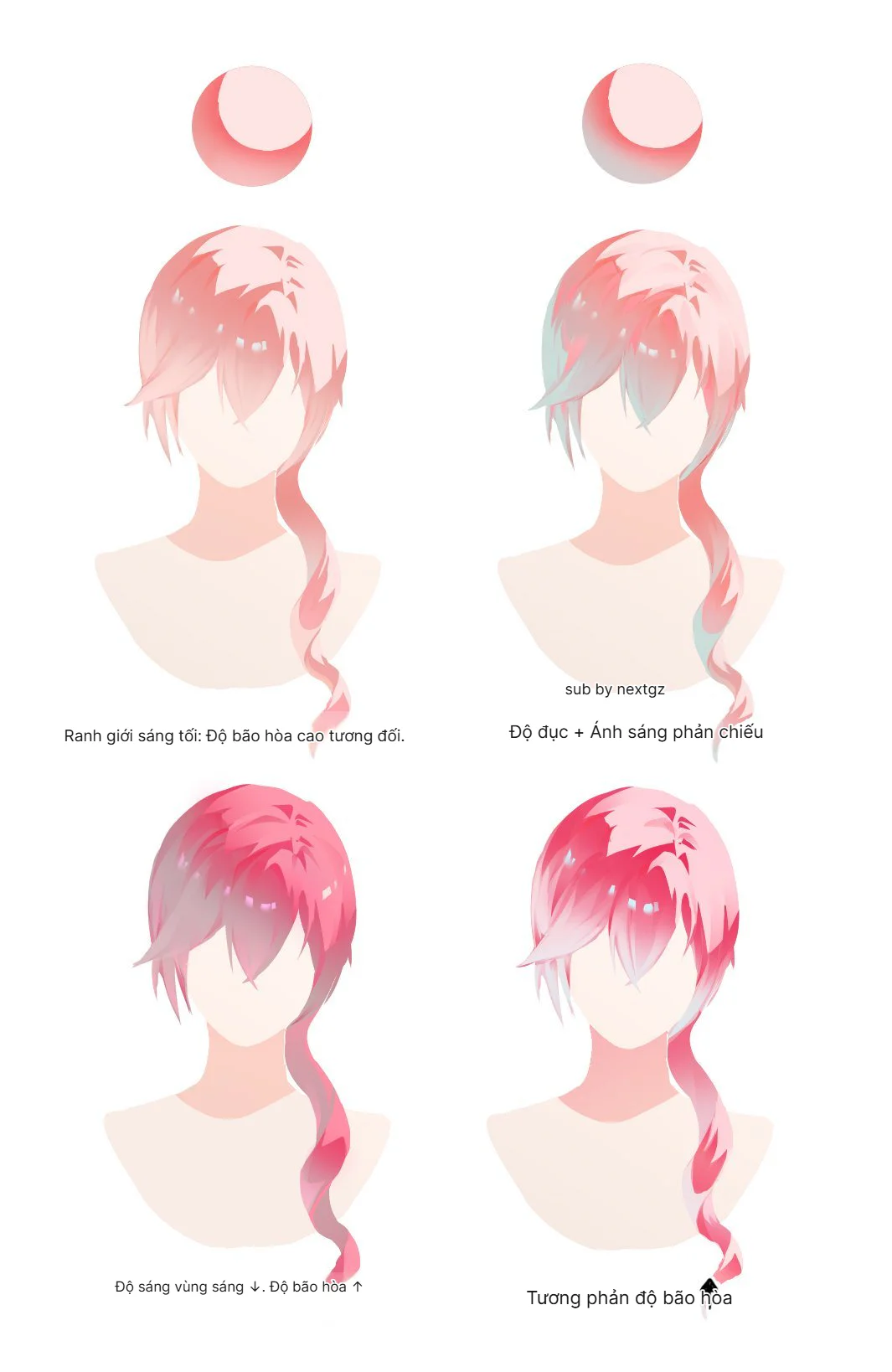
Use soft brushes + "air/soft" type brushes to block in large areas, lock in light/dark and color temperature first. Don't get bogged down in details too early.
Step 2: Blend and adjust form
Use soft/blur brushes just enough to pull color transitions, prioritize correct volume over smoothness.
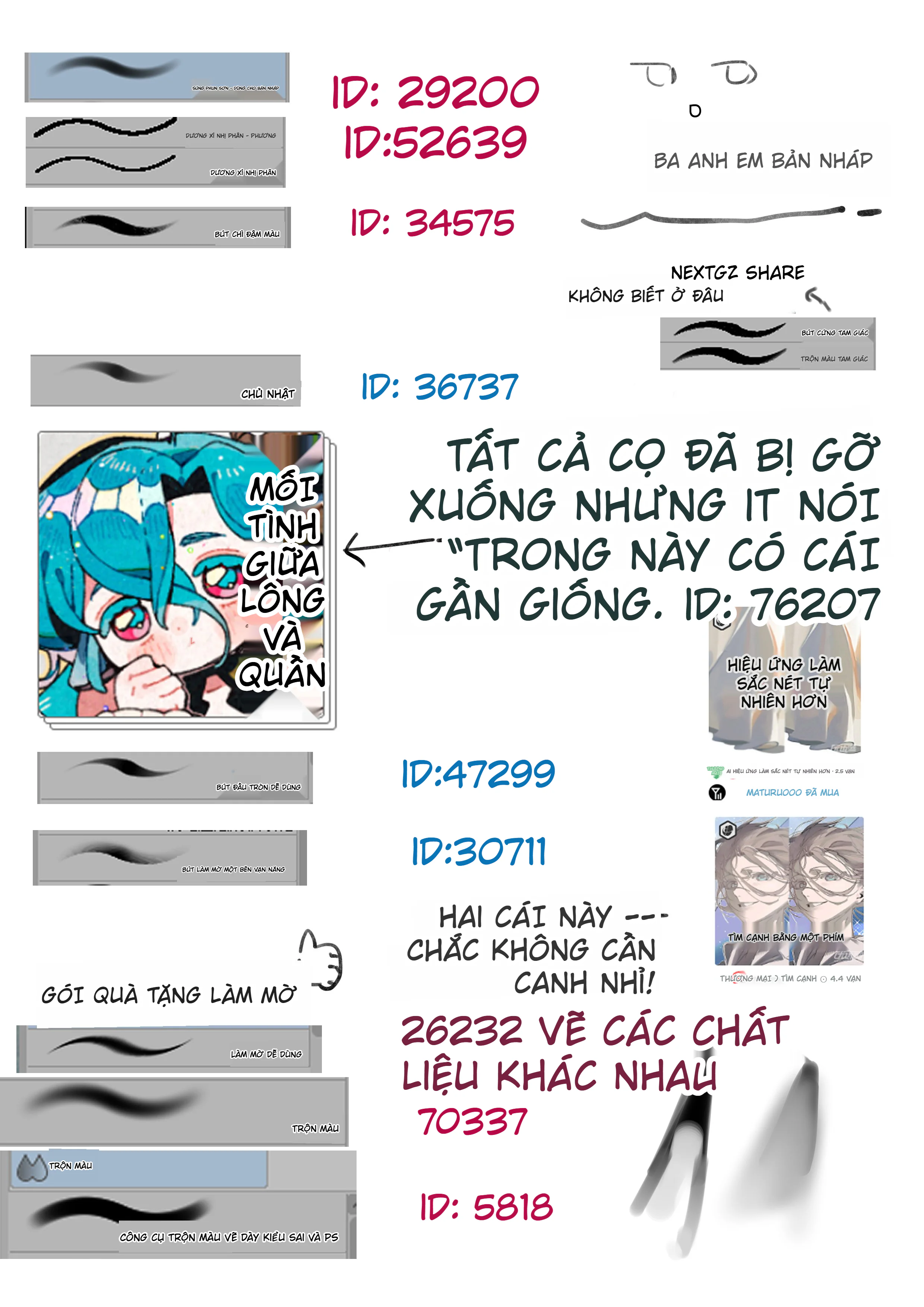
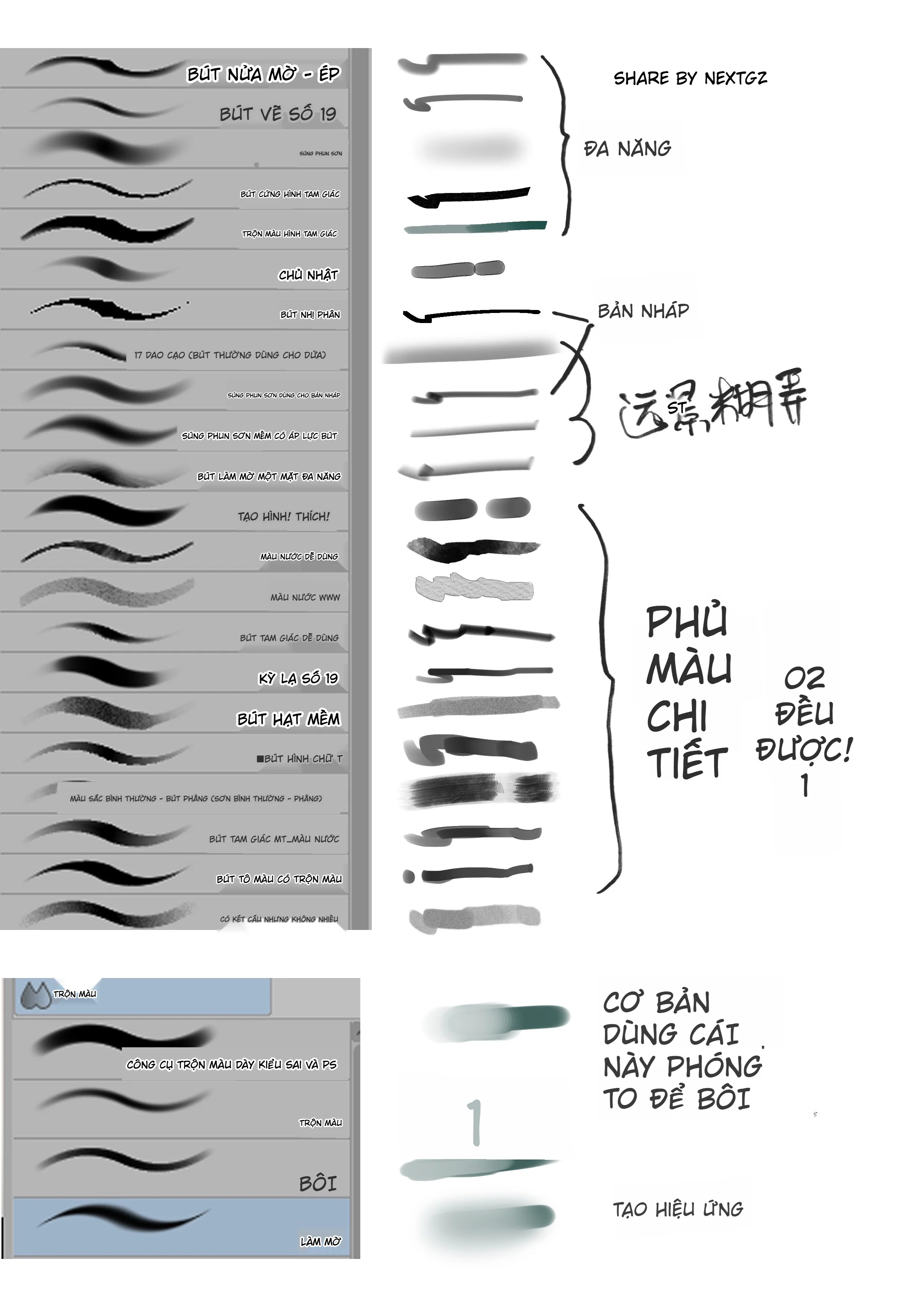
Step 3: Hard for tightening lines + details
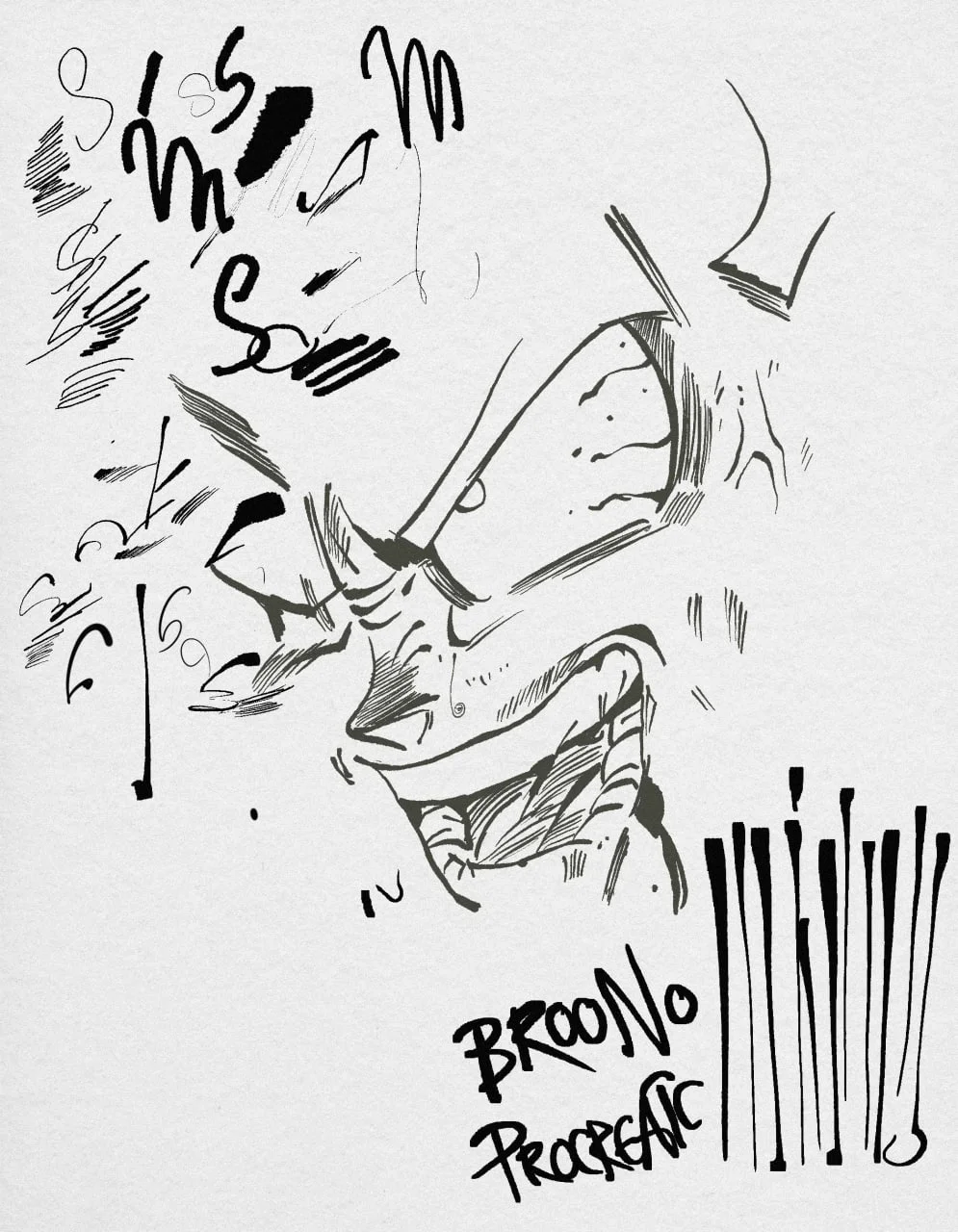
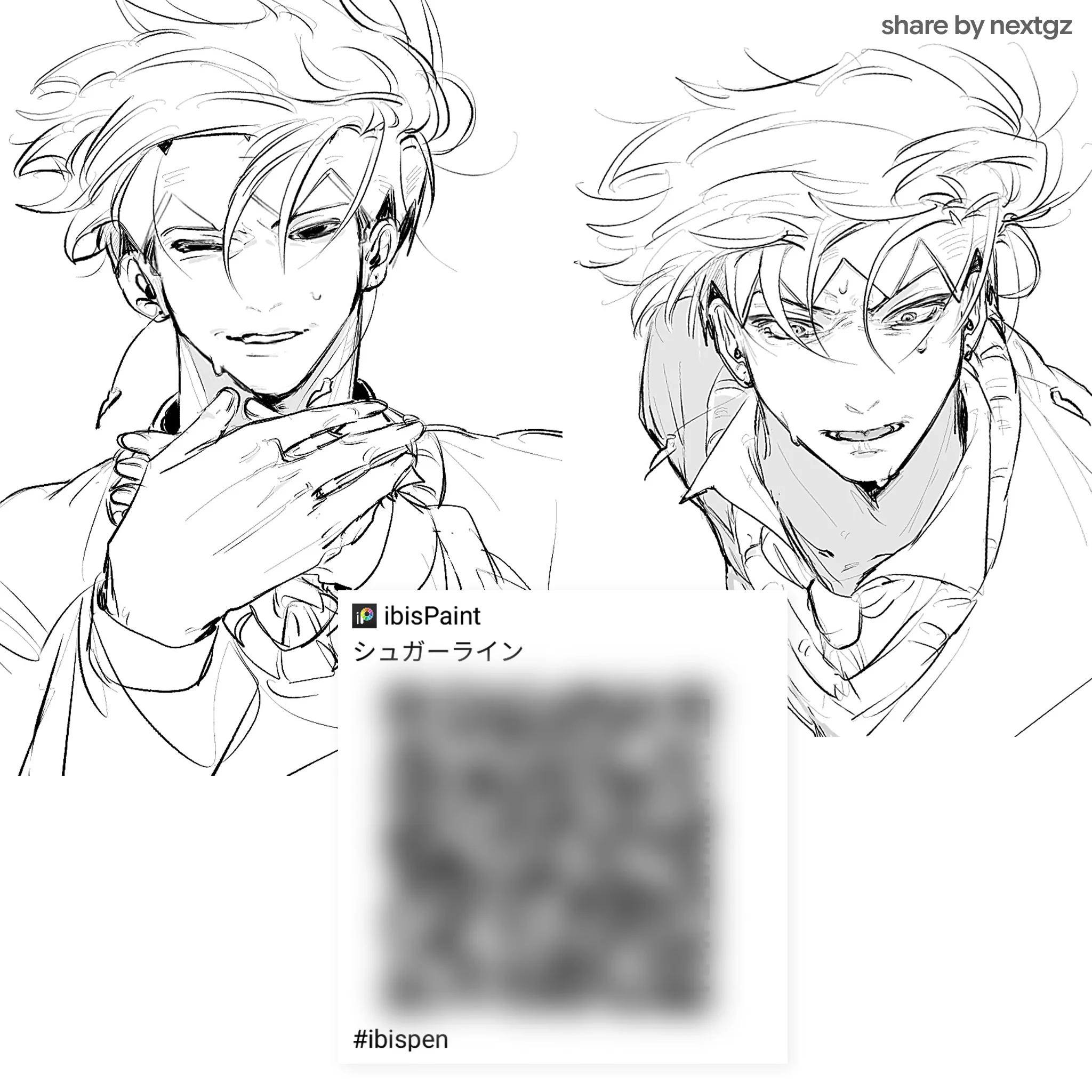
Switch to hard pen/rough pen for outlines, trimming hair, fabric, folds, small highlights. One consistent "steady-handed" hard brush is enough to save the whole piece.
HOW TO IMPORT BRUSHES INTO CSP (QUICK & EASY)
If you have a valid brush file (.sut or material): drag-and-drop directly into the Sub Tool/Brush panel and it will automatically add to the brush group. Those who need it, just open the pinned comment to see the list right away.
Complete the following requirements to unlock:
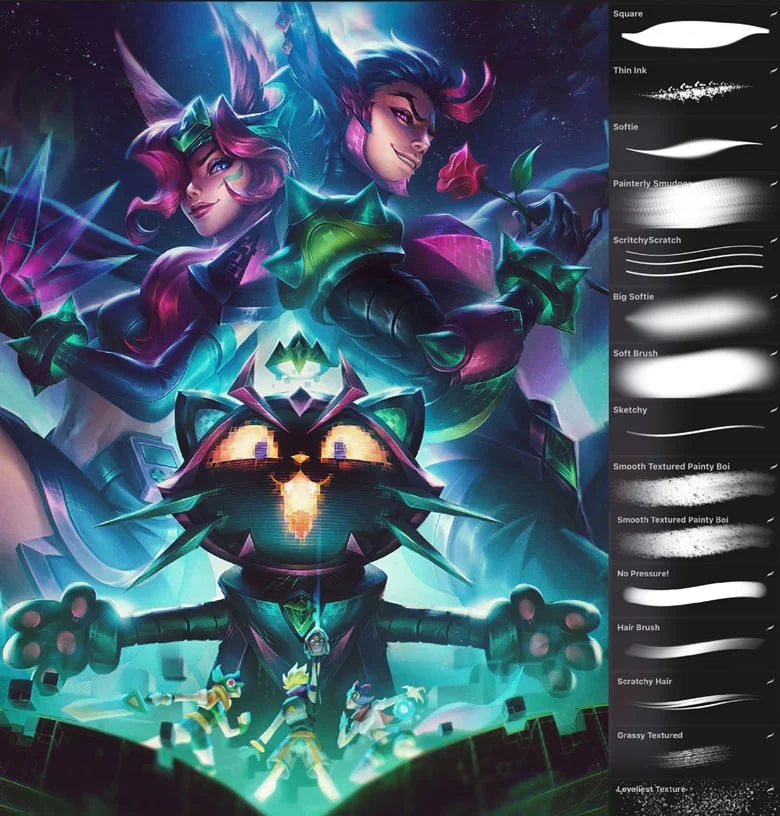







Bình luận
0 bình luận
Đăng nhập để tham gia thảo luận cùng cộng đồng!
Đăng nhập ngayĐang tải bình luận...