

Set brush Procreate NextGZ compilation shared FREE: easy to get started, clean lines, smooth coloring, stable blending
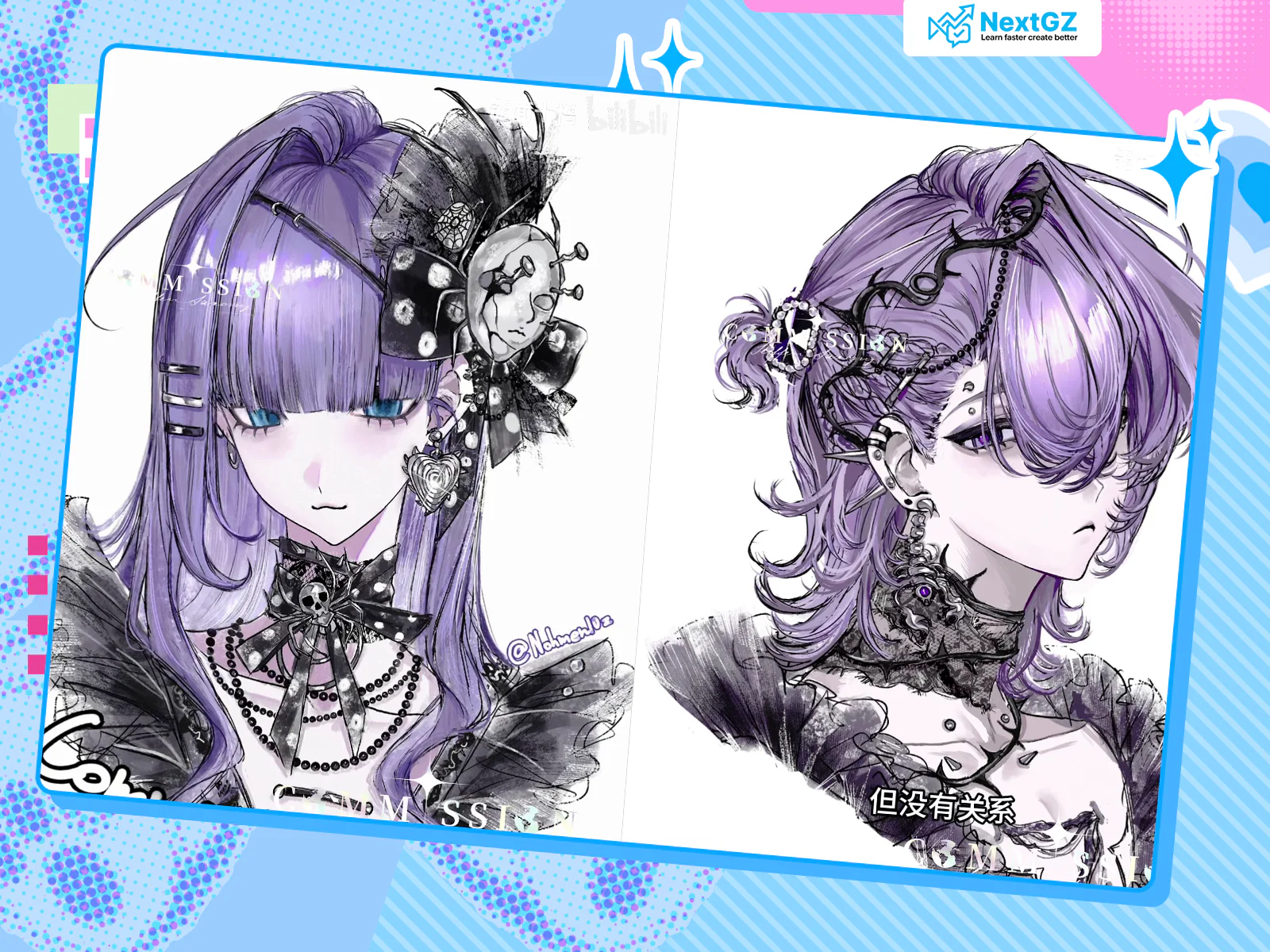
If you need a Procreate brush set that's "ready to paint immediately" for illustration/character work, this is the NextGZ set, curated and compiled from various sources.
Complete the following requirements to unlock:
What's in this set and what is it for?
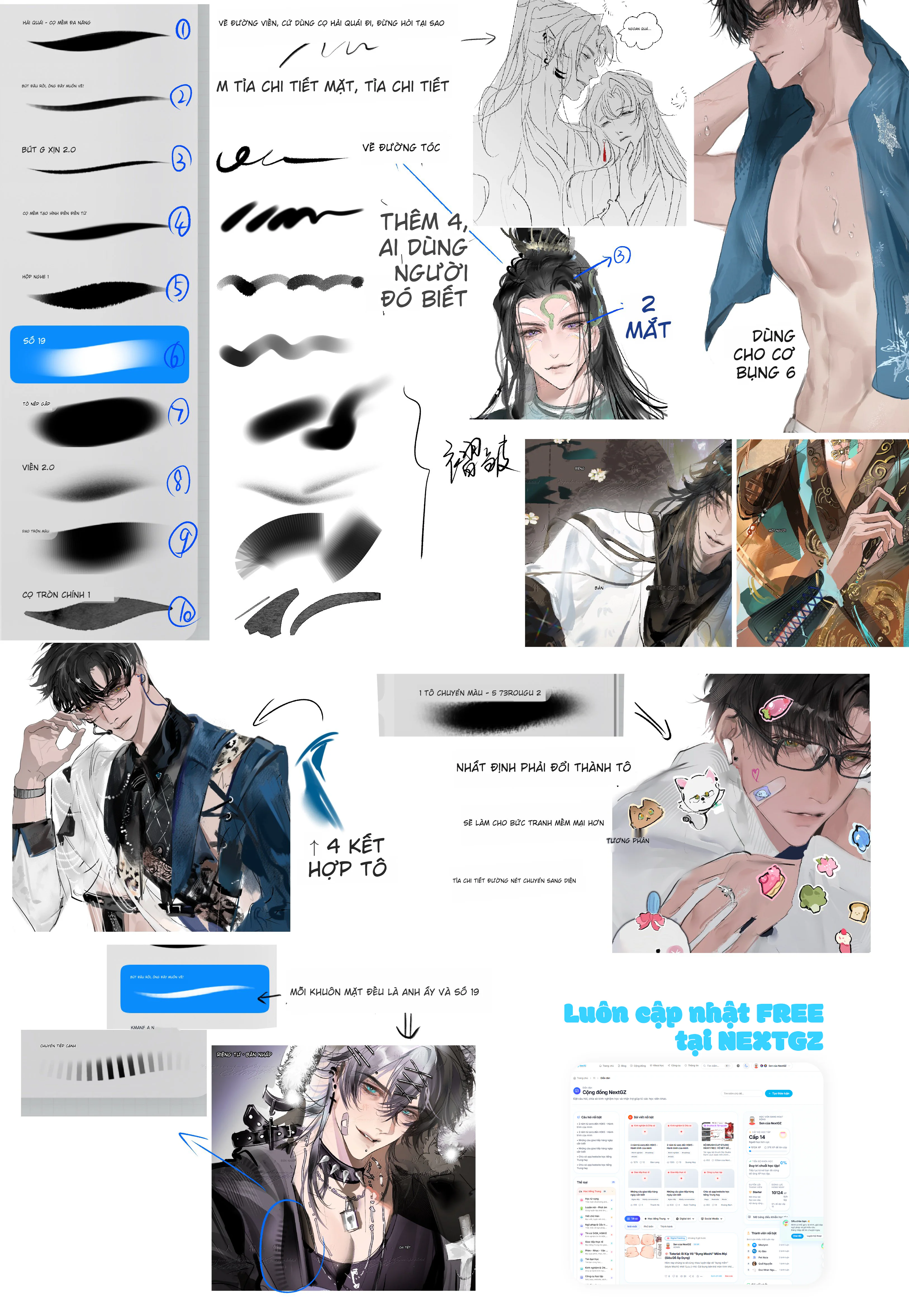
NextGZ is selected based on criteria: easy to get started – clean lines – smooth coloring – stable blending, most suitable for a character drawing workflow.
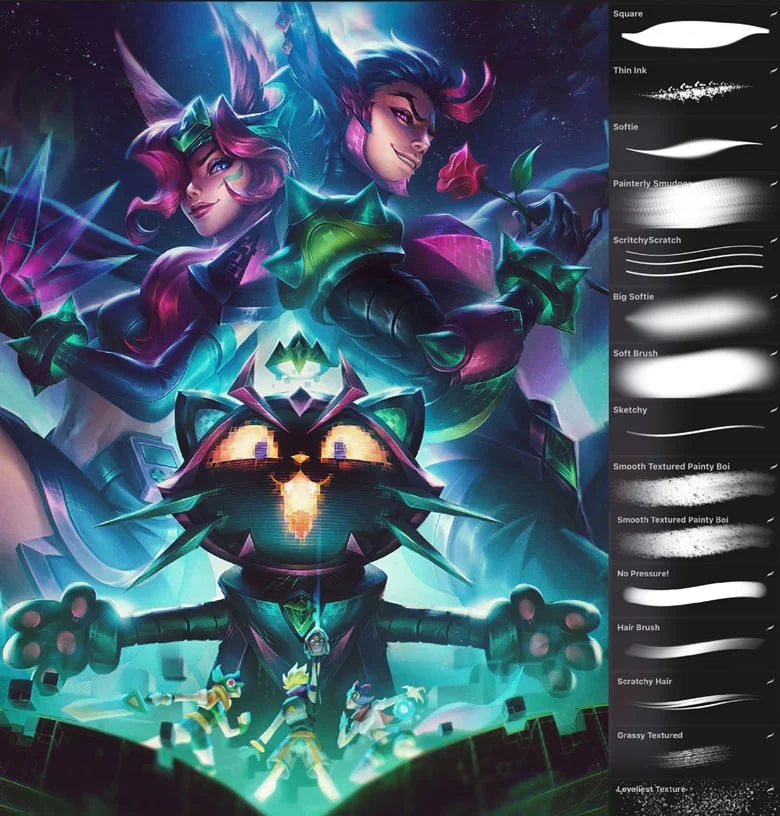
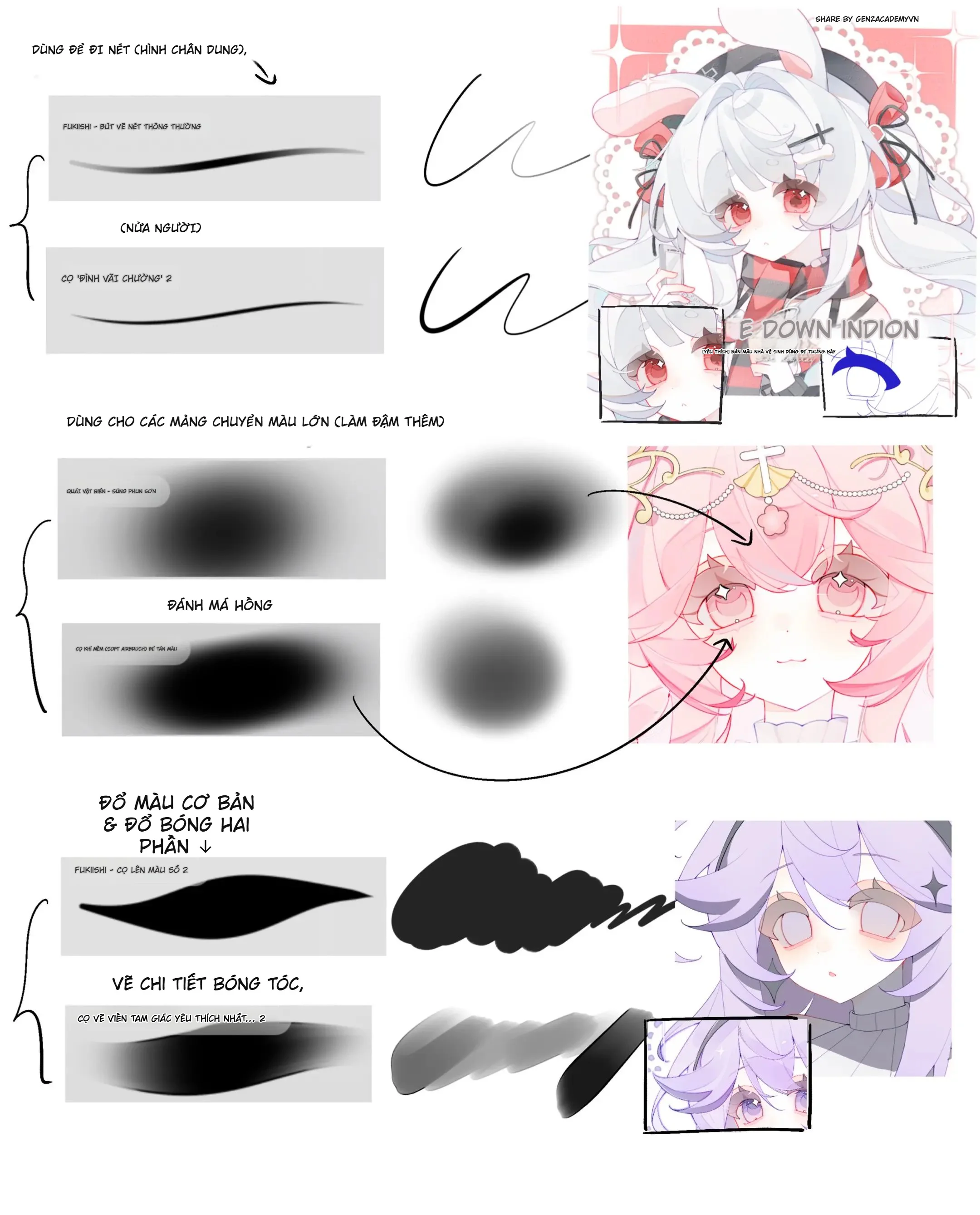
The set typically has 4 main groups:
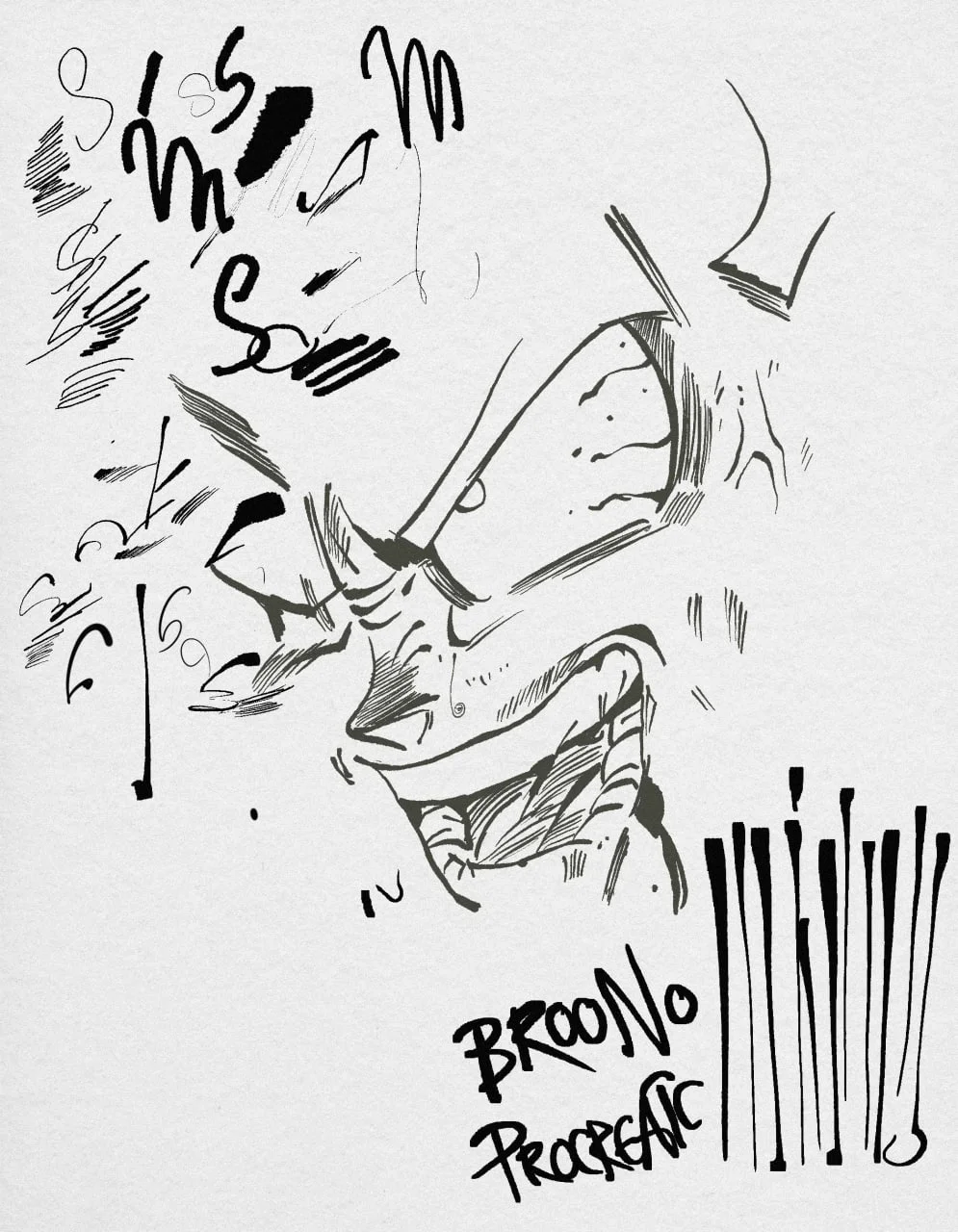
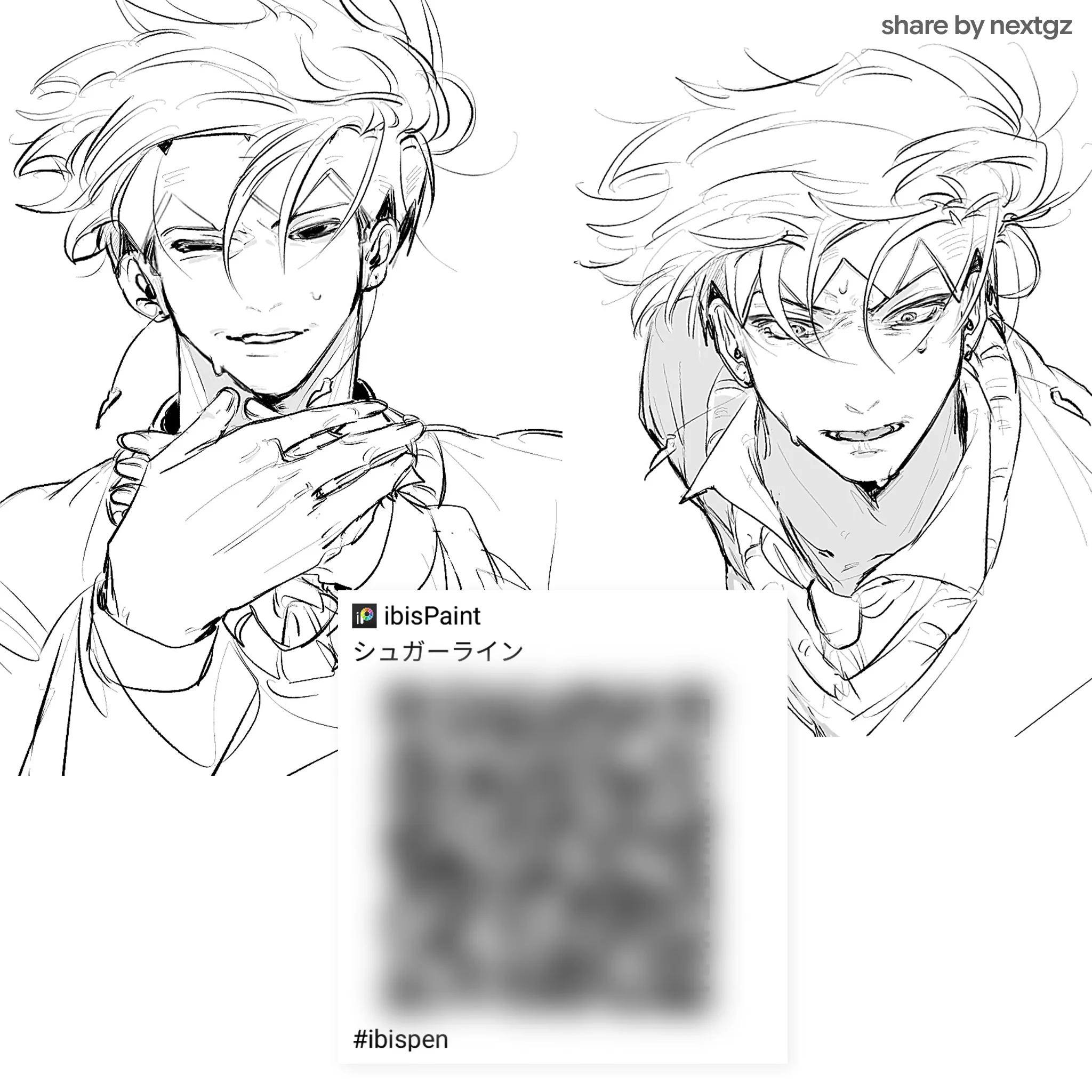
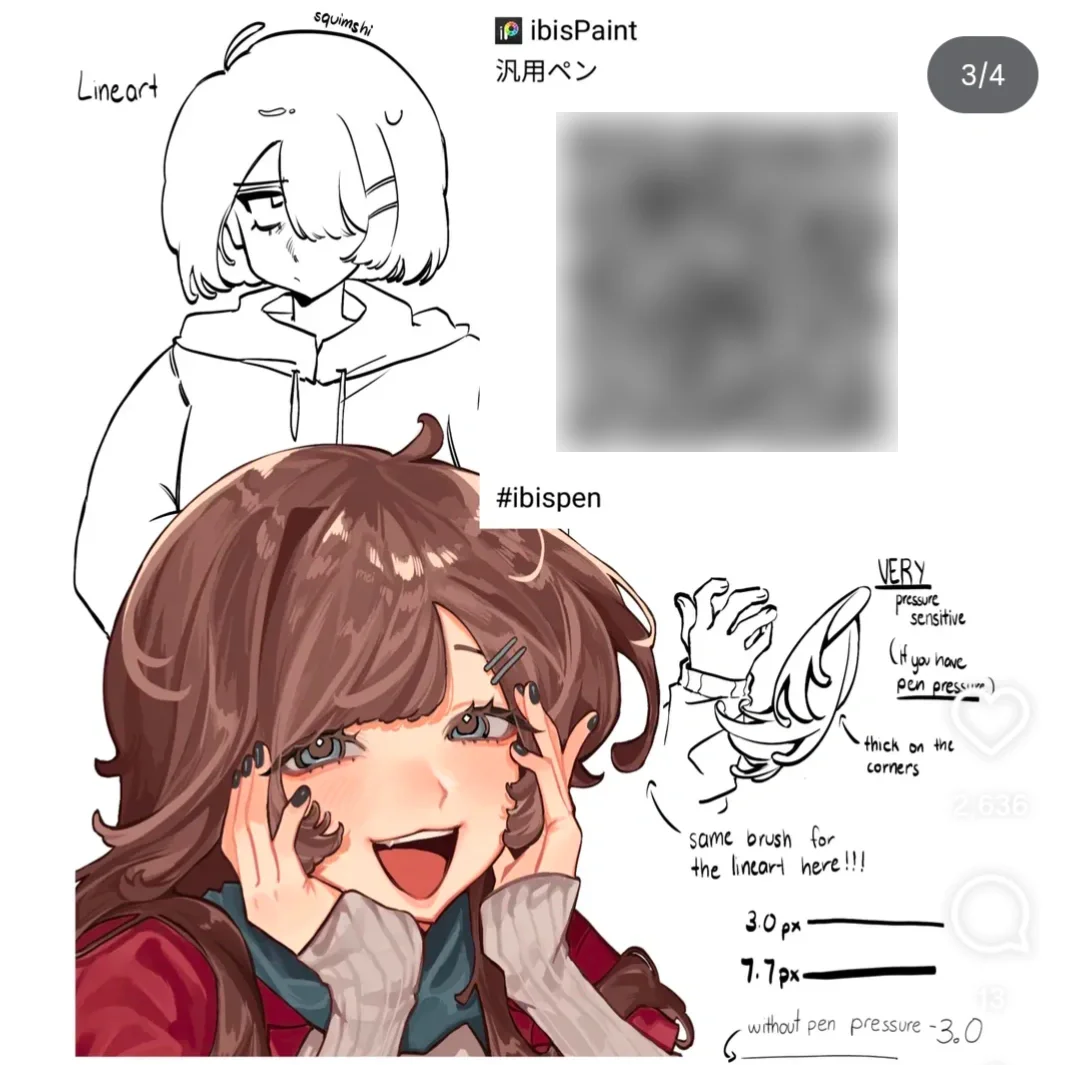
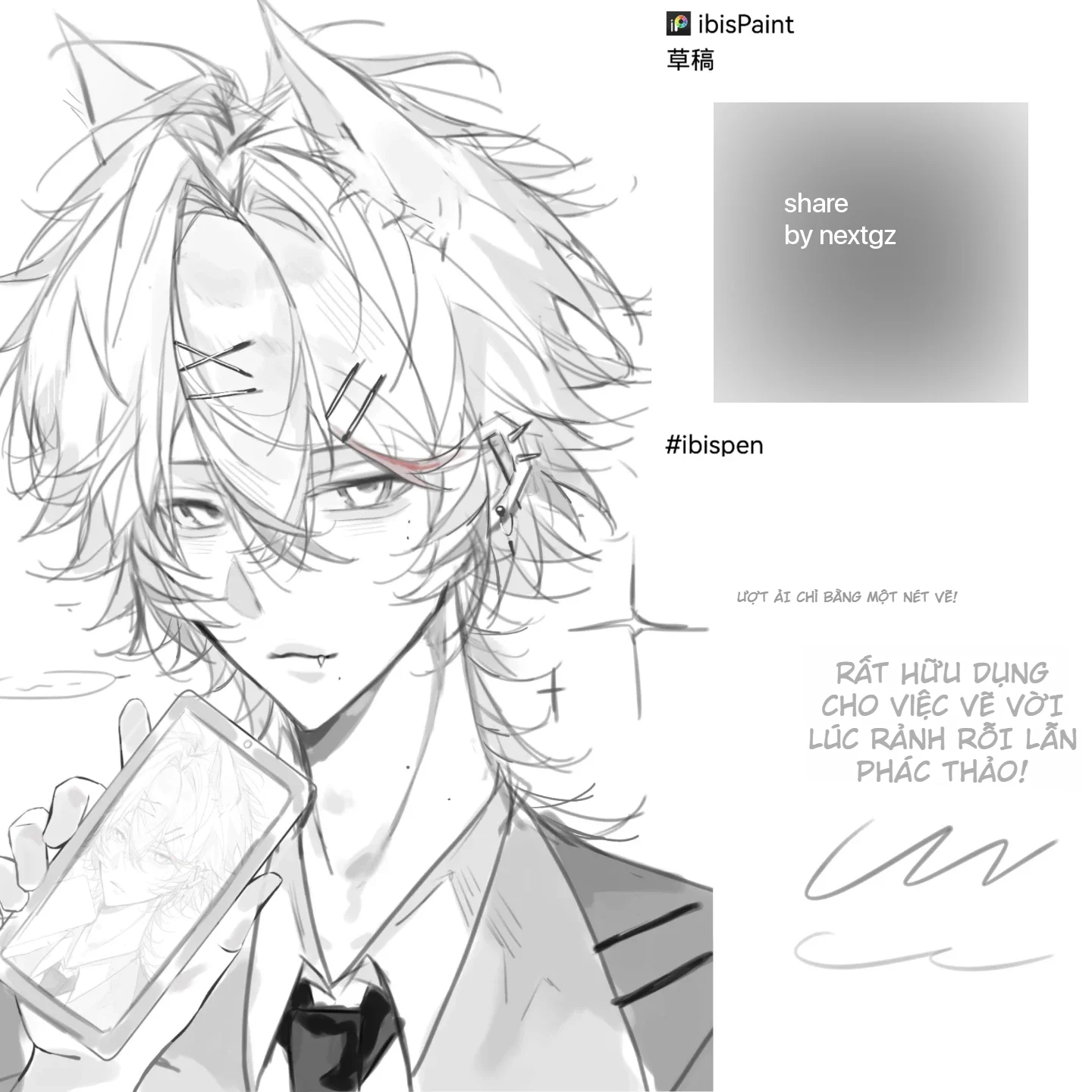
Line/inking brushes: clean strokes, minimal wobble, good for quick lineart
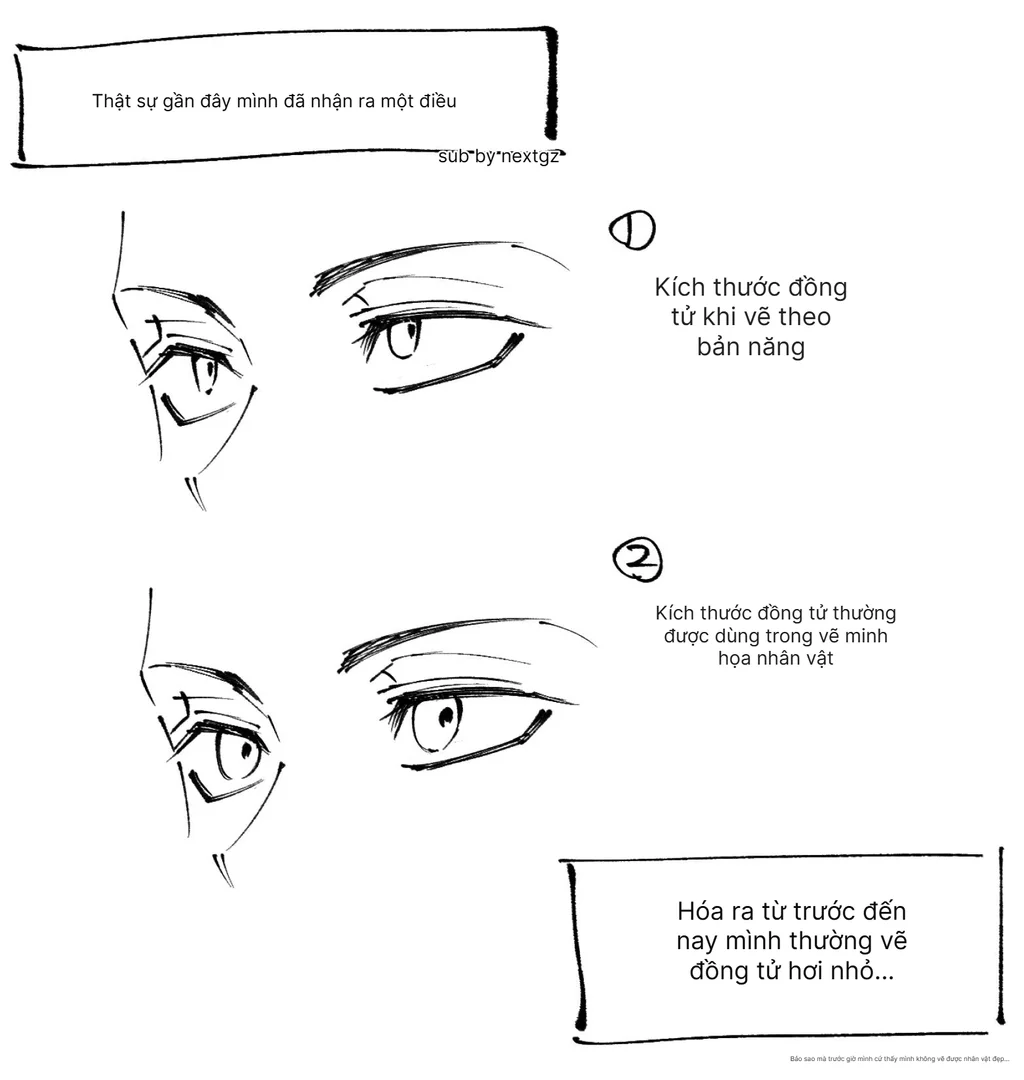
Hair + facial detail brushes: assist with hair and "money shot" points like eyes/nose/lips
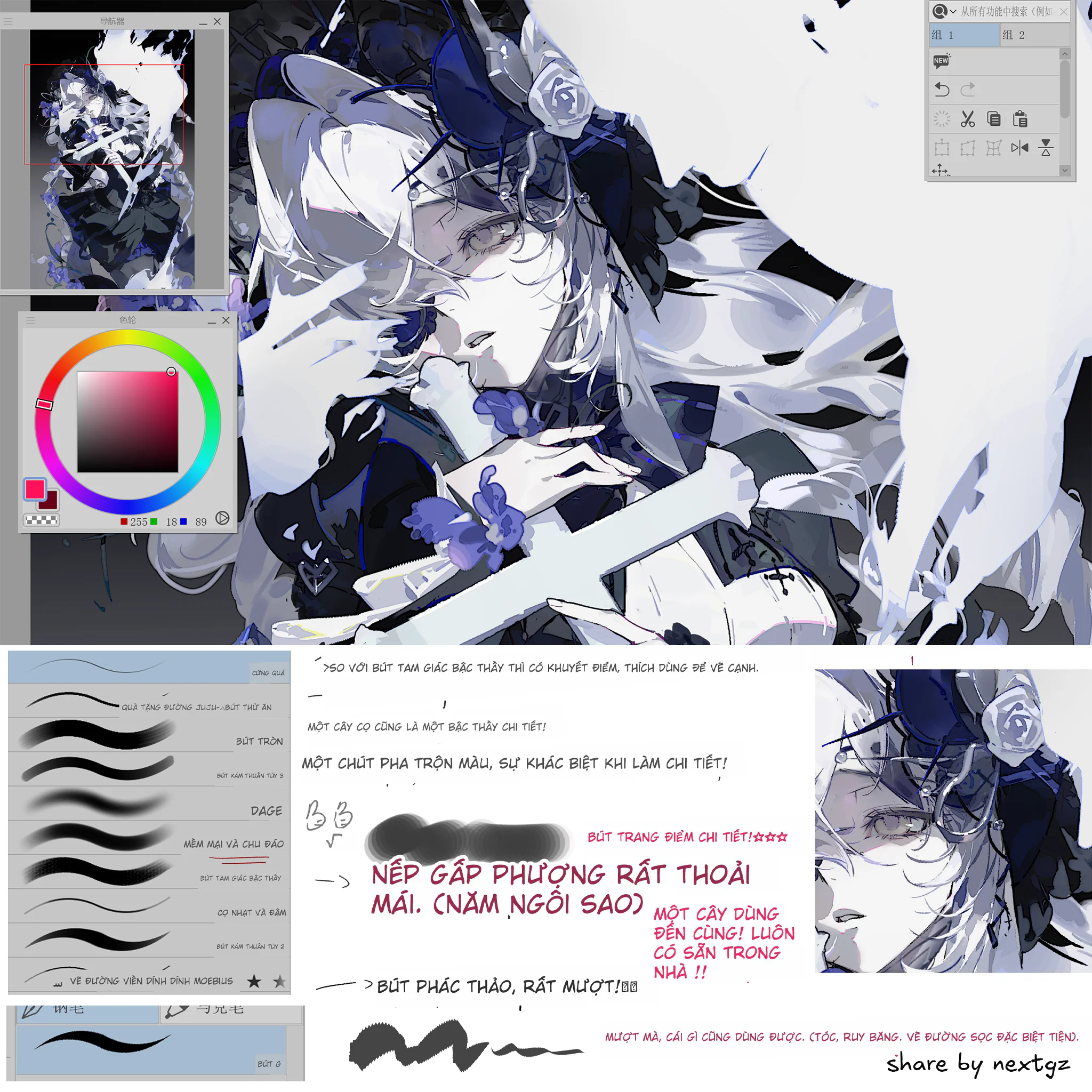
Shading/blocking + blend/smudge brushes: build volume quickly, transition colors smoothly
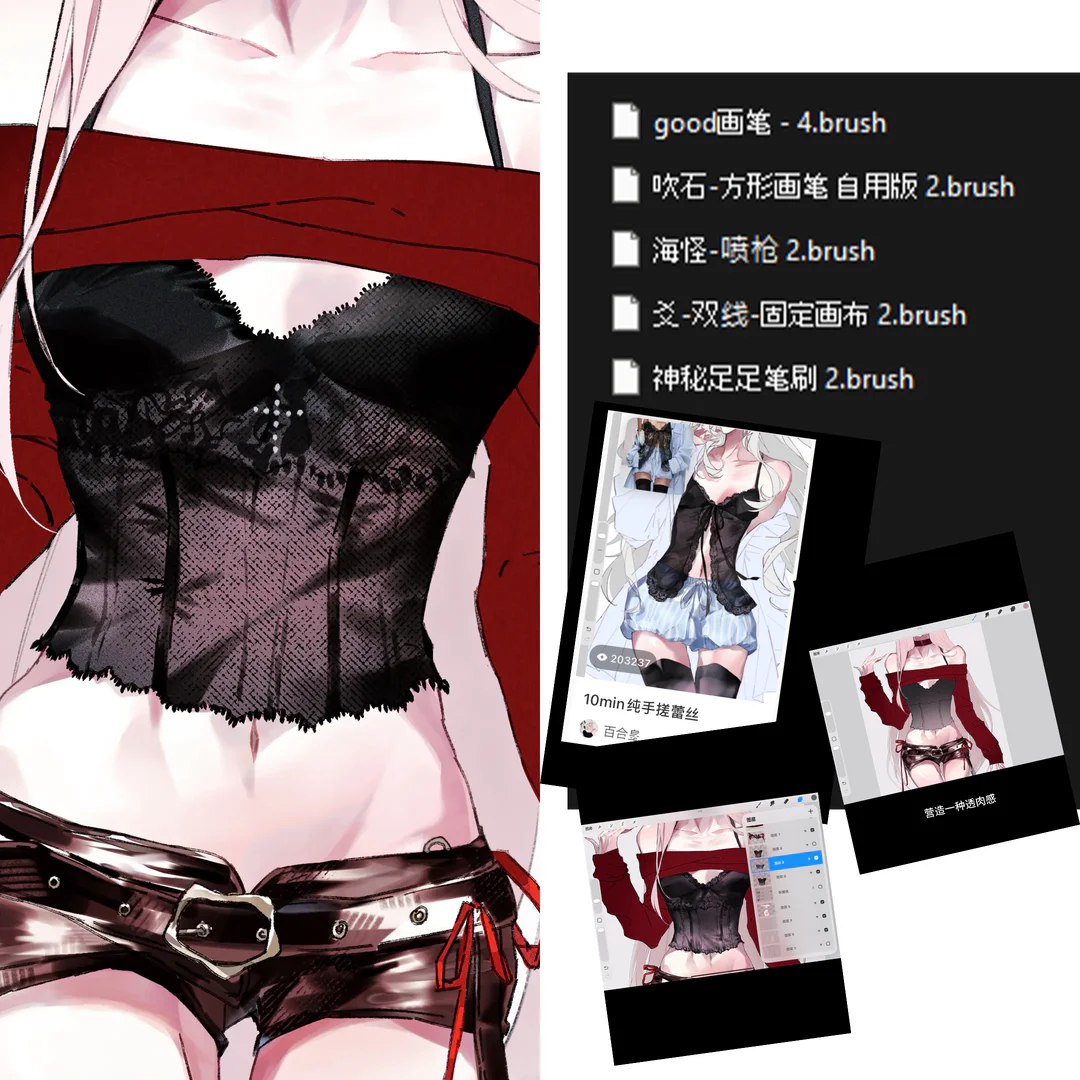
Light effect/texture brushes: add just enough texture for the artwork to have "depth"
Straight talk: don't try to find "1 brush that does everything". Separating into groups by task (line / block / shade / blend / texture) noticeably increases speed.
Who should use this set?
Procreate beginners: want a "stable" set to focus on learning form + lighting
Illustration/character artists: need clean lines + fast shading + smooth blending
Those with urgent assignments: need brushes that assist with blocking, detailing to save time
How to install the brushset into Procreate (standard, easy to do)
You will encounter common formats like .brush / .brushset / brush library. For brushsets, there are 2 quick ways:
Method A (drag and drop from file manager)
Press and hold the brush/brushset file then drag and drop into Procreate to import. Procreate Help Center
Method B (import within the brush library)
Open Brush Library → tap the add button → select import from file → choose the brush/brushset file to import. Procreate Help Center
After importing, the brushes will be in the brush list (usually as a separate set). Procreate Help Center+1
Suggested workflow "using this set to produce work" (illustration/character)
Step 1: Sketch
Use a sketch brush to build the pose and proportions. The goal is clear form, not beauty.
Step 2: Clean lineart
Switch to a stable line brush. Prioritize "important lines": eyes, nose, hair outline, clothing edges. Don't line everything thickly.
Step 3: Block color / large areas
Use a fill or large area brush to lock in the basic colors.
Step 4: Blocking / shading
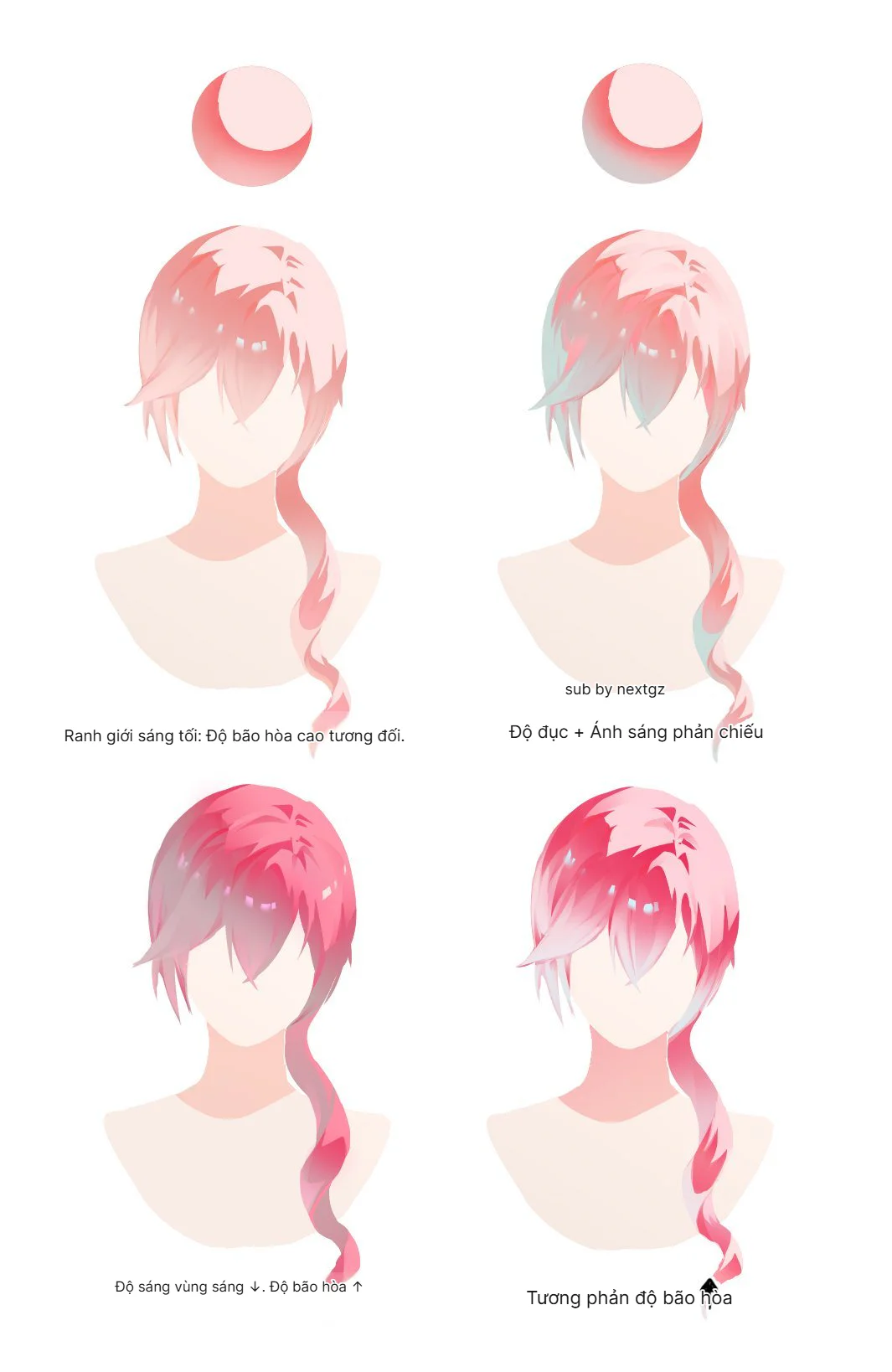
Use a shading brush to create 3 levels: light – mid – dark. Do blocks first, blend later.
Step 5: Blend & polish
Blend according to surface direction (hair follows locks, clothes follow folds). Avoid blending everything into "soap".
Step 6: Light texture/effects
Only add to areas that need emphasis (hair, fabric, accessories). Texture is a spice, not the main dish.
Clearly credit sources for cleanliness and longevity




Bình luận
0 bình luận
Đăng nhập để tham gia thảo luận cùng cộng đồng!
Đăng nhập ngayĐang tải bình luận...