Skip to content
NextGZ Logo
HomeForum
Content & community
Search everything

One search across products and courses; each area keeps its own experience

Blog

Articles, guides and updates

Multi-topic courses
Courses

Digital Art, business, marketing, EQ, career skills and Vibe coding

Digital Art
Art courses
My Art courses
Marketplace
Store

Products, memberships and offers

Brushes & Templates
My downloads
About us
Terms & privacy
Login
Log in
  1. Trang chủ
  2. ...
  3. Hashtag
  4. IPad
NextGZ Logo

Nền tảng Digital Art với tài nguyên Brush, PSD, khóa học Art và cộng đồng sáng tạo, nội dung cập nhật liên tục.

Việt Nam 🇻🇳

Học tập

  • Khóa học
  • Digital Art
  • Tài nguyên Art
  • Cửa hàng

Thông tin

  • Về chúng tôi
  • Liên hệ
  • Dashboard

Đối tác

  • NextGZ
  • GZ Team

Pháp lý

  • Điều khoản
  • Bảo mật
Discord NextGZ Discord avatar

Discord NextGZ

Đang tải
Tham gia
© 2025 NextGZ·Nền tảng Digital Art: tài nguyên Brush & PSD, khóa học Art, khóa học online, shop sản phẩm và cộng đồng sáng tạo
Cộng đồng học Digital Art NextGZ
Trang chủBlogForumCá nhân
← Explore content

Hashtag

#iPad

4 related items across NextGZ.

AllBlogForumCoursesArt coursesArt resourcesShop

Blog

4

Blog

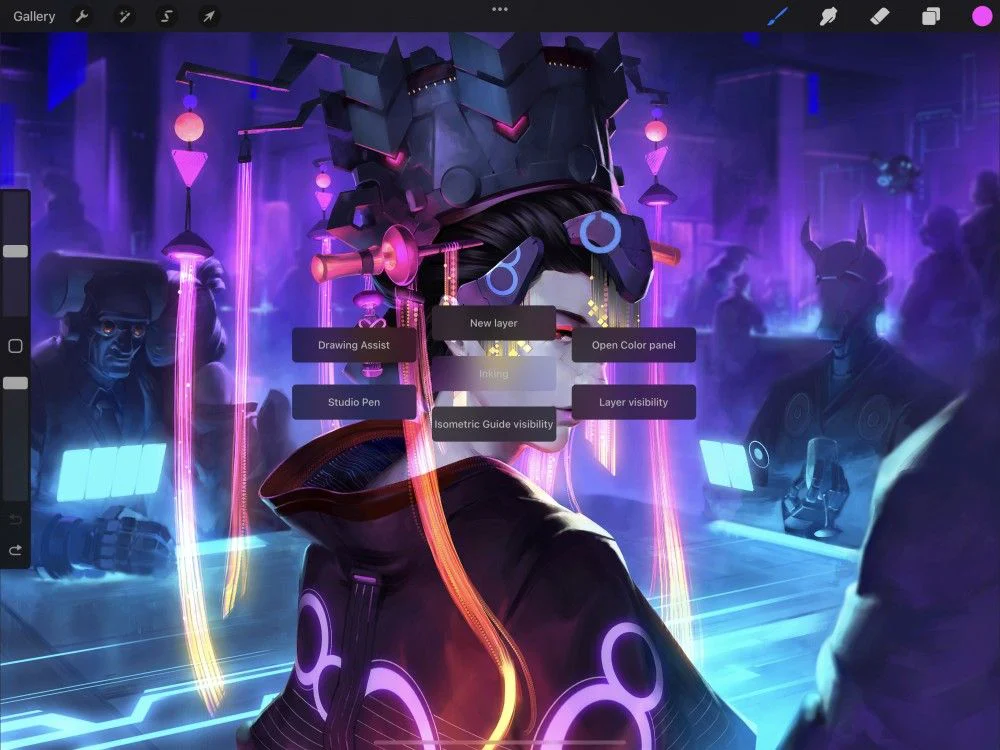
Procreate QuickMenu: Tạo profile thao tác nhanh với Apple Pencil Pro squeeze để vẽ ít chạm UI hơn

Hướng dẫn thiết kế Procreate QuickMenu theo phase Sketch/Ink/Paint, dùng profile và Apple Pencil Pro squeeze để giảm thao tác mở panel khi vẽ.

Bắt Đầu Học Digital Art
Blog

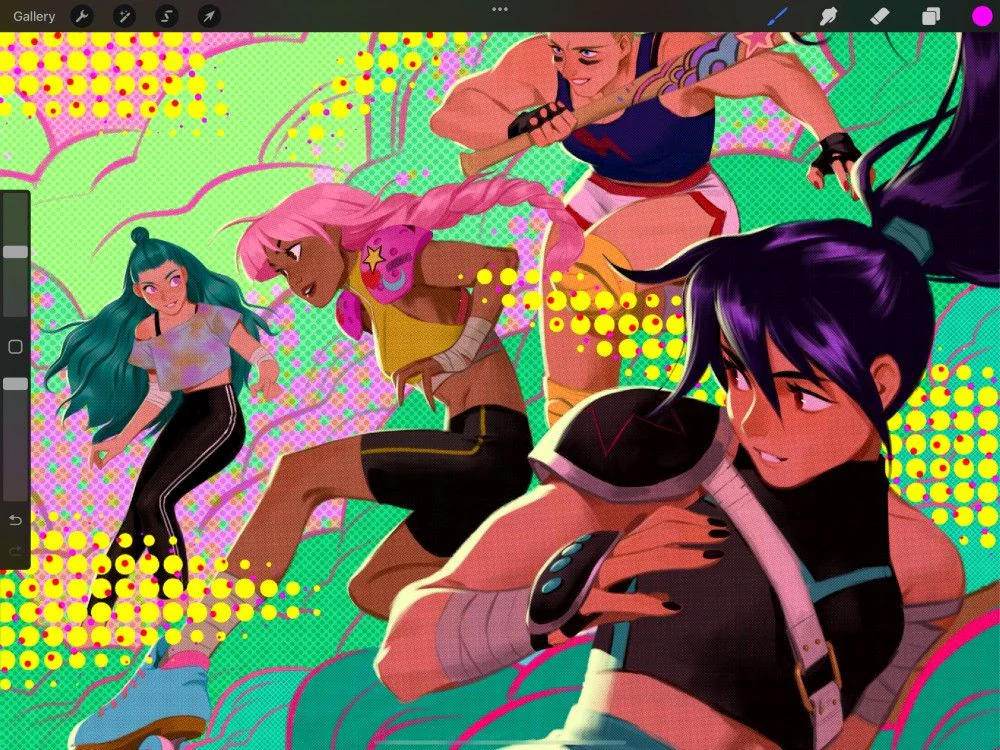
Procreate Gradient Map, Curves Và Color Balance: Color Grading Tranh Digital Art

Hướng dẫn color grading trong Procreate bằng HSB, Color Balance, Curves và Gradient Map: sửa value, tạo mood, giữ màu da và luyện workflow 7 ngày.

Công cụ & Phần mềm
Blog

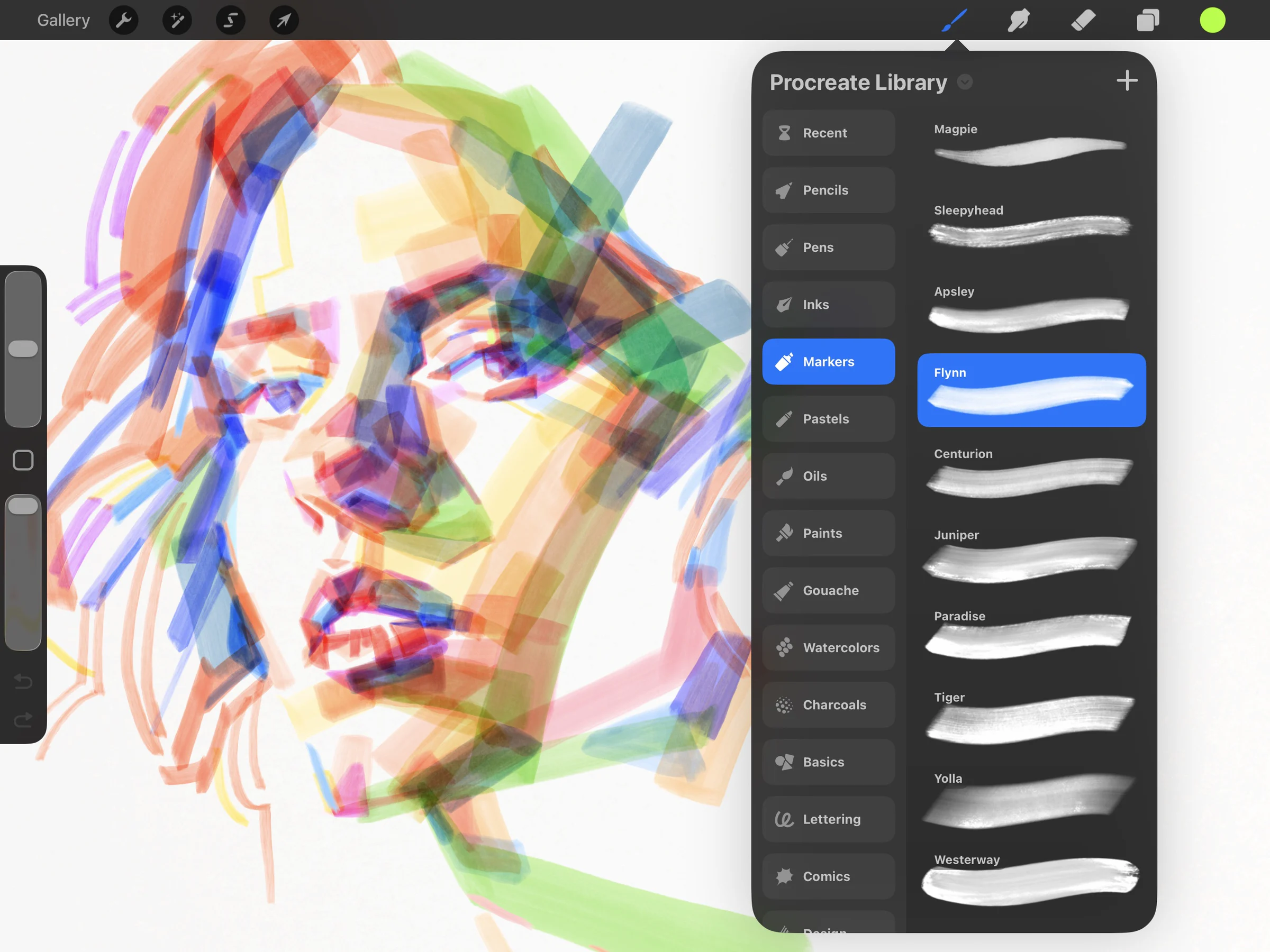
Brush Library Procreate: Hướng Dẫn Quản Lý, Tìm, Nhập Và Sắp Xếp Cọ

Hướng dẫn toàn diện Brush Library trong Procreate: mở và chuyển thư viện, tìm cọ, quản lý Recent/Pinned, nhập .brush, .brushset, .brushlibrary, sắp xếp, sao lưu và xây workflow cọ

Procreate
Blog

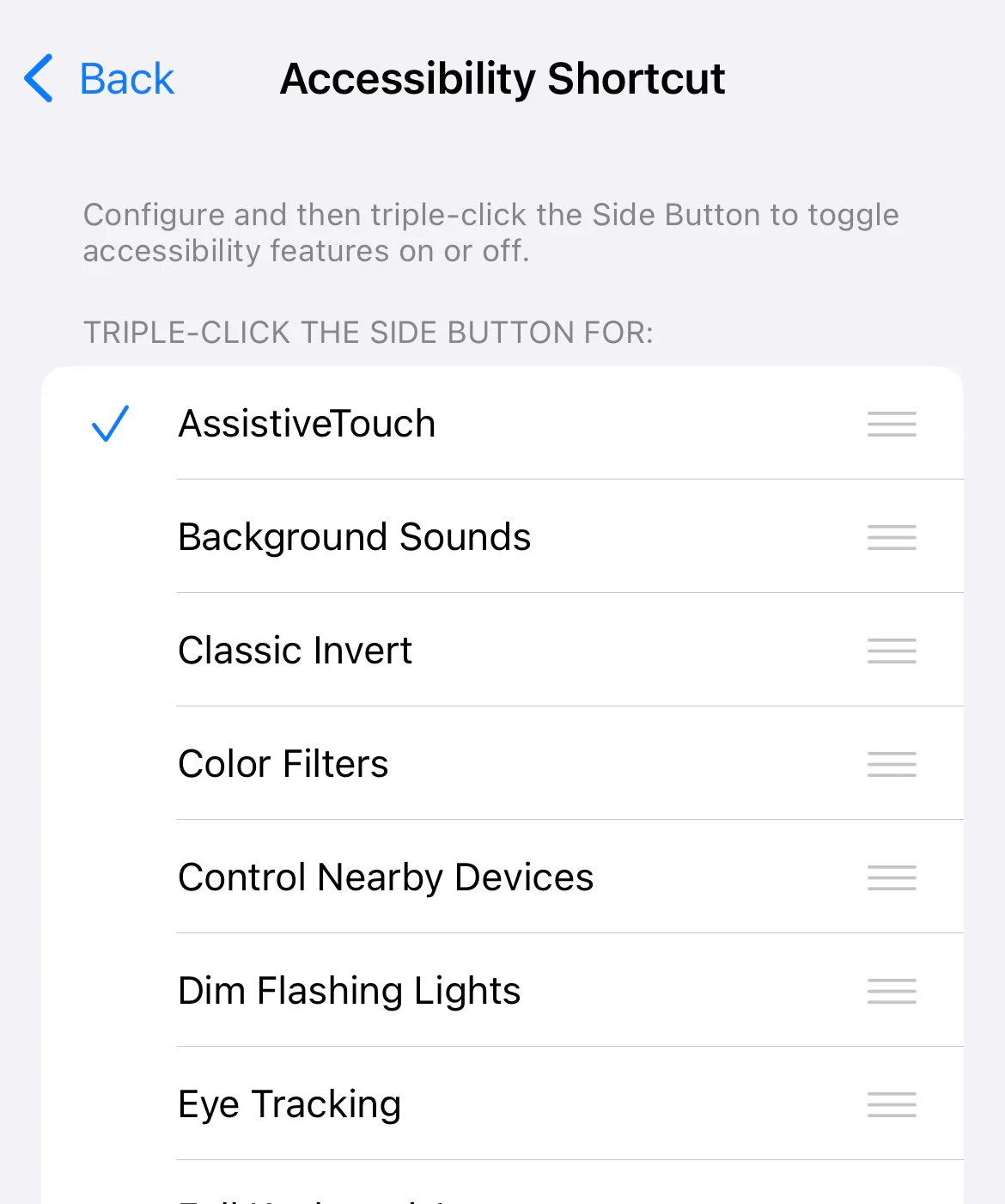
Procreate Trên iPadOS 26: Tắt Windowed Apps, Giảm Liquid Glass Và Tối Ưu Không Gian Vẽ

Hướng dẫn tối ưu Procreate trên iPadOS 26: tắt Windowed Apps, bật Full Screen Apps, giảm Liquid Glass, chỉnh accessibility, kiểm tra brush và Apple Pencil sau cập nhật.

Digital Art