Digital Art
 Công cụ & Phần mềm
 Tin Tức AI
 Vibe Coding
 Nền Tảng Hội Họa
 OpenAI
 Phối Cảnh & Background
 Màu Sắc & Ánh Sáng
 Phân Tích Kinh Doanh
 ChatGPT
 Clip Studio Paint
 Bố Cục & Storytelling
 Google DeepMind
 Indie Game
 Claude
 Anthropic
 Gemini
 GitHub Copilot
 Tâm Lý Marketing
 Tư Duy Kiếm Tiền
 Bản Quyền & Sử Dụng Thương Mại
 ChatGPT Voice
 Dify
Dify
 Tutorial vẽ AnimeTutorial vẽ AnimeSen của NextGZ
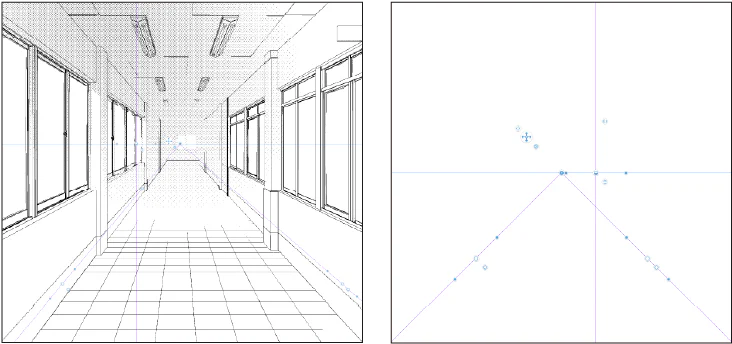
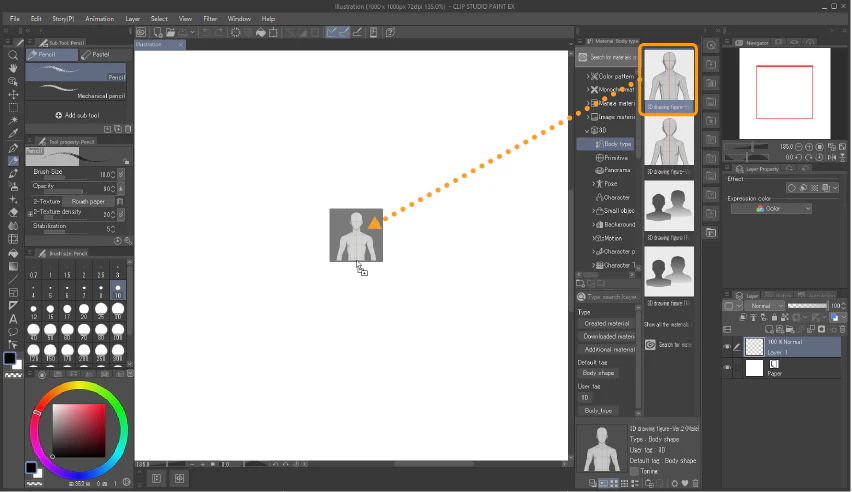
Hướng dẫn Import 3D trong CLIP STUDIO PAINT cho artist anime: từ blockout đến lineart
Hướng dẫn chuyên sâu Hướng dẫn Import 3D trong CLIP STUDIO PAINT cho artist anime: từ blockout đến lineart, có quy trình, bài tập và checklist thực hành.
07/22/202618 min9