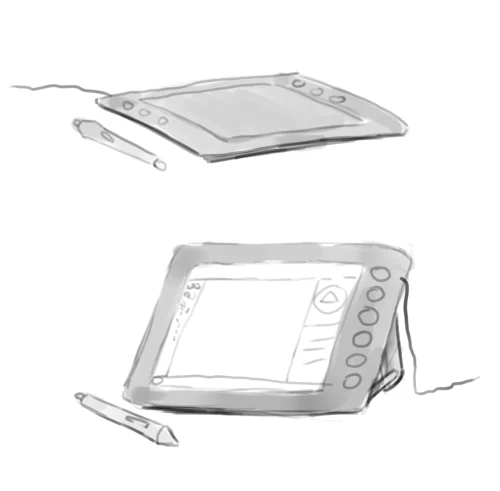
Krita Mất Lực Nhấn Bút: Cách Chọn WinTab, Windows Ink, Dùng Tablet Tester Và Chỉnh Pressure Curve
Quy trình chẩn đoán Krita mất lực nhấn bút: kiểm tra driver, Tablet Tester, WinTab, Windows Ink, mapping màn hình và chỉnh pressure curve đúng cách.
Multi-topic newsroom
Practical stories, explainers, and ideas across Digital Art, Chinese, business, marketing, AI, EQ, and career skills — curated for people who want to learn and work better.
Sen của NextGZ
48 recent posts
Active filters
Combine keywords, #hashtags and categories to refine the feed.

Quy trình chẩn đoán Krita mất lực nhấn bút: kiểm tra driver, Tablet Tester, WinTab, Windows Ink, mapping màn hình và chỉnh pressure curve đúng cách.

Hướng dẫn Brush Smoothing trong Krita 5.3: chọn No, Basic, Weighted, Stabilizer và Pixel Smoothing; chỉnh tốc độ, áp lực và tư thế đi nét lineart.

Hướng dẫn làm animation frame-by-frame trong Krita bằng Timeline, Onion Skin, keyframe và walk cycle, kèm thiết lập RAM, preview và render.

Hướng dẫn thiết kế Krita Workspace hiệu quả cho digital painting: sắp xếp Dockers, Layers, Popup Palette, Brush Presets, Resource Manager, Canvas-only và Timeline theo từng thiết bị, công đoạn.

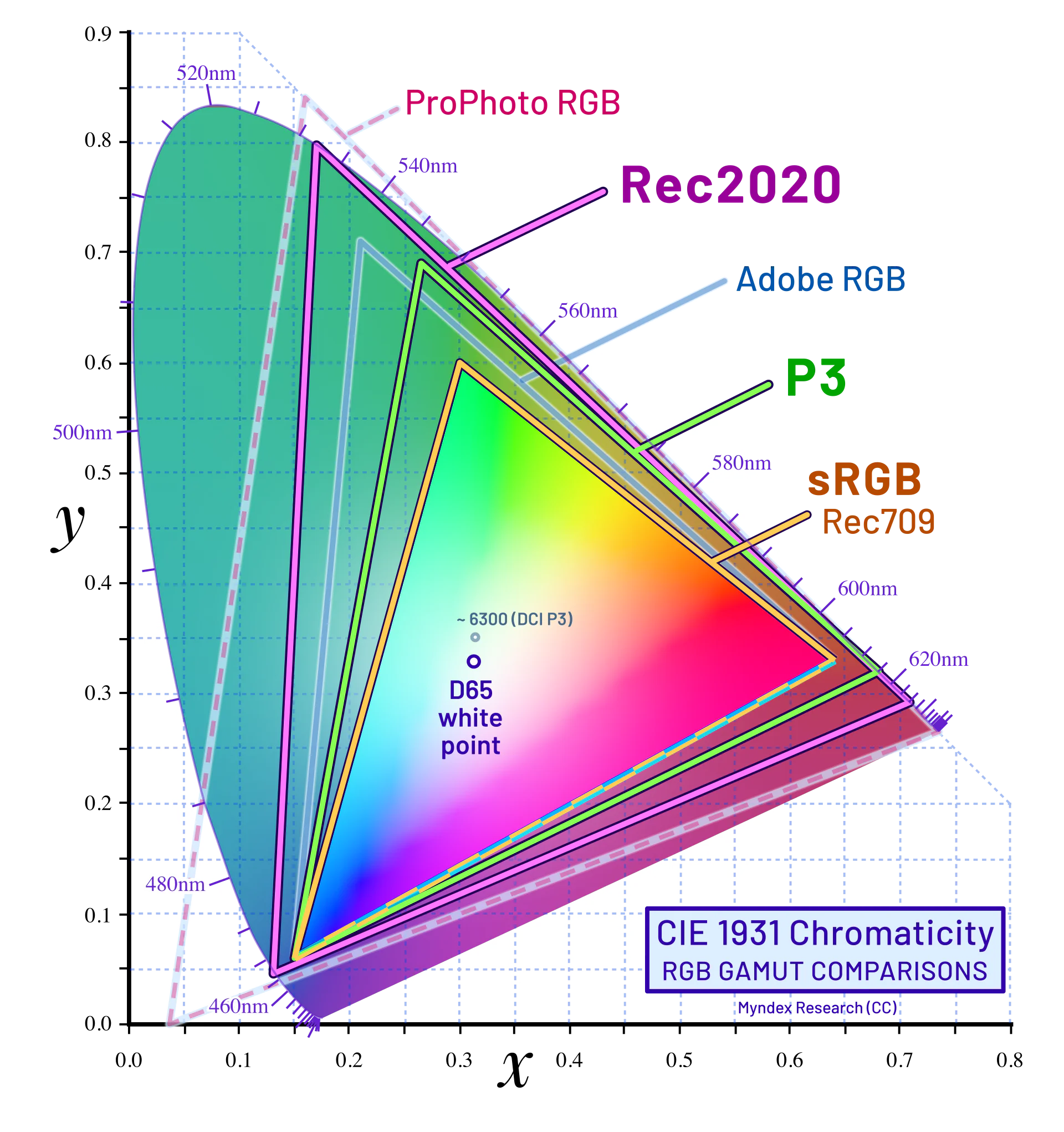
Hướng dẫn quản lý màu cho Digital Artist: phân biệt sRGB, Display P3, RGB, CMYK và ICC; hiệu chuẩn màn hình, soft proof, rendering intent, Black Point Compensation và Gamut Warning cho web lẫn in.

Học 101 thuật ngữ tiếng Trung dành cho digital artist trong Krita: layer, mask, brush, blend mode, selection, transform, màu sắc và mẫu câu bàn giao file thực tế.

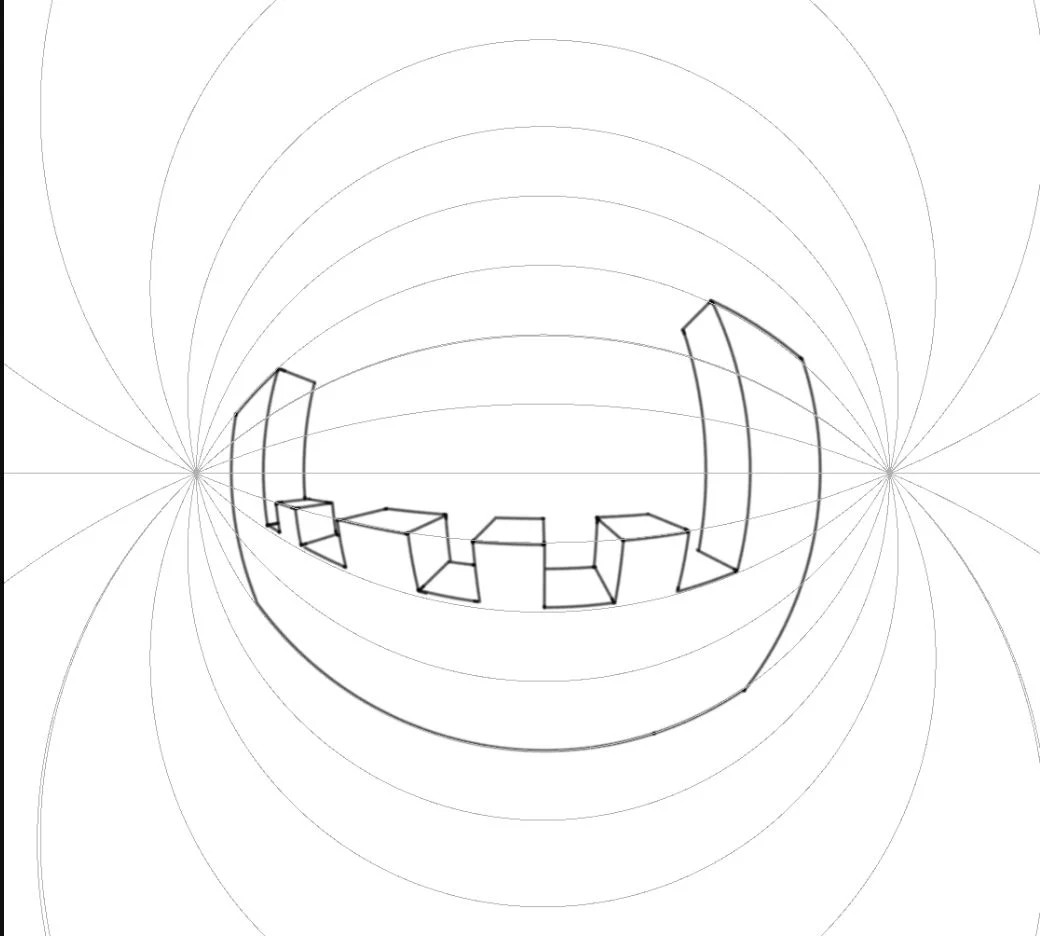
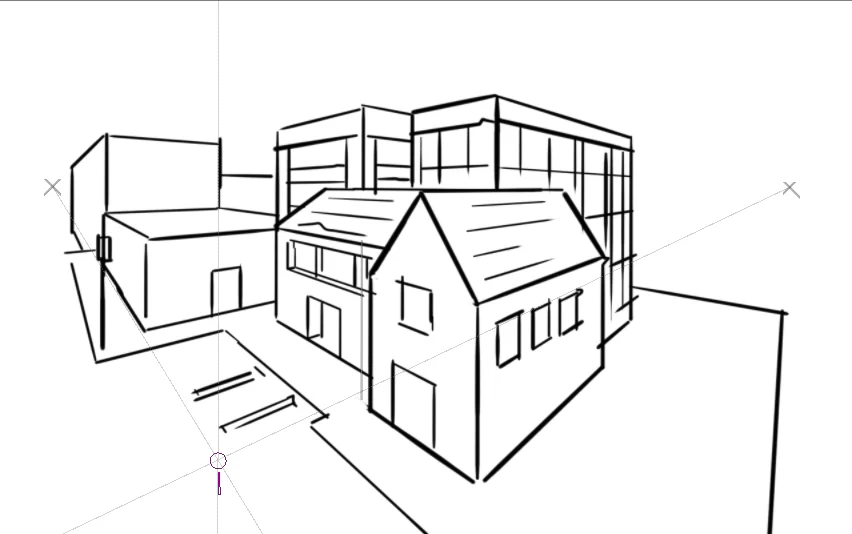
Hướng dẫn Krita Assistant Tool để dựng background bằng phối cảnh 1–3 điểm, Perspective Ellipse, Oblique, Dimetric, Isometric và Curvilinear.

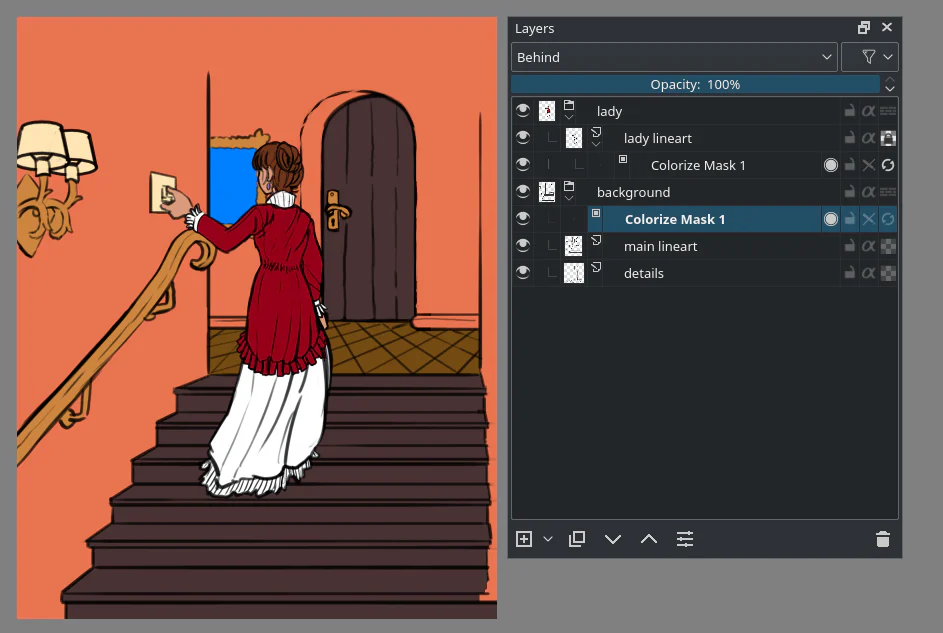
Hướng dẫn Krita Colorize Mask từ chuẩn bị lineart, đặt nét màu gợi ý, đóng khe hở đến chuyển Paint Layer và tách từng mảng màu.

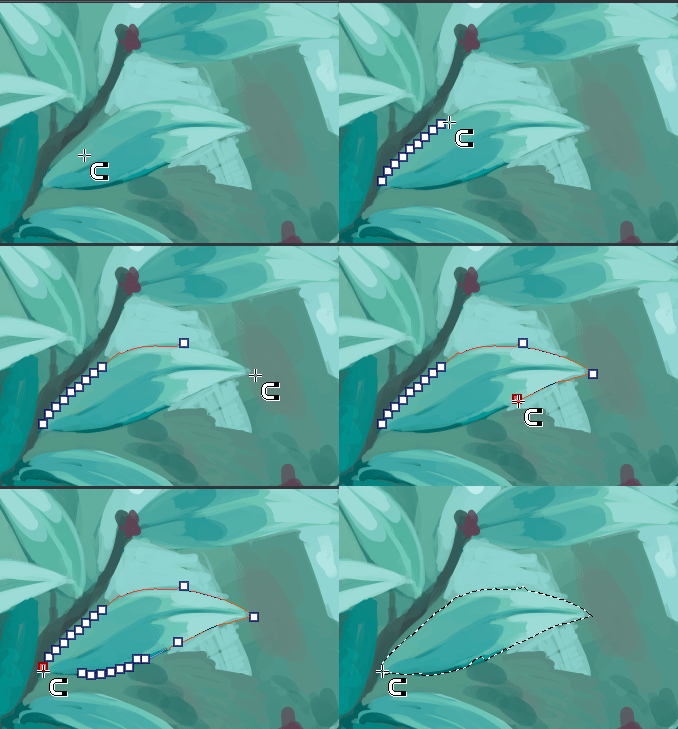
Hướng dẫn chọn vùng trong Krita bằng Rectangle, Ellipse, Freehand, Polygonal, Contiguous, Similar Color và Magnetic; kèm workflow lineart, Threshold, Grow và Feather.

Hướng dẫn Fill Tool trong Krita để tô base lineart sạch: chọn vùng, threshold, Close Gap, Grow Selection, Reference và Drag-Fill.

Hướng dẫn dùng Drawing Assistants nâng cao trong Krita cho Perspective Ellipse, axonometric, curvilinear và fish-eye, kèm workflow dựng hình và kiểm lỗi.

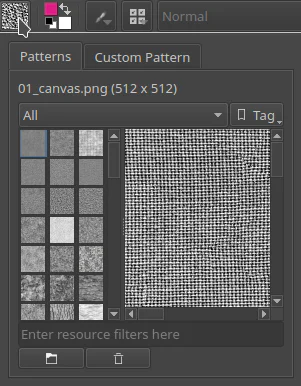
Hướng dẫn tạo pattern lặp trong Krita từ canvas, quản lý bằng Patterns Docker, áp dụng qua Fill Layer và xử lý scale, rotation, moiré bằng Align to Pixel Grid.
Sen của NextGZ
48 recent posts