ibisPaint Screen Tone Cho Manga: Điều Chỉnh Độ Đậm, Shading Và Quản Lý Layer Đúng Cách
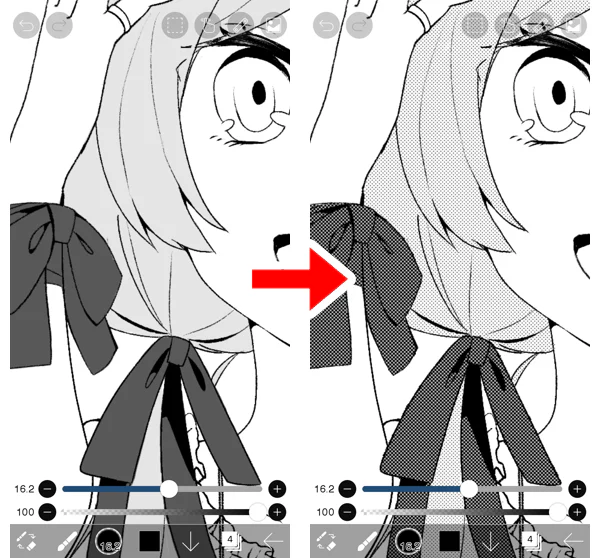
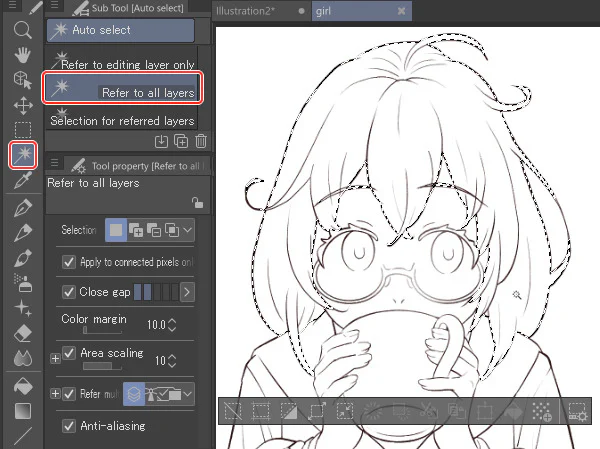
Hướng dẫn Screen Tone trong ibisPaint cho manga: bật Screentone trên layer, điều chỉnh độ đậm bằng color intensity, dùng Brush/Bucket/Selection và QA output.
Multi-topic newsroom
Practical stories, explainers, and ideas across Digital Art, Chinese, business, marketing, AI, EQ, and career skills — curated for people who want to learn and work better.
Sen của NextGZ
48 recent posts
Active filters
Combine keywords, #hashtags and categories to refine the feed.

Hướng dẫn Screen Tone trong ibisPaint cho manga: bật Screentone trên layer, điều chỉnh độ đậm bằng color intensity, dùng Brush/Bucket/Selection và QA output.

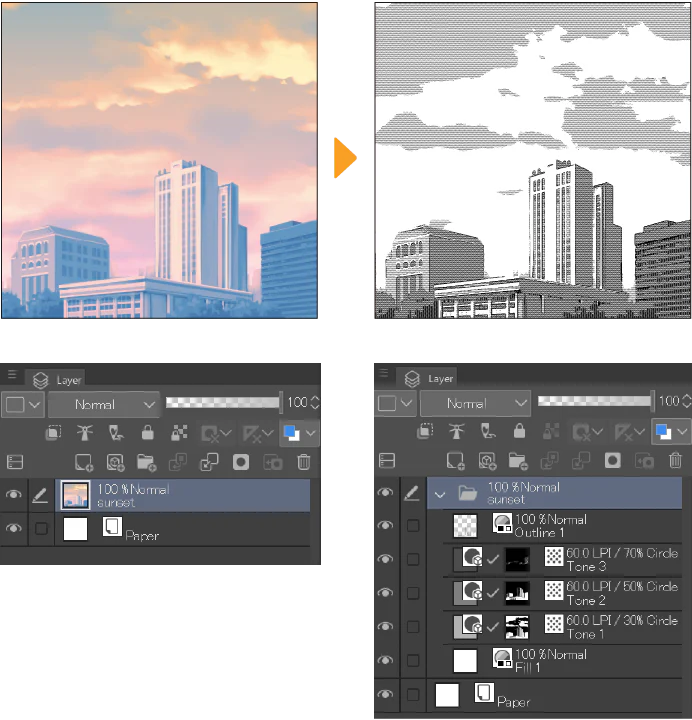
Hướng dẫn Clip Studio Paint EX Convert to Lines and Tones: chuyển ảnh hoặc 3D thành lineart và screentone tách layer, tinh chỉnh line/tone, chống moiré và clean-up manga.

Hướng dẫn screentone manga trong Clip Studio Paint: tạo Tone Layer, kiểm soát frequency, density, dot shape, layer mask và xuất file hạn chế moiré.

Quy trình tạo, preview và xuất webtoon trong Clip Studio Paint: Page Manager, On-screen Area, Companion Mode, thay đổi chiều cao canvas, chia ảnh và QA trước khi đăng.

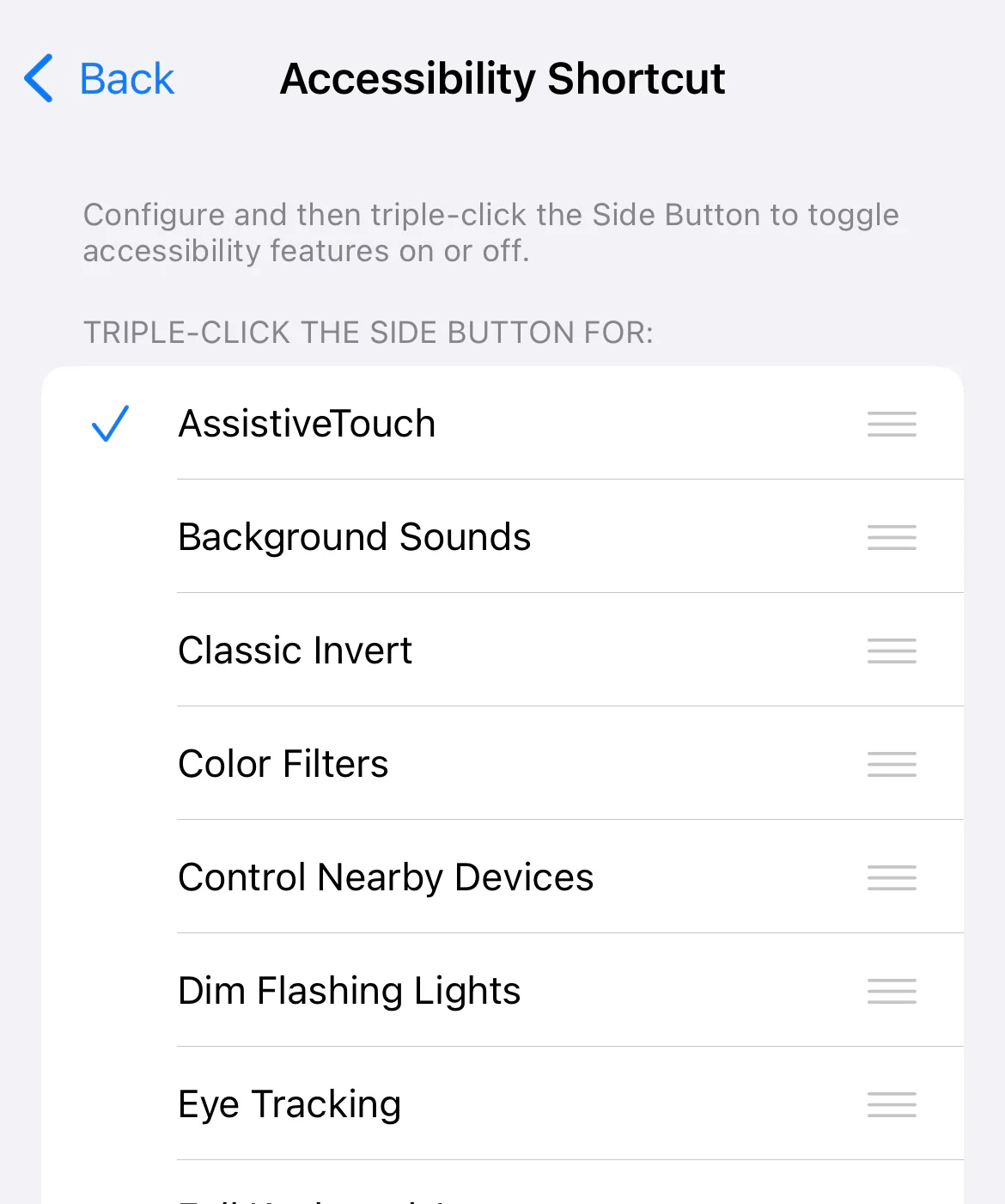
Hướng dẫn tối ưu Procreate trên iPadOS 26: tắt Windowed Apps, bật Full Screen Apps, giảm Liquid Glass, chỉnh accessibility, kiểm tra brush và Apple Pencil sau cập nhật.

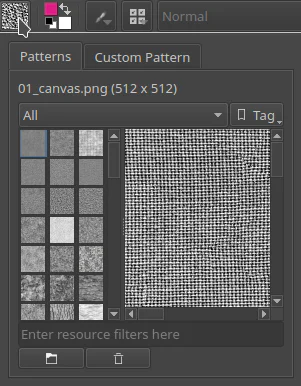
Hướng dẫn tạo pattern lặp trong Krita từ canvas, quản lý bằng Patterns Docker, áp dụng qua Fill Layer và xử lý scale, rotation, moiré bằng Align to Pixel Grid.

Hướng dẫn screentone manga trong CLIP STUDIO PAINT: tạo Tone Layer, dán tone bằng Material palette và Selection Launcher, chỉnh Frequency, Density, mask và Layer Property.

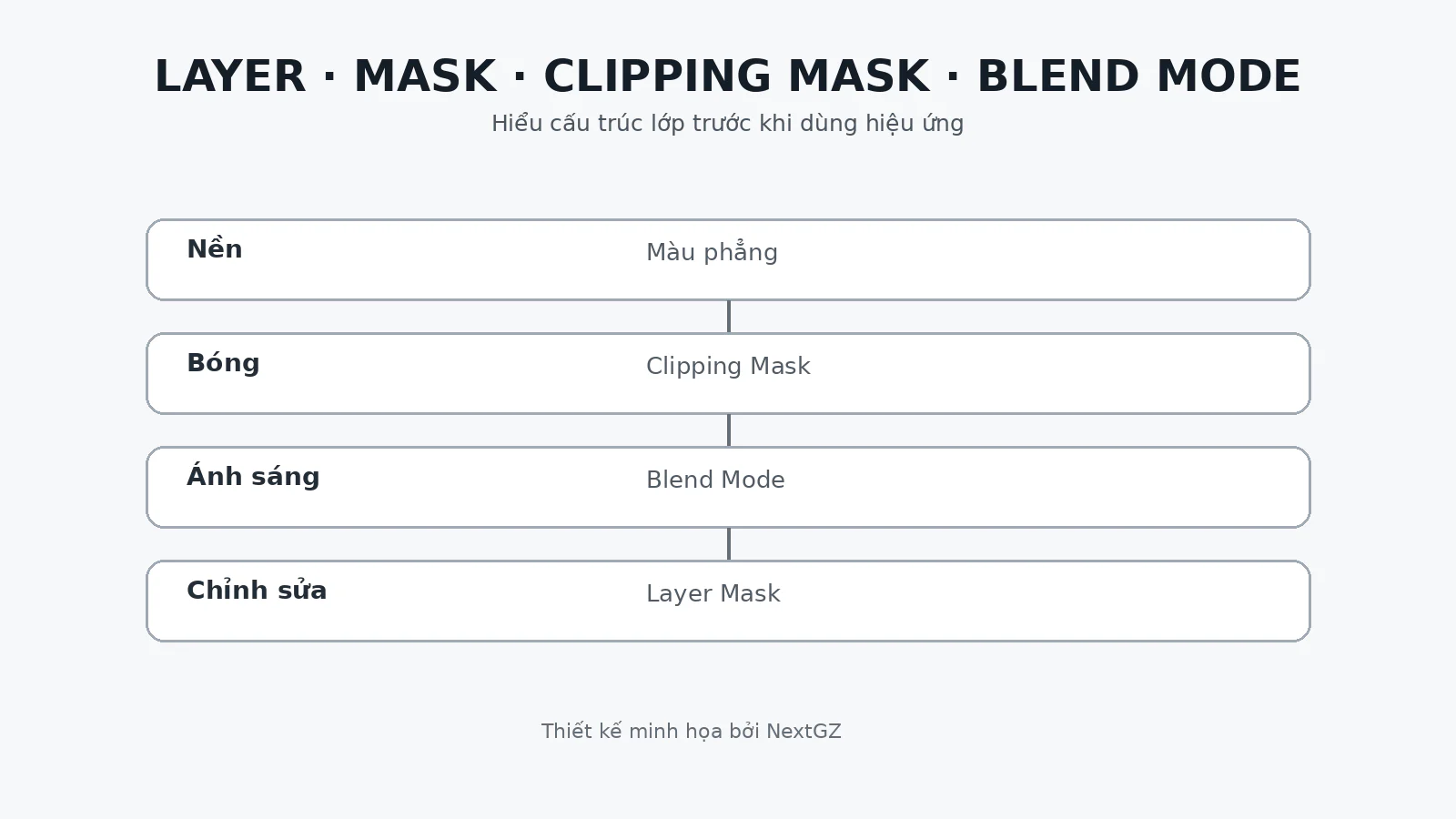
Hướng dẫn đầy đủ Layer, Layer Mask, Clipping Mask, Alpha Lock và Blend Mode theo nguyên lý dễ hiểu, kèm cấu trúc layer mẫu, lỗi thường gặp và bài tập thực hành.

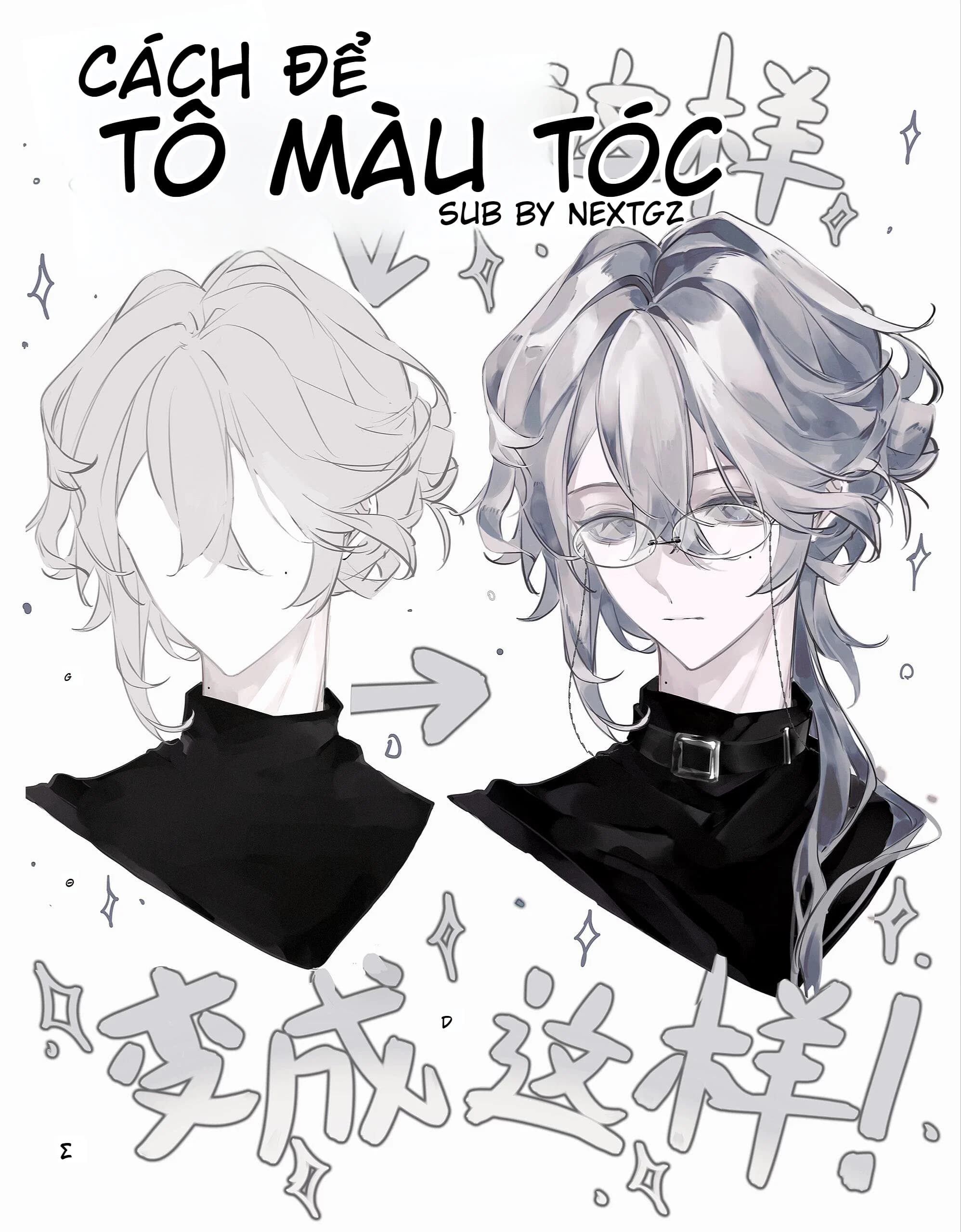
Master the technique of coloring silver and gray anime hair with proper shading, color blending and professional finishing.

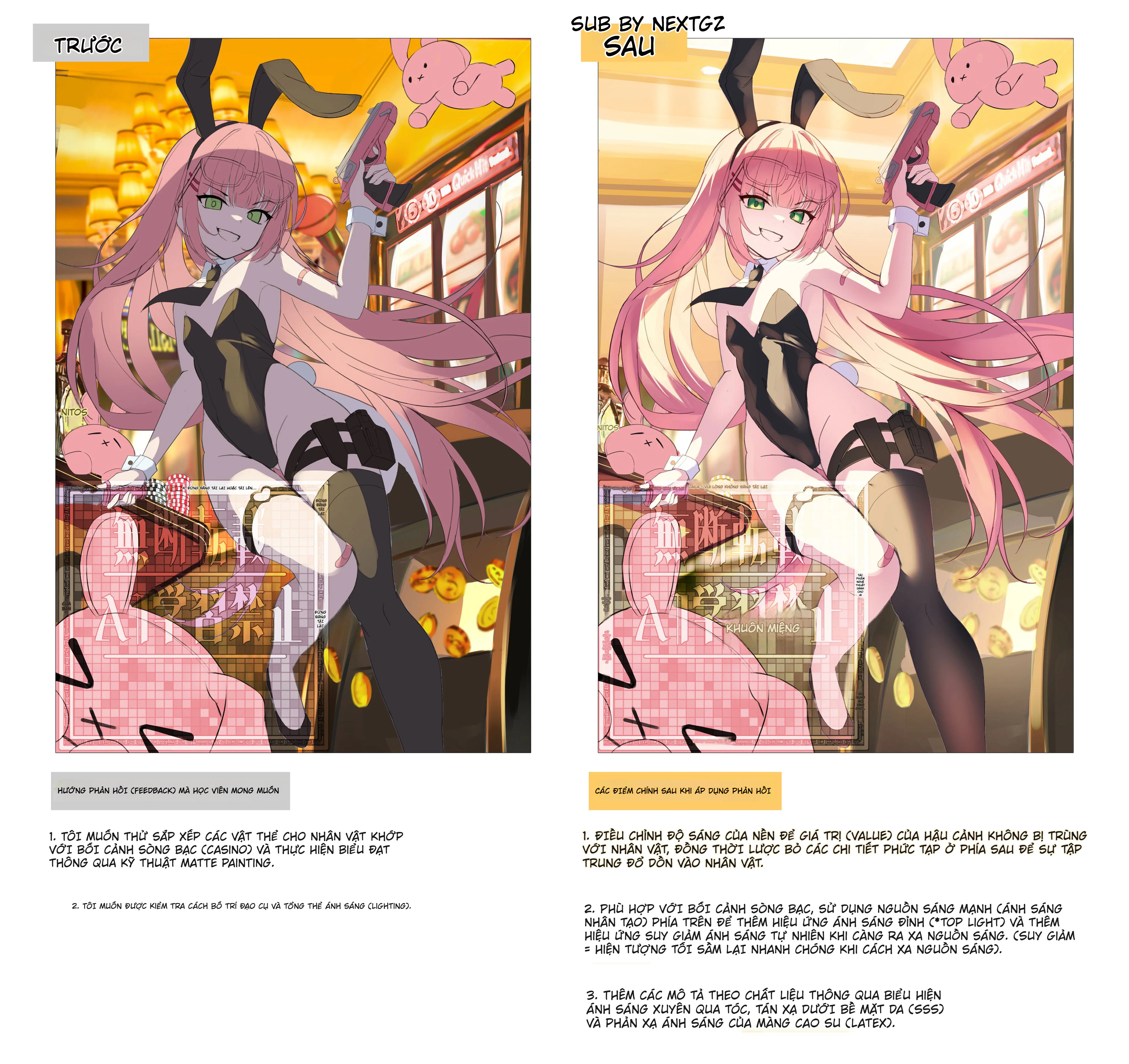
Learn how to set up realistic indoor lighting in anime illustrations to enhance contrast, depth and material textures.

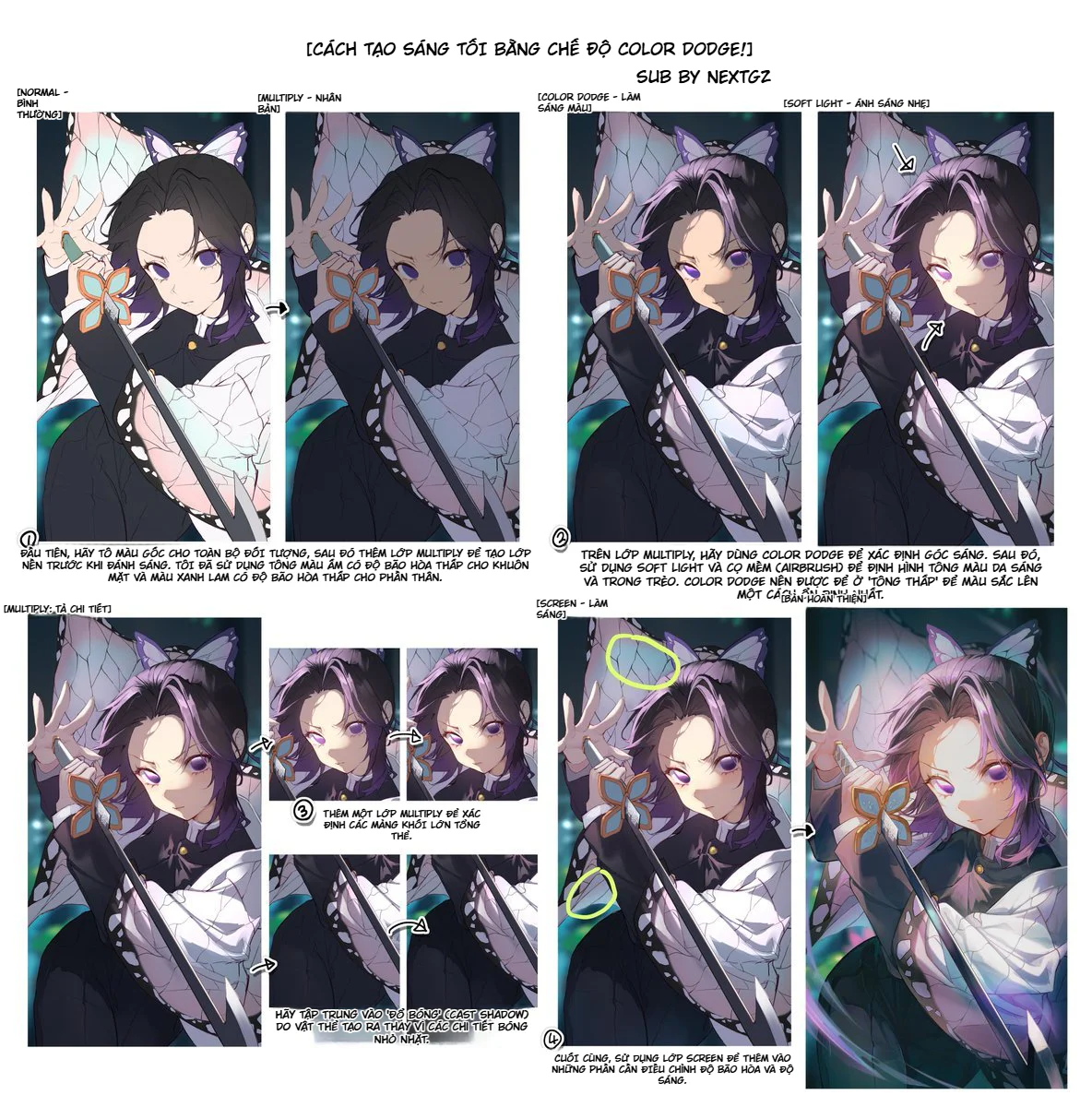
Guide on creating light and shadow using Color Dodge in anime art: from base color, Multiply, Color Dodge, Soft Light, detailed Multiply to Screen to enhance brightness, depth, and saturation.
Sen của NextGZ
48 recent posts