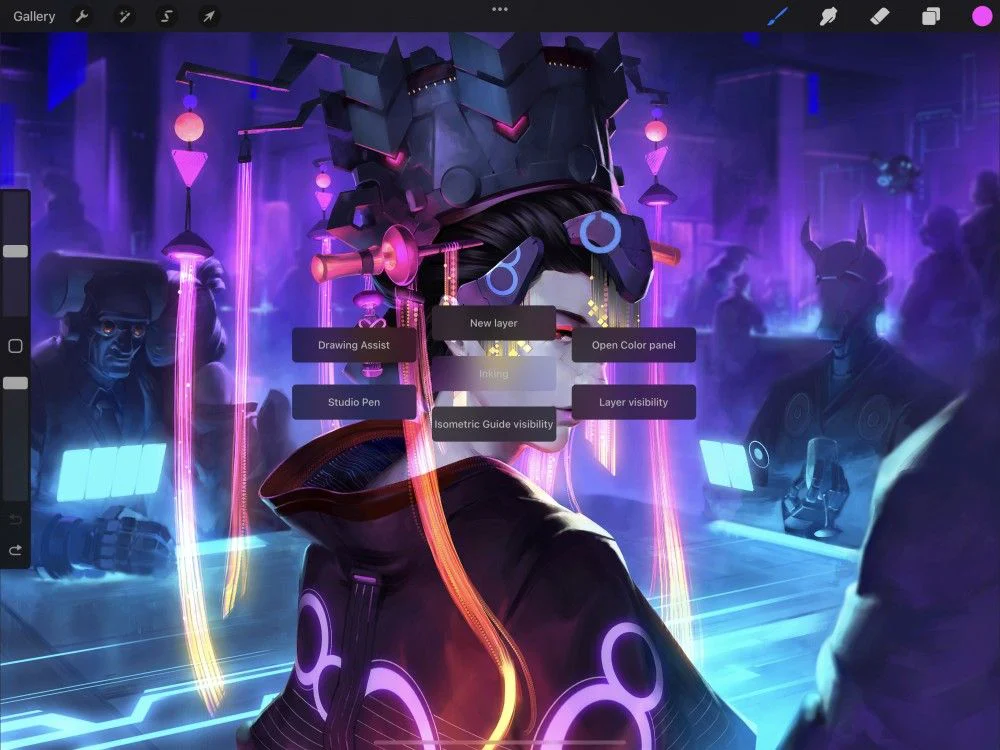
Procreate QuickMenu: Tạo profile thao tác nhanh với Apple Pencil Pro squeeze để vẽ ít chạm UI hơn
Hướng dẫn thiết kế Procreate QuickMenu theo phase Sketch/Ink/Paint, dùng profile và Apple Pencil Pro squeeze để giảm thao tác mở panel khi vẽ.
Multi-topic newsroom
Practical stories, explainers, and ideas across Digital Art, business, marketing, EQ, and career skills — curated for people who want to learn and work better.
Sen của NextGZ
48 recent posts
Active filters
Combine keywords, #hashtags and categories to refine the feed.

Hướng dẫn thiết kế Procreate QuickMenu theo phase Sketch/Ink/Paint, dùng profile và Apple Pencil Pro squeeze để giảm thao tác mở panel khi vẽ.

Hướng dẫn color grading trong Procreate bằng HSB, Color Balance, Curves và Gradient Map: sửa value, tạo mood, giữ màu da và luyện workflow 7 ngày.

Hướng dẫn toàn diện Brush Library trong Procreate: mở và chuyển thư viện, tìm cọ, quản lý Recent/Pinned, nhập .brush, .brushset, .brushlibrary, sắp xếp, sao lưu và xây workflow cọ gọn gàng trên iPad.

Hướng dẫn tối ưu Procreate trên iPadOS 26: tắt Windowed Apps, bật Full Screen Apps, giảm Liquid Glass, chỉnh accessibility, kiểm tra brush và Apple Pencil sau cập nhật.

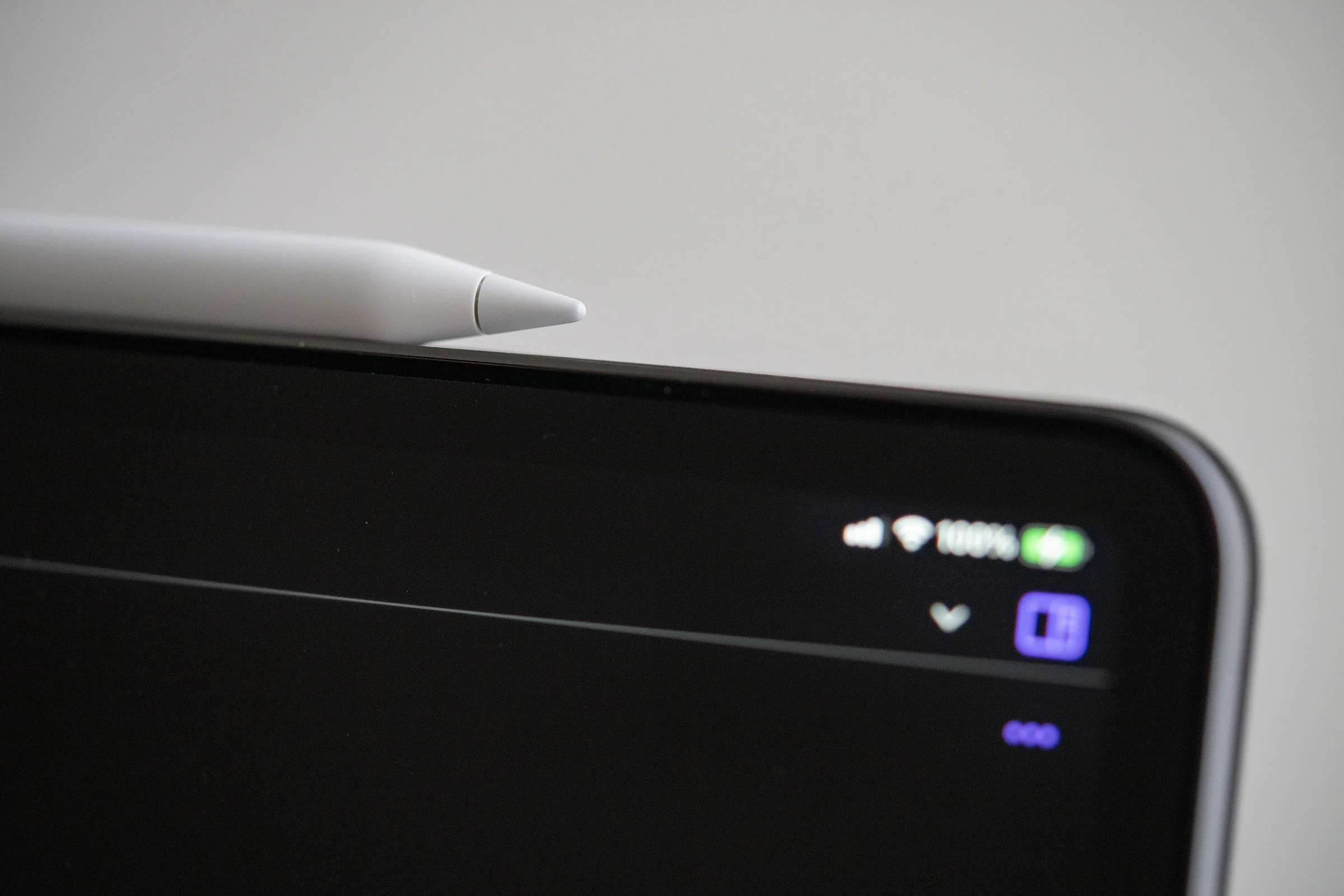
Hướng dẫn Apple Pencil Pro trong Procreate: cấu hình Squeeze, QuickMenu, Barrel Roll, Haptic, Hover và xoay Liquify theo workflow lineart, painting và concept art.
Hướng dẫn quản lý Brush Libraries trong Procreate 5.4 bằng Files và iCloud: nhập, tìm kiếm, di chuyển, sao lưu, khôi phục brush và tránh mất dữ liệu.

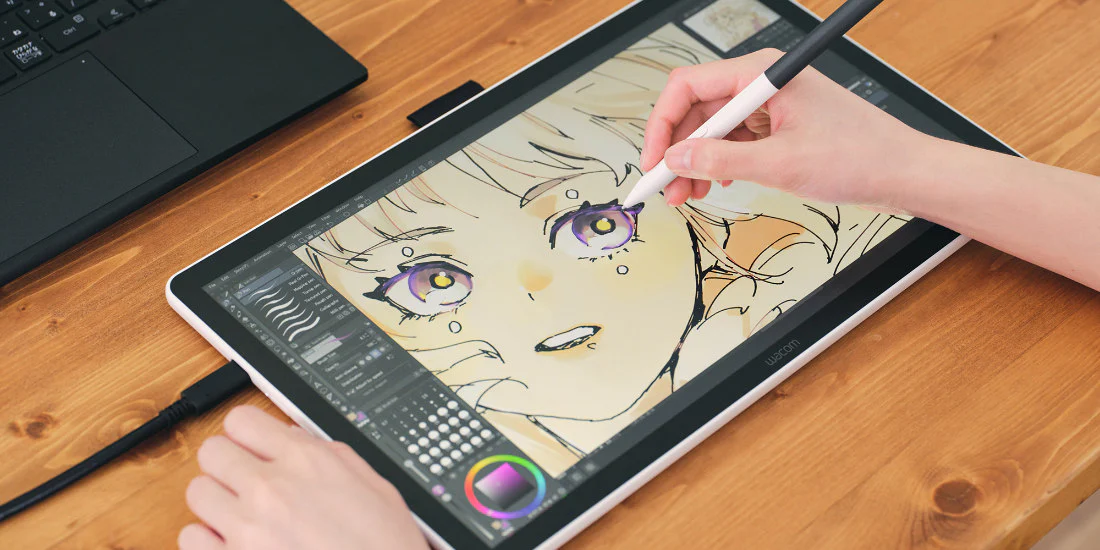
Hướng dẫn chọn thiết bị, phần mềm và ngân sách để bắt đầu vẽ Digital Art theo bốn mức, từ tận dụng máy sẵn có đến tablet hoặc pen display.

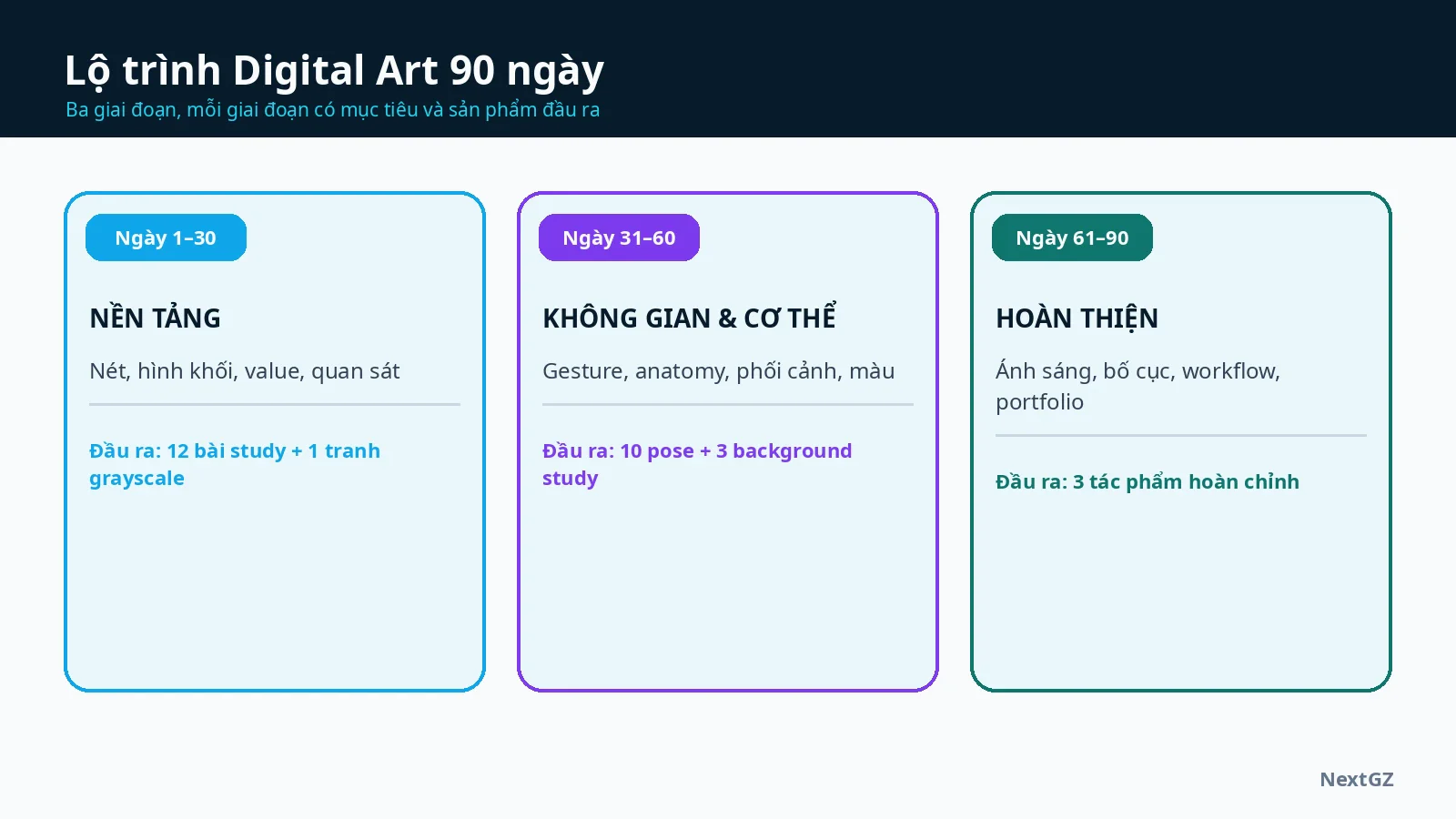
Lộ trình học Digital Art 90 ngày dành cho người mới, chia theo 3 giai đoạn: nền tảng nét–khối–value, anatomy–phối cảnh–màu sắc và hoàn thiện ba dự án có mục tiêu.
Sen của NextGZ
48 recent posts